For this layout you need to download first the following set of brushes: Corner Brushes
Open a new document in photoshop. the size of your document is not important. I will choose the following size for my document 760x770 pixels
Then load the brushes in photoshop. and create a new layer. To create a new layer press on Ctrl+Shift+Alt+N in the same time
Then with brush tool make a simple drawing with the first brush.
You will have something like this:

Duplicate this new layer. To duplicate you need to select the layer , and after that press on Ctrl+J
With move tool place the second layer like me
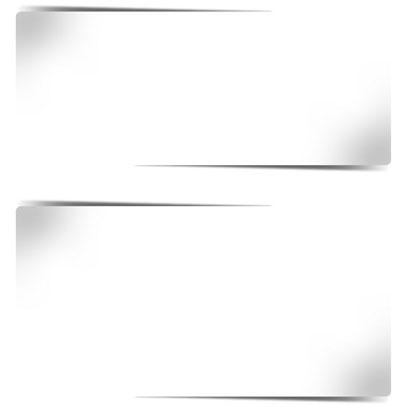
Duplicate the same layer twice, then rotate each layer with 180 degrees
With move tool place the layer like mine
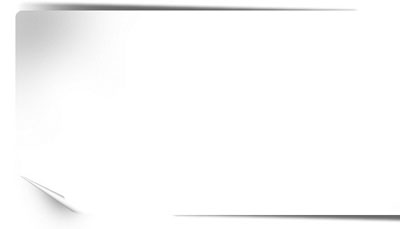
Now it is time to create another layer. Press Ctrl+Shift+Alt+N
Then select another brush, and on this new layer add another small drawing with brush tool
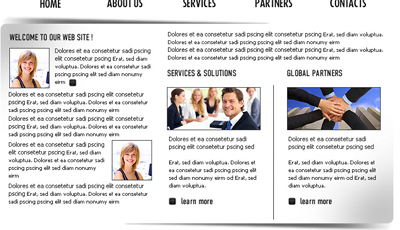
On the header of this layout you can add some 3D images, and in the same time you can place some text buttons

Now on the body of our layout please add some text and images
After that please another number under the text buttons

With Ellipse tool, create a small circle

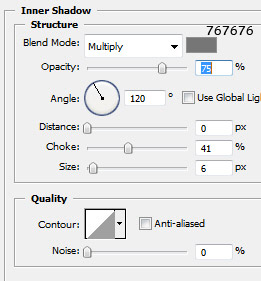
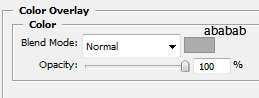
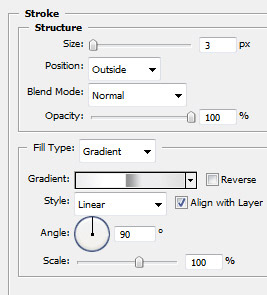
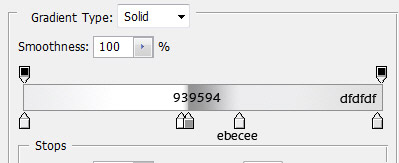
Then add the following layer styles
This is my final result. i hope you like it