


Open a new document in photoshop ( 760 x 700 pixels ) with a white background.
Select Rounded Rectangle Tool ( set Radius to 5 ) and make a rectangle like in the following image. (next image is resized )
I have used the following color: #dfefff

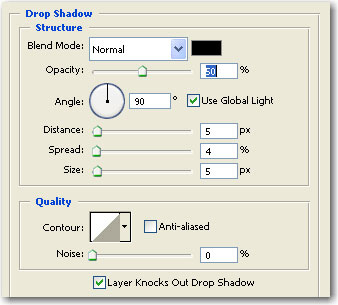
Then add the following layer style
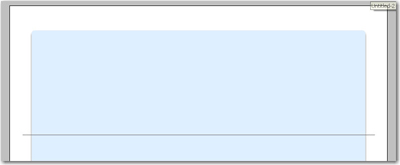
Select Line Tool ( set the weight to 1 pixel ), and create one line ( use a grey color ) like in the following image
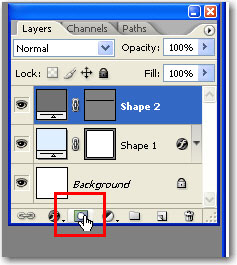
Press on Add Layer Mask
Select Gradient Tool , hold the Shift key pressed and make a line like in the next image

Duplicate this Layer ( line layer ) and add the following layer style
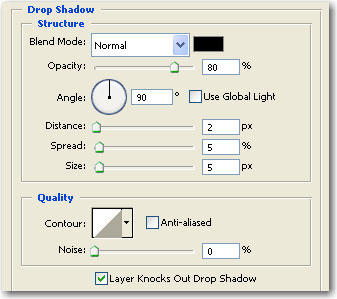
Then change the Fill settings to 0 %
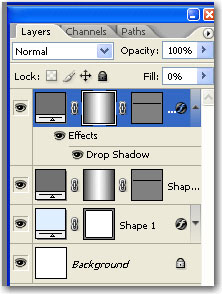
Grab the Rectangle Tool. Change the Foreground color to white and make a simple rectangle, and place it above the lines
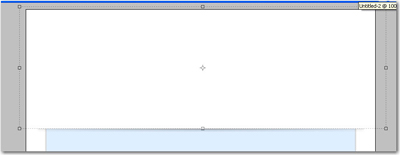
Very simple , and in my opinion it has a nice effect
Now i will add some images from my stock collection
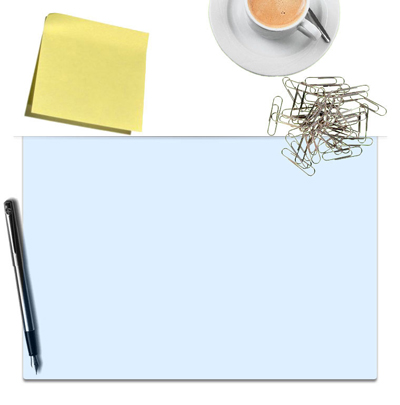
Now you can buy this kind of images , or you can find on free stock images.
Now we will add some more details. I think it will be nice if i will add a house plan
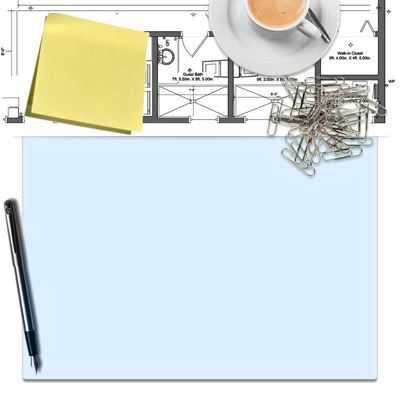
You can change the opacity if you like in this way.
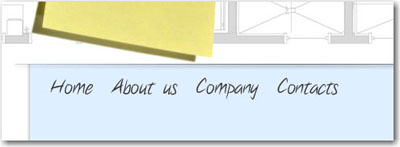
Now we will add some text buttons
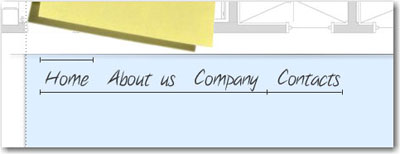
Now add more lines near your text buttons
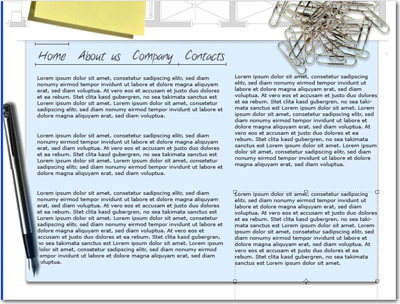
You can add some text alone
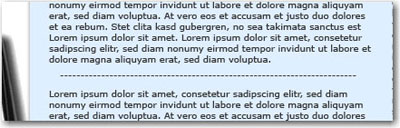
Then chose a small font , and with the Type Tool write some minus signs " ------- "
Now add a logo on your header

Then change the angle size . this is my final layout

