


Step 1
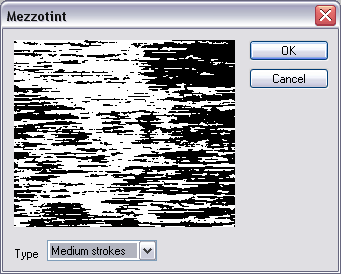
Create a new image with default colors. Render Difference Clouds (press Ctrl+F until you are happy with the result). Go into the mezzotint filter and use the above settings.
Step 2
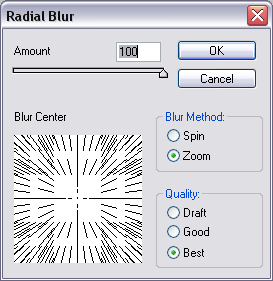
Select the radial blur filter and use the above settings.
Step 3
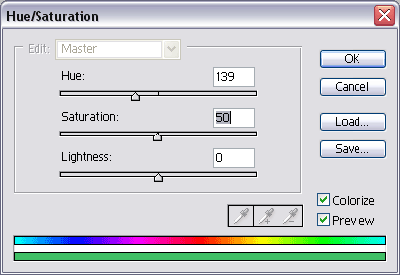
Press Ctrl+U to colorize your images, I made mine a green. I suggest you experiment.
Step 4
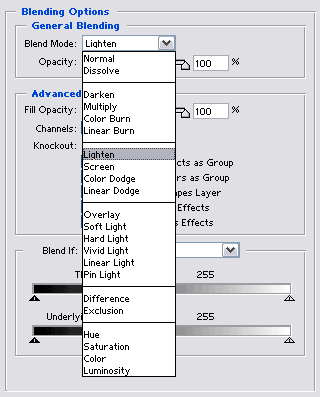
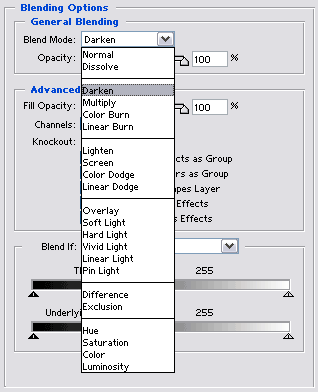
Duplicate your layer. On your new layer, Flip Vertical. Double click your layer and use the above blending settings.
Step 5
Duplicate your layer again, and flip horizontal. Double click your new layer and use the above blending settings.
Final Product
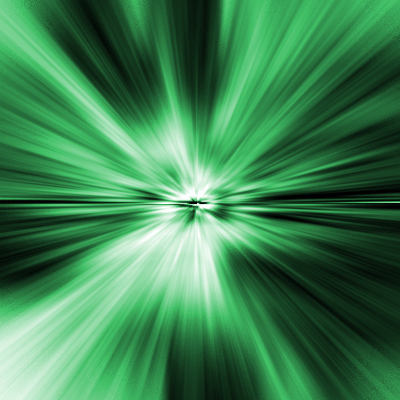
Very slight differences, I like this one a bit more than the pixel blast - looks a lot cleaner.
