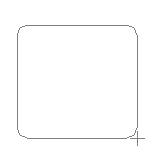
Step 1: Create a new document (154*154)pix and make a square using the Rounded Rectangle Tool make a selection like this
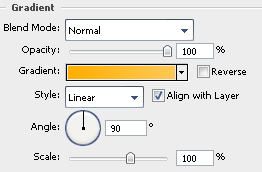
Step 2: Go to blending options and click on gradient overlay and fill the two colors with #ffaf04 and #ffc853.
Now you should have something like this :

Step 3: Now while pressing ctrl click on the shape to select the shape.
Make a new layer and then using the Rectangular Marquee Tool and press alt make a selection like this:
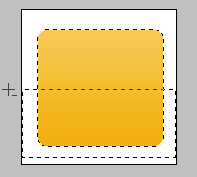
This should remove the selection. Now using the gradient tool white and transparent

and an opacity of 73% make a line like this:
Step 4: Now go to Custom Shape Tool and find the bulls eye shape

After you have selected that make the shape and you should have something like this:
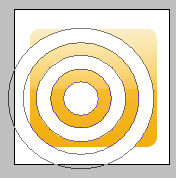
Step 5: Now rasterize the layer and make a selection with the Rectangular Marquee Tool such that it in dividing the shape into half like this
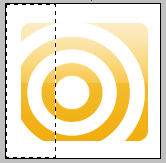
Press Del to delete the half.
Repeat the process this time by dividing the other half from the bottom and you should have something like this :