
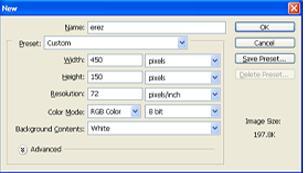
1. Open a new document 450x150
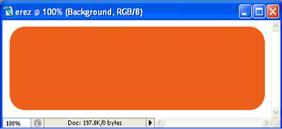
2. Now make a rounded rectangle by using the rounded rectangle tool with a radius of 25 pix , fill it with orange color #ee5f19 and fill the background with a pattern of your choice and you should have something like this
3. Now the text you want with white color #ffffff

4. Now make a reflection of the text
5. Press ctrl+left click on the rounded rectangle layer icon and you will see that the whole rectangle has been selected
6. Now using the elliptical marquee tool and pressing alt make a selection on the bottom of the rectangle so that after selection it looks like

7. Now using a gradient
 and with the opacity 39 stretch it from the beginning of the selection to the end.
You should have something like this

as your final result
