

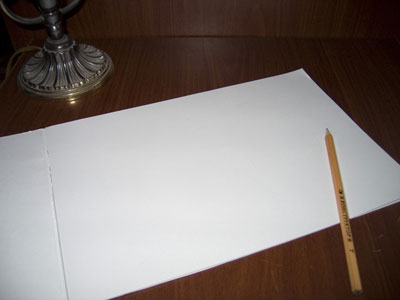
1. Open an image with a piece of paper on it. It can be an open notebook or just any sheet of paper you've decided to put a portrait on.
Click to enlarge
2. Open the photo you are changing into a portrait.
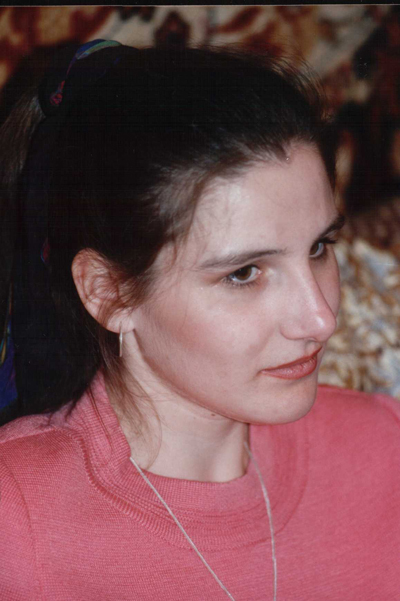
3. Crop it if needed.
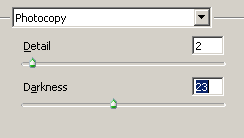
4. Go to Filter > Filter Gallery > Sketches. Use settings shown below. You may vary darkness parameter for the needs of a perticular photo.
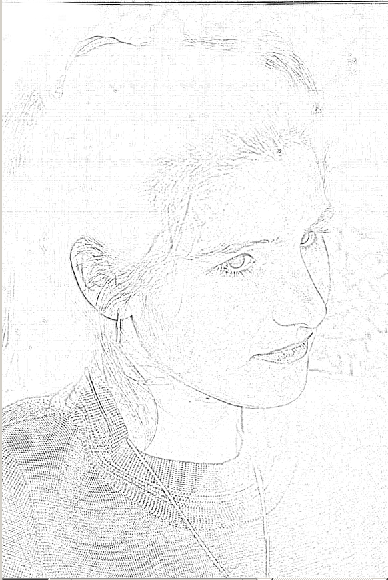
5. With white color brush remove all unnecessary strokes and spots.
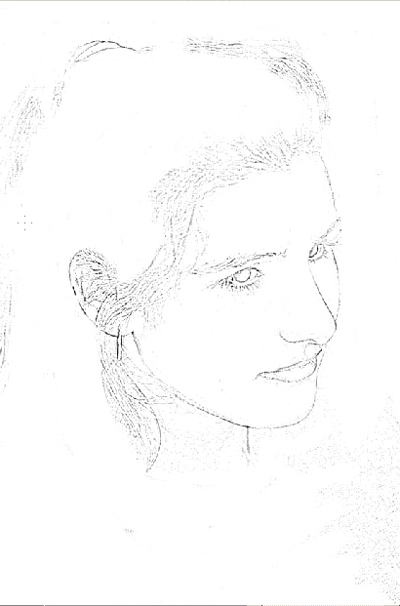
6. Copy the portrait as a new layer to the image with the paper.
7. Set layer blending mode to Multiply.
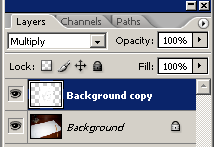
8. Position the portrait in its place. you may use transform > perspective if needed.
9. To make the portrait look softer use Filter >Blur > Gaussian blur
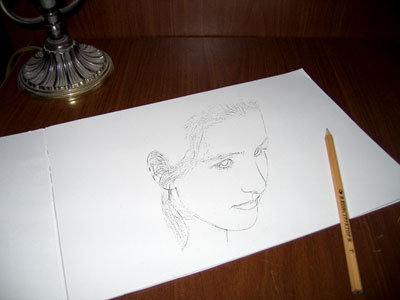
Click to enlarge

