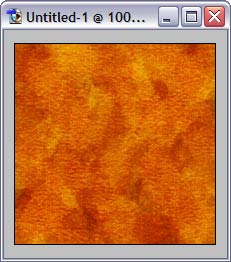
Create new image, fill it with solid color.
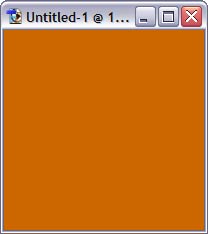
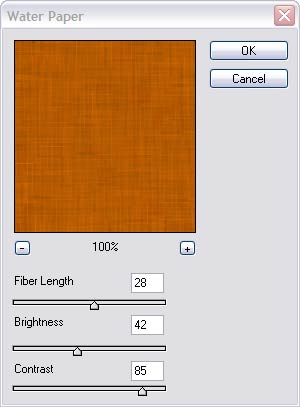
Apply some noise (Filter > Noise > Add Noise), not much, around 5-6%. Then, apply Water paper filter (Filter > Sketch > Water Paper), setting length, brightness and contrast values similar to shown here.
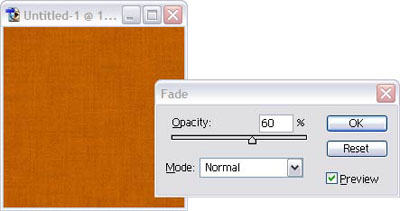
To mix water paper effect with previous noise effect, hit Ctrl-Shift-F (Fade) and set fade value to 50-60%
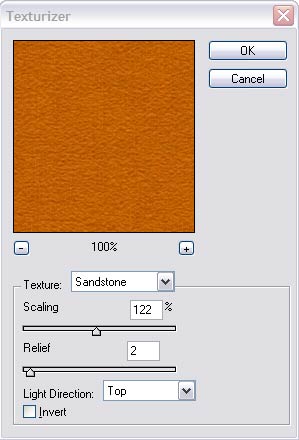
Then, apply texturizer filter (Filter > Texture > Texturizer), with Sandstone texture and relief ~ 2.
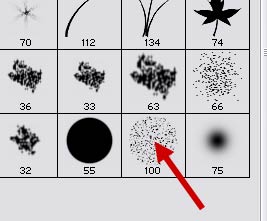
Create new layer, switch to Brush tool, open Brushes palette and select the brush similar to shown here. In brush properties (right below menu bar), set opacity to about 50%
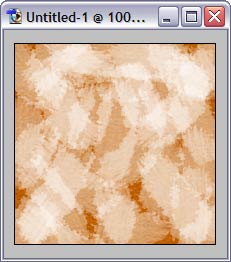
set color to white, and fill entire image with chaotic brush strokes.
set color to black, create another new layer, and fill again with brush strokes.
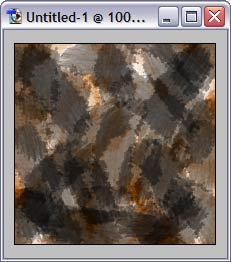
Final touch - set blend more of last 2 layer to Overlay, and change opacity to 50-60%. That's all!