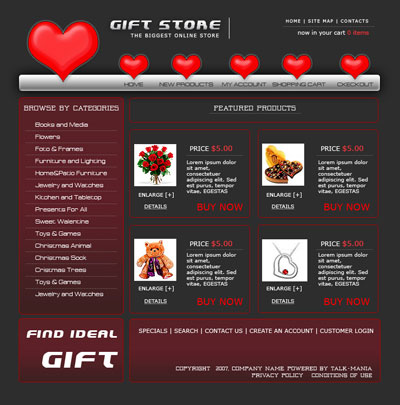
Start with a new document
Size : 760 x 770
Color : #2d2d2d
Select Rounded Rectangle Tool ( set the radius to 5 pixels ) and start making a simple shape

Go to Layer > rasterize > Shape
Then Apply the following layer styles
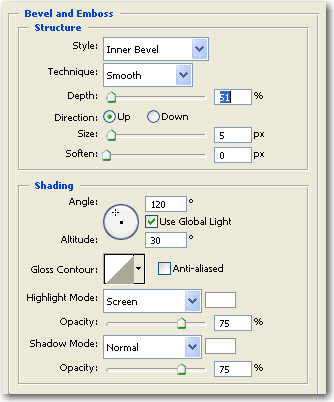
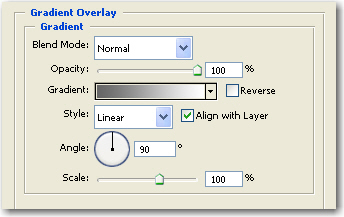
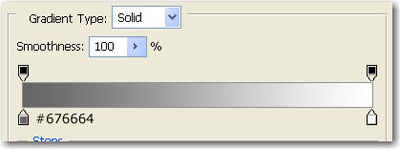
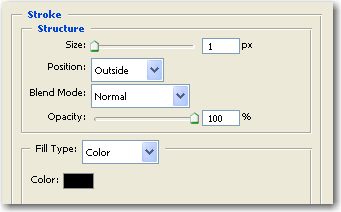
This is the result
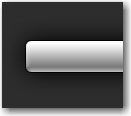
Then select Custom Shape tool, and select the heart shape
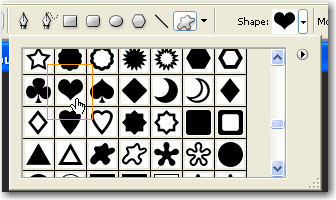
and draw some hearts like in the next image
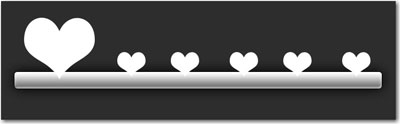
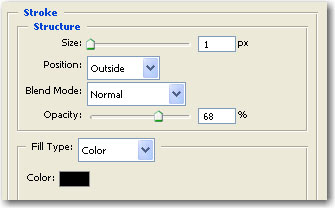
Then add the following layer styles
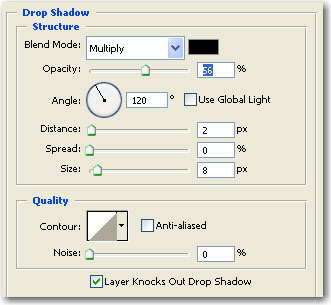
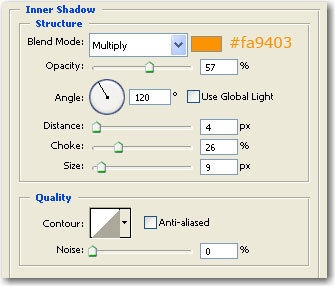
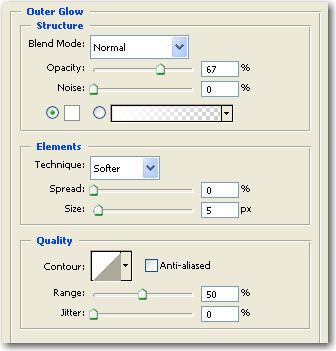
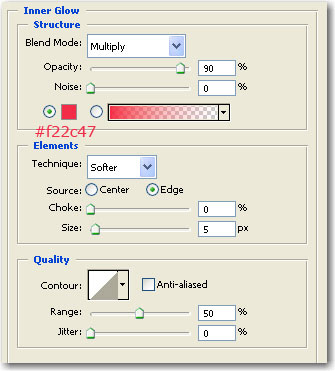
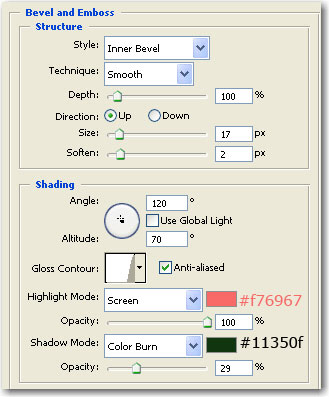
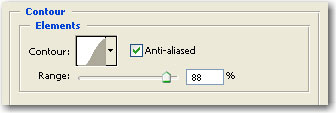
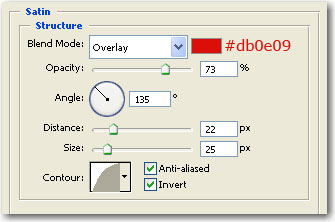
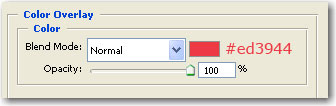
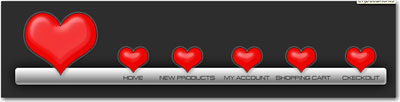
This is my result.
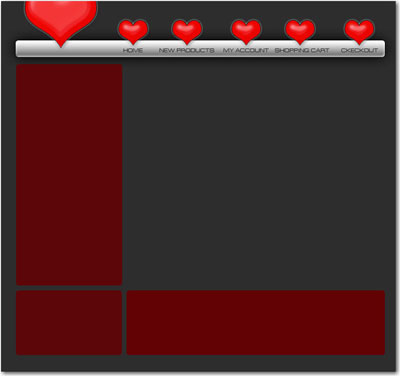
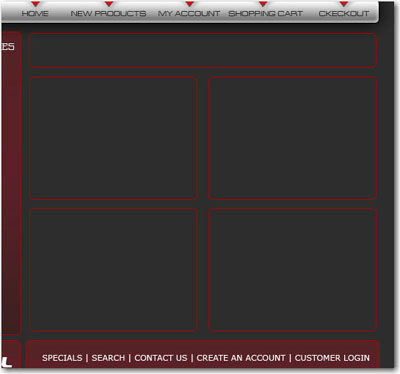
Now grab the Rounded Rectangle Tool and make some rectangles like in the following image
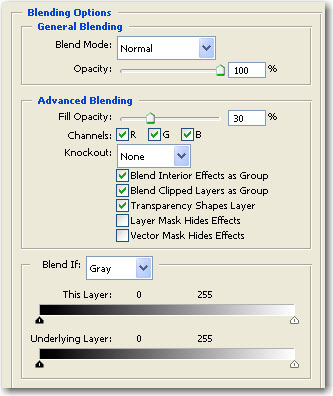
Then add the following layer styles for this rounded rectangles
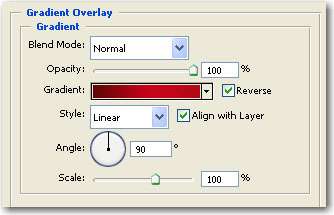
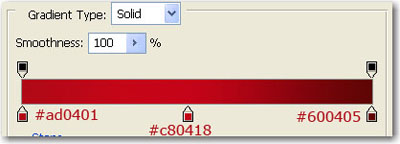
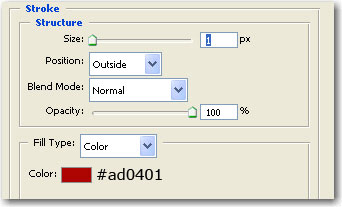
This is the result
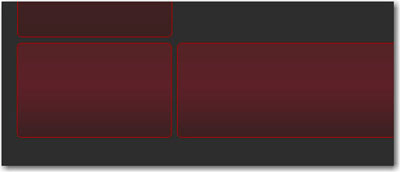
Grab your Type Tool and write some text like me
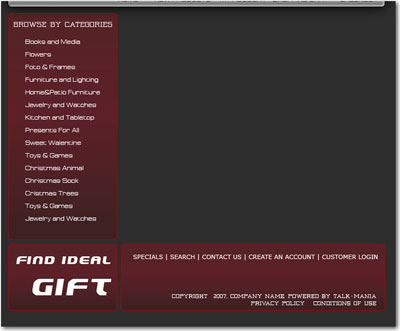
Then add another shapes, With Rounded rectangle Tool
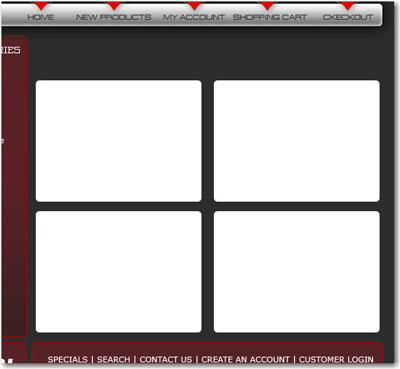
then add the following layer styles for this white shapes
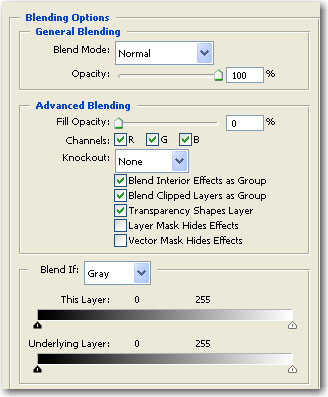
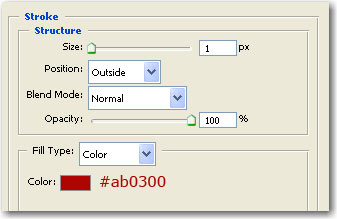
As you can see i have added another rectangle on top. I have used the same layer styles as above
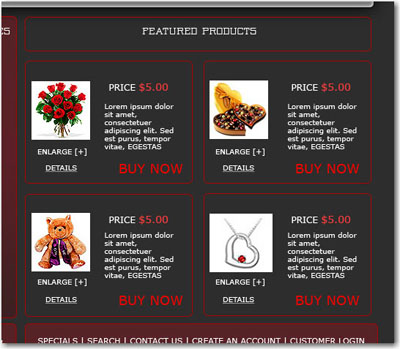
Now add some images and text inside this shapes
Now we will add minor details . For example choose one more time Type tool and add some minus signs or dots with a small size font
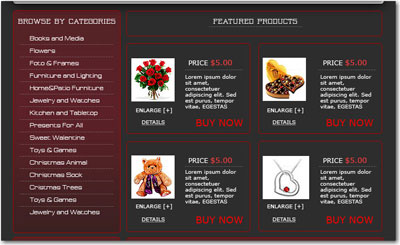
Now i will add a text logo, and i think i am ready.