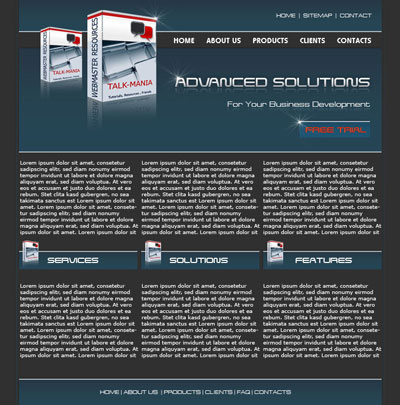
So start a new photoshop document with the following size: 760 X 770
Color background : # 303030
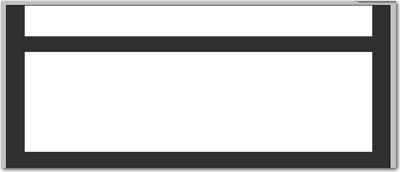
Select rectangle Tool, and make 2 rectangles
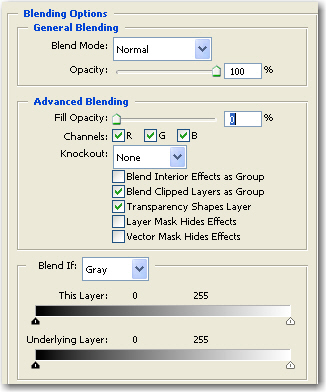
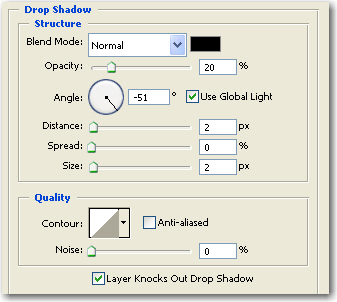
Then for both rectangles , add the following layer styles
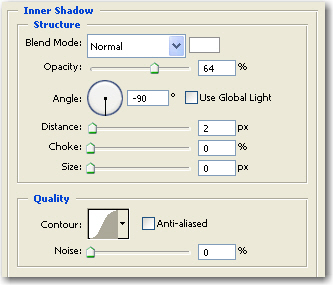
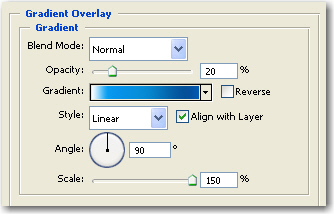
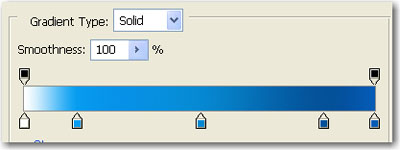
This is my result:
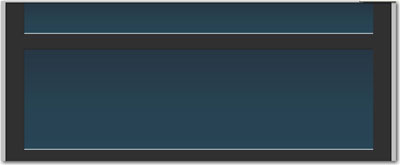
Next you have to add one image with the software box.
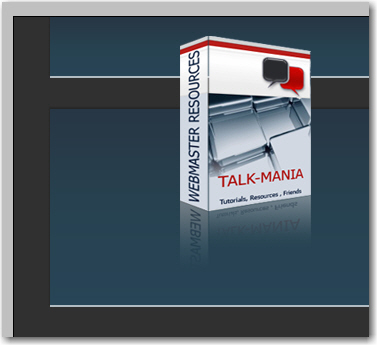
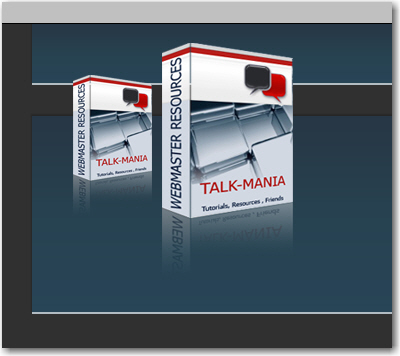
Duplicate this layer ( with the software box ) < resize it and place it like in the following image
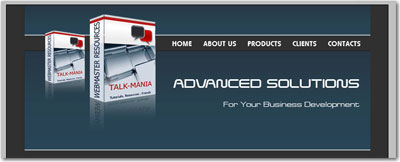
Now let's add some text
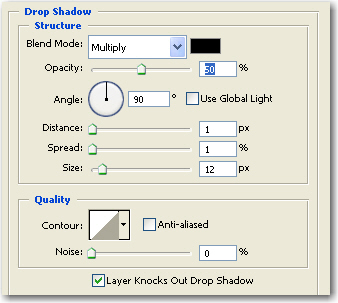
now you can add the following layer styles for your " Advanced Solutions " layer
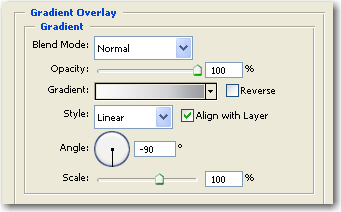
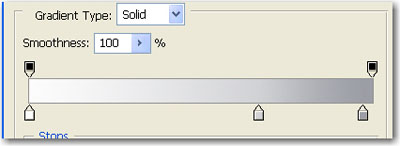
This is the result

Duplicate the " Advanced Solutions " layer ( to duplicate the layer you have to select the layer, then press CTRL+J )
then go to edit > transform > Flip vertical
Then press one time on the " V " - move tool, then press a few times on your down arrow keys, until you place the duplicated layer like in the following image

Then Press on The " Add Layer mask " button
Select Gradient Tool and draw a line from Top to Bottom of your text ( follow the blue line )

With the same technique you can add a mirror effect also for another text layer

Grab Rectangle Tool, and create some rectangles like in the following image
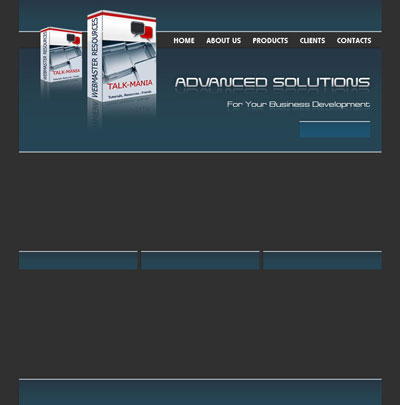
Now Duplicate the software box 3 times, and place it like me , after you will resize it

Then you have to add more text on your layout
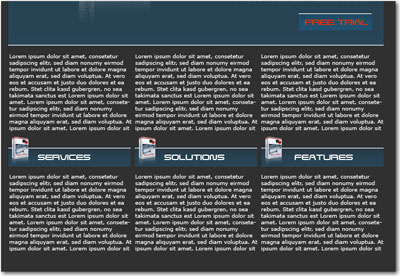
Then you can find a star brush, and make some stars on your layout ( be sure you will create a new layer before you will create the stars )
Then i will add with Line Tool, 2 lines on the left and on the right of our layout
This is my final result. i have to admit that is not my best layout. I am not feeling too good today. Maybe tomorrow i will have more inspiration