I will be using photoshop, We will make a single domino, but you can fill a background layer. Then select the magic wand tool and click on the text layer( the "T" symbol), Inverse the selection and Press Delete.

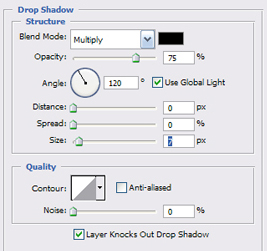

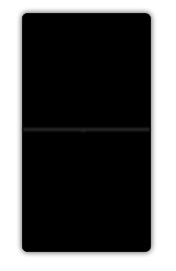
Draw a line half way and add a light inner shadow.
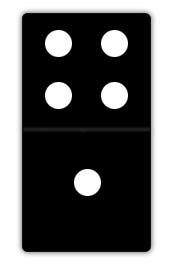
Use the brush to create a few dots like below.
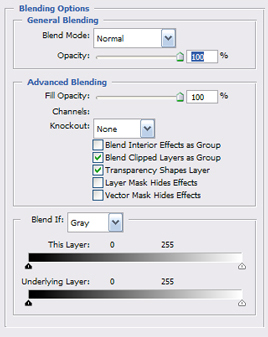
Add this style to the doys.
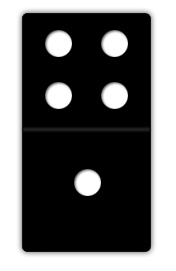
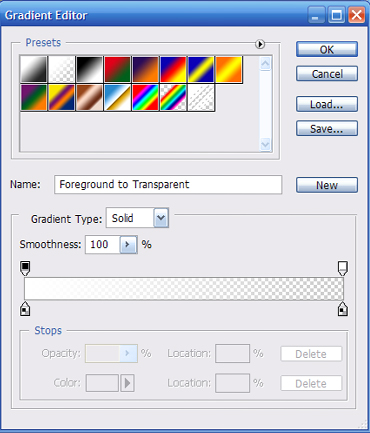
Place a light amount of gradient to the desired corner, and Shazaam!

Final Result : )
Here is a Sample example of what could be done using this effect.