

Create a new file with 450x340 px and 300 dpi. Use the next instrument
 to paint it. The color codes are indicated.

Take the following tool
 to represent a figure like the next one with the same sizes.
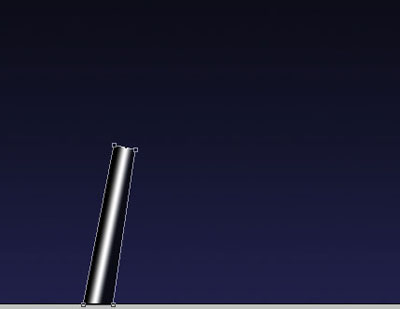
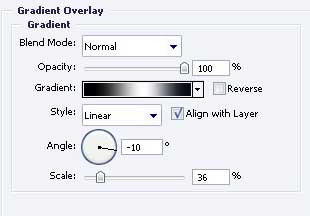
Blending Options-Gradient Overlay
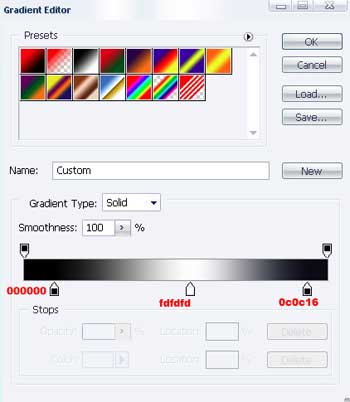
Gradient's parameters
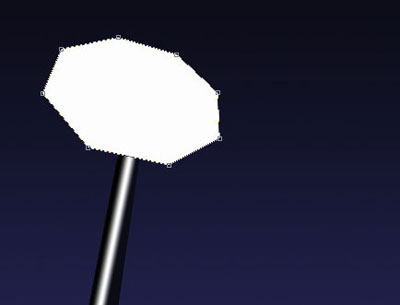
Using the same instrument picture a figure of white color.
Copy the new made layer and apply Free Transform to minimize it (holding on Shift button). Paint it with the color E40001, exactly like in the picture below.

Add the text now, keeping the same type, size and the color – EBEBEB.
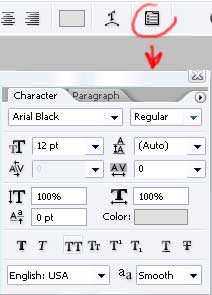

Now Layer>Rasterize>Type
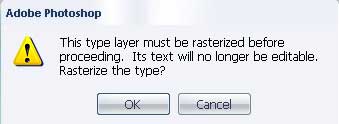
Select OK and go to Edit>Transform>Distort
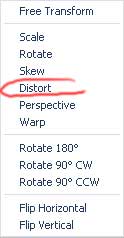

Rotate the text exactly like in the picture below

The final result!
