Step 1.
Create a new 250X250 pixels document with black background. Create a new layer.
Step 2.
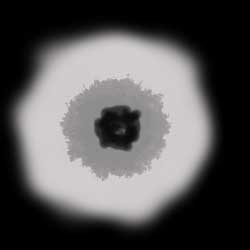
Choose the Brush Tool and draw the circle with unequal borders with light-grey color (b7b7b7). Set the diameter of the Brush Tool 100 pixels and draw a big point in the center of the circle with dark grey colour. Choose the diameter 19 pixels and draw the black "hole" in the center with unequal borders like shown in the pic.1.
Step 3.
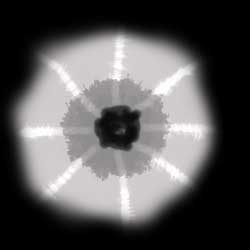
Choose the Dodge Tool (with the parameters: Range->Highlights; Exposure->20%) and draw several lines from the border to the center.
Step 4.
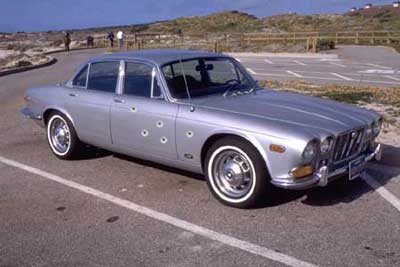
Miniaturize your document and now drag the bullet hole into the metal surface. And that's it.