Step 1.
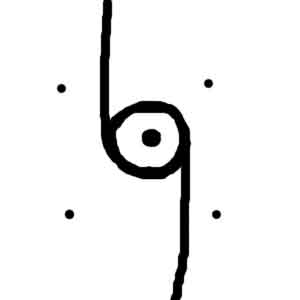
Create a new 450X450 pixels document with the white background. Press "D" to reset colous. Now choose a Brush Tool and draw a circle with two vertical lines and a big point in the middle.
Step 2.
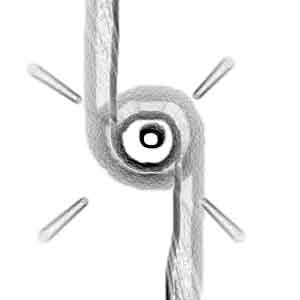
Apply Filter > Blur > Radial Blur with the following settings: Amount->100, Blur Method->Zoom, Quality->Best. Then apply Filter > Stylize > Find Edges and Filter > Blur > Radial Blur with the previous settings.
Step 3.
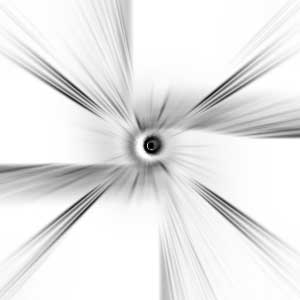
Press Ctrl+I to invert the image and draw two horizontal lines. Then apply Filter > Blur > Radial Blur with the following settings: Amount->100, Blur Method->Zoom, Quality->Best. Then apply Filter > Stylize > Find Edges and Filter > Blur > Radial Blur with the previous settings.
Step 4.
Press Ctrl+I to invert the image again and apply Image > Adjustments > Brightness/Contrast with the following settings: Brightness->-5, Contrast->+55. Then apply Image > Adjustments > Hue/Saturation with the following settings: Hue->0, Saturation->100, Lightness->+23. Ant that's it.