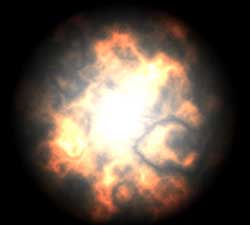
Step 1.
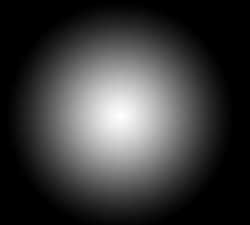
Create a new picture with the size of 800X600 pixels and with black background. Press D button for setting colours, and then press X button for replacing them. Cover drawing by Radial Gradient Tool at will.
Step 2.
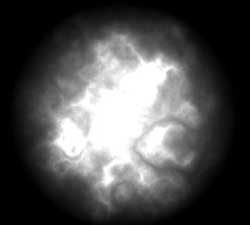
Create a new layer (Ctrl+Shift+N). Apply the filter Clouds (Filter > Render > Clouds) one time and Difference Clouds (Filter > Render > Difference Clouds) two times. Set Blending Mode layer with clouds on Color Dodge.
Step 3.
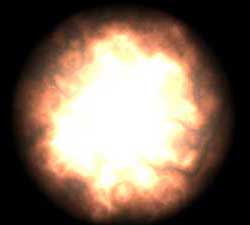
Apply function Hue/Saturation (Image > Adjust > Hue/Saturation) with the meanings: Hue:30, Saturation:50, Lightness:40 to your layer.
Step 4.
Besides you can get the impressive tongues of flame using this effect. Apply such meanings in action 3 in Hue/Saturation: Hue:30, Saturation:50, Lightness:0.