Her

Home Photoshop Tutorials Text Effects Create Futuristic Looking Text

Create Futuristic Looking Text

Author: Nifty Tutorials Author's URL: niftytutorials.com More by this author

1. You may begin by creating a gradient (G) on your background layer or you make create a new layer for the gradient.
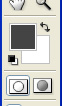

image 1

image 2

2. Next select an appropriate font, I used BankGothic.
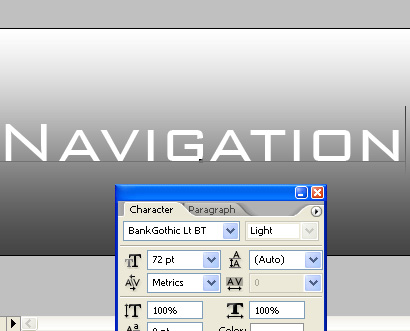
image 3

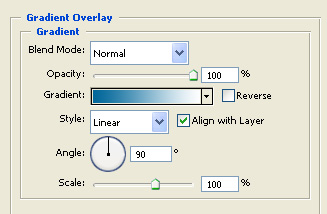
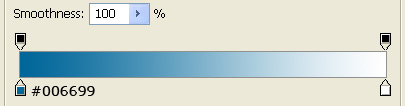
3. Add the following blending options:
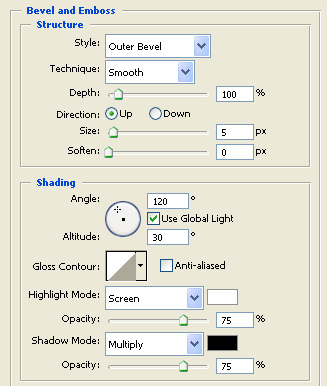
image 4

4. These as well:

image 5

image 6

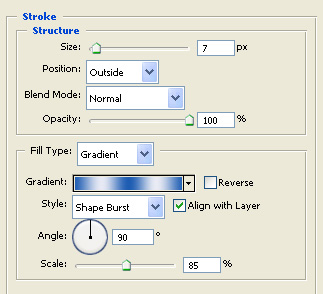
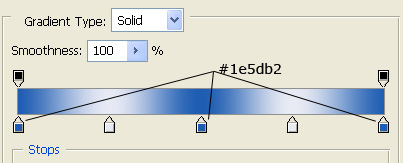
5. Stroke:

image 7

image 8

6. That's it!

Create Futuristic Looking Text