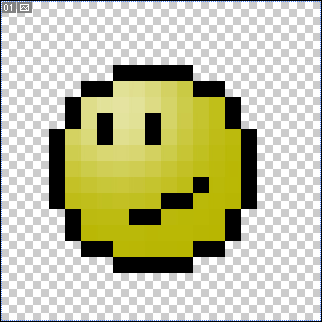
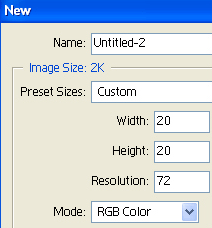
1. Start off with a new project(ctrl+n) make it 20x20
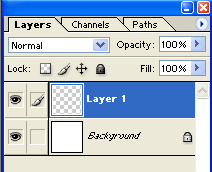
2. Make a new layer (ctrl+shift+n).
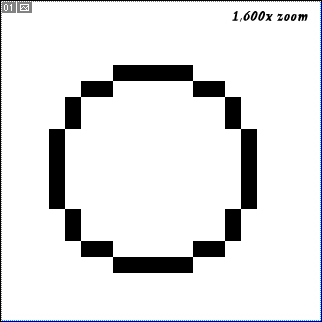
3. On the new layer you may take your pencil tool (b) and make a circle. It would be 5 pixels in the top of the circle.
4. Make a new layer and put it under the first layer you made(drag it). Now take the Polygonal lasso tool(L) and make something like what it looks on the picture.
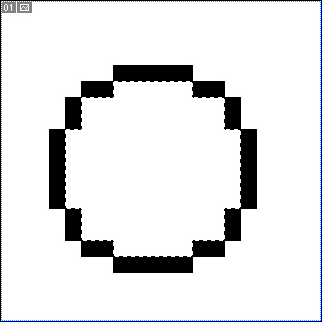
5. Now on that second layer you made use the Paint bucket tool (G). Just fill in the area you made the Polygonal Lasso tool.
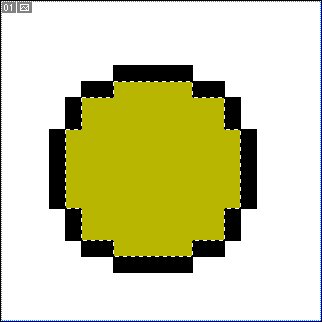
Yuor layer shuold look like this
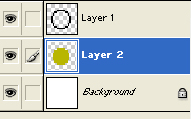
6. Make a new layer and make the eyes and mouth

7. To make it transparent just delete the layer called "background".