
Little update: please make sure to set up the image in Grayscale mode before applying the filter.
And, please, please: it has to be done on a background layer! Don't create a new layer.
Create a new document in Photoshop. Make sure it is in equally proportional dimensions (like 600x600 pixels or similar). Fill it in using "Radial gradient" from black (inside) to transparent (outside).
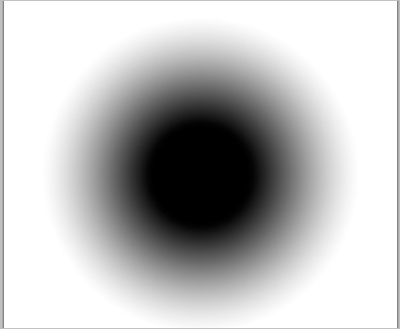
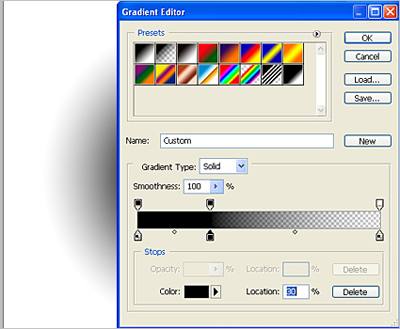
Use "Custom fill" option, and make gradient as in the image below (or similar).
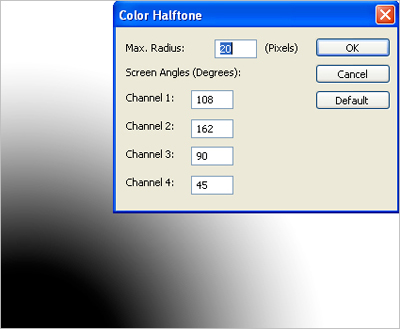
Now use Filter -> Pixelate -> Color Halftone, and play with the options (for example radius size depends on the size of your document).
Voila!
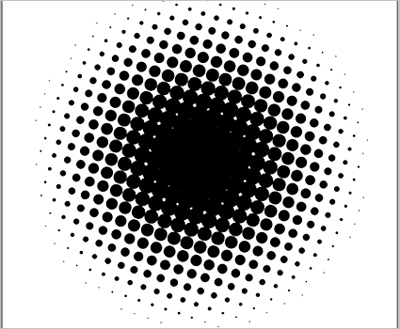
Go even further - vectorize this image, play with it and enjoy the results.
