Open a new file with 308x470 px and 300 dpi.

Take the shown instrument  and try to represent a box designed for audio system. The box must be painted in black.

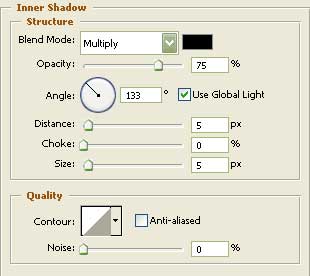
Blending Options-Inner Shadow
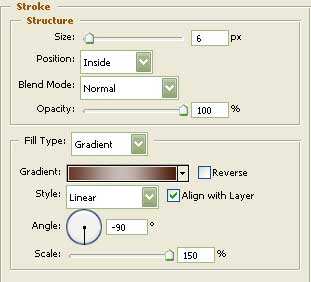
Blending Options-Stroke
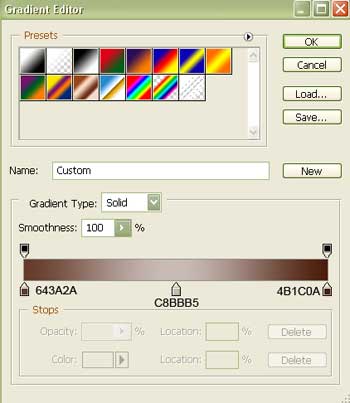
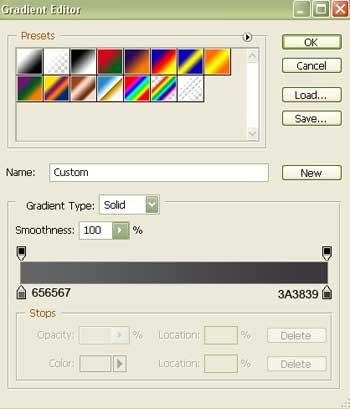
Gradient's parameters:
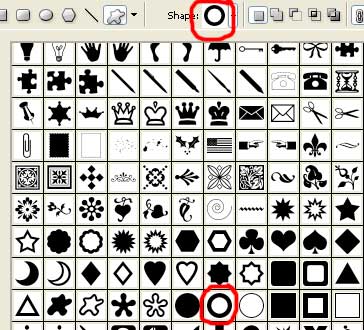
Represent now the last part of the big speaker. Apply the next tool  to choose the correspondent cliché like it is demonstrated in the picture.

Fill 0% on the layers.
Blending Options-Bevel and Emboss
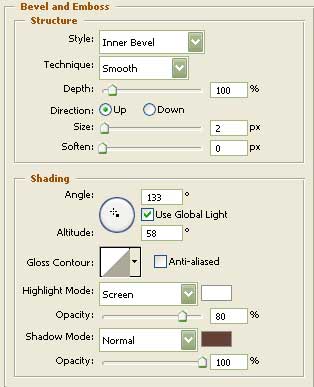
Blending Options-Gradient Overlay
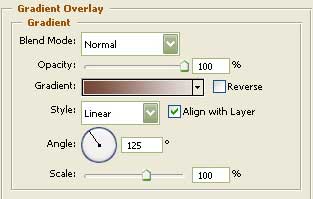
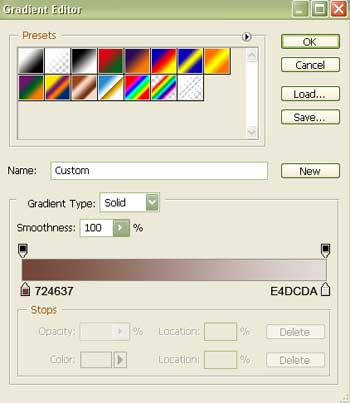
Gradient's parameters:
Take the next instrument  and create the lowest layer of the central part of the speaker.

Fill 0% on the layers.
Blending Options-Gradient Overlay
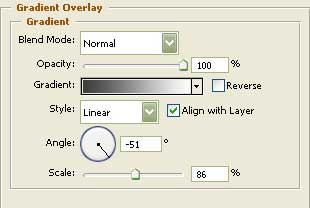
Gradient's parameters:
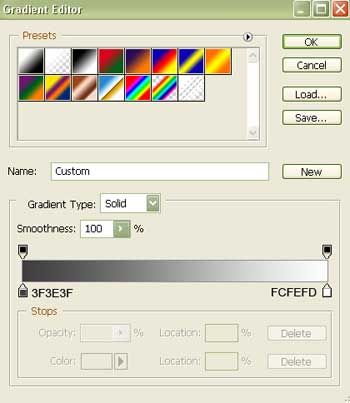
Represent now one of the layers of the speaker's mobile part. It's possible to apply the previous instrument too.

Fill 0% on the layers.
Blending Options-Stroke
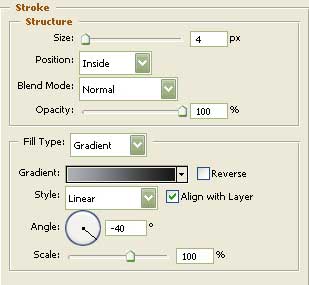
Gradient's parameters:
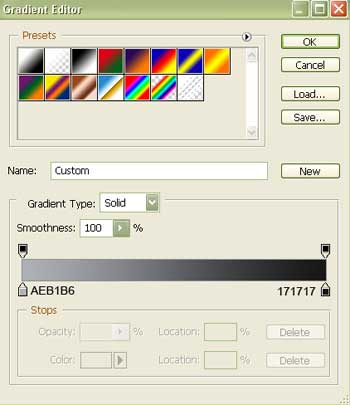
Pass to the second layer.

Fill 0% on the layers.
Blending Options-Stroke
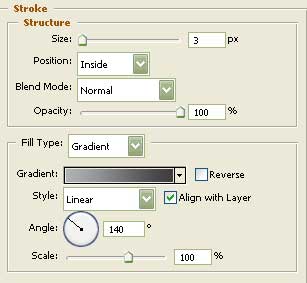
Gradient's parameters.
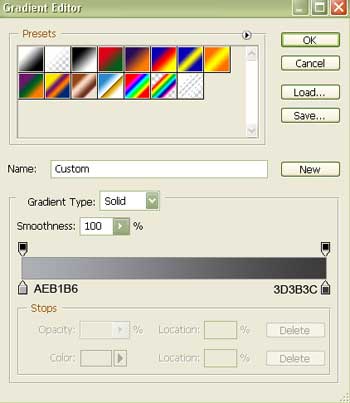
Represent now the third layer with the same instrument. ()

Fill 0% on the layers.
Blending Options-Stroke
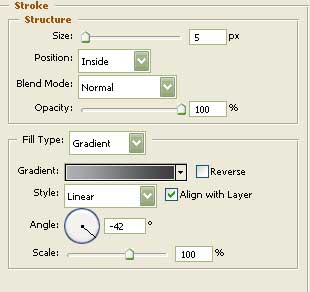
Gradient's parameters:
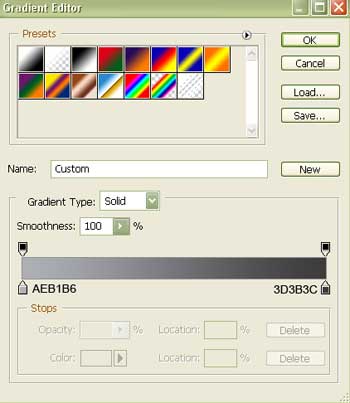
Pass to the fourth layer.

Fill 0% on the layers.
Blending Options-Stroke
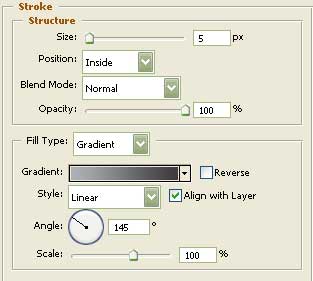
Gradient's parameters:
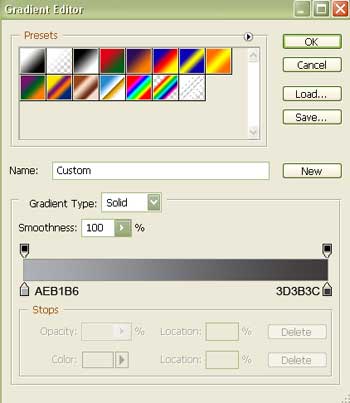
The fifth layer.

Fill 0% on the layers.
Blending Options-Stroke
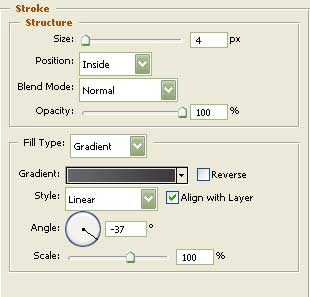
Gradient's parameters:
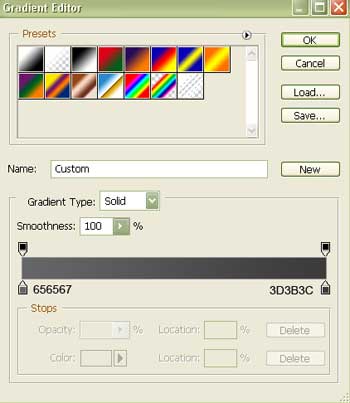
And the last layer of the speaker's mobile part.

Fill 0% on the layers.
Blending Options-Stroke
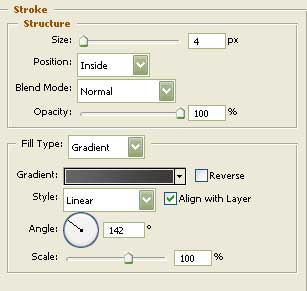
Gradient's parameters:
You must represent now a relief surface on the speaker itself.