Open a new file that would have 500x500 px and 72 dpi. Then paint it, applying this color's code: 687074.

Make a copy of this new made layer and apply the next parameters shown below:
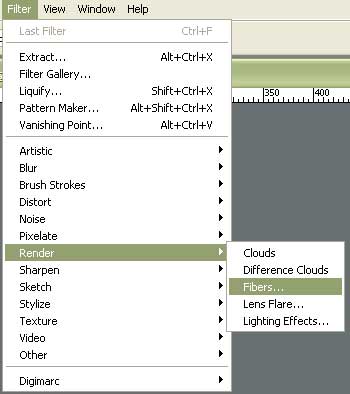
Set the Variance – 16, Strength 4 and click OK.
The effect will be applied to our layer. Make now a right button's click on Ctrl+T on the layer (using Free Transform selection turn the image around on 90 degrees).
We'll get the next:

Fill 14% on the layers.
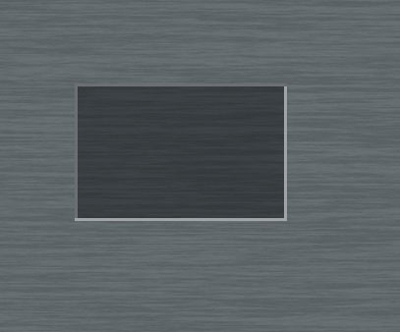
Select after that this instrument  and represent the screen of the media player to be. Its color should be black.
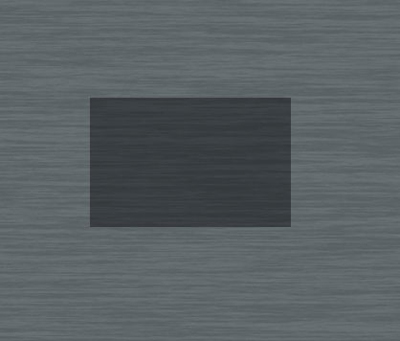
Fill 40% on the layers.
Take now another instrument  and draw the frame of the screen.
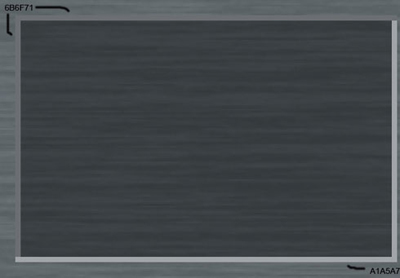
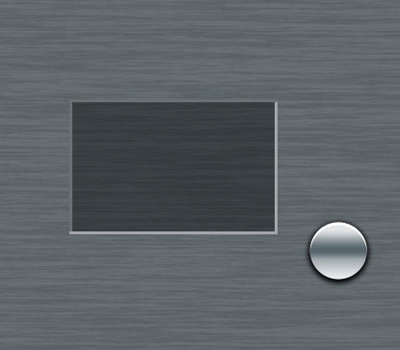
Applying this tool  , it's possible to represent a multifunctional layer reserved for the menu's buttons and handle of the media player.
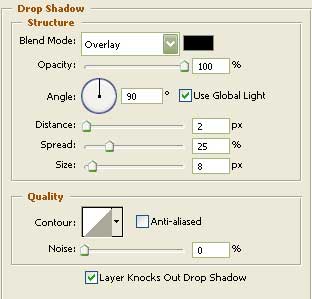
Blending Options-Drop Shadow
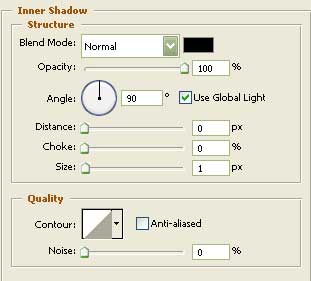
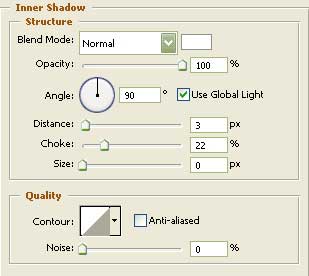
Blending Options-Inner Shadow
Blending Options-Gradient Overlay
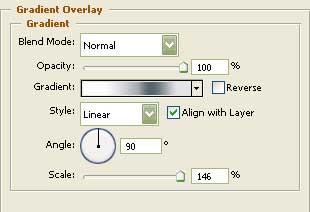
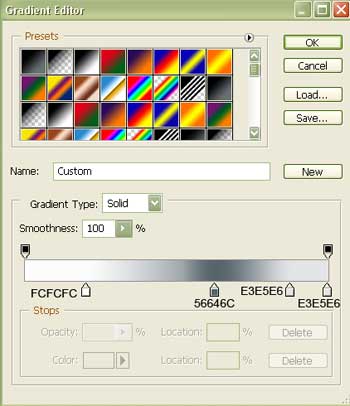
Gradient's parameters:
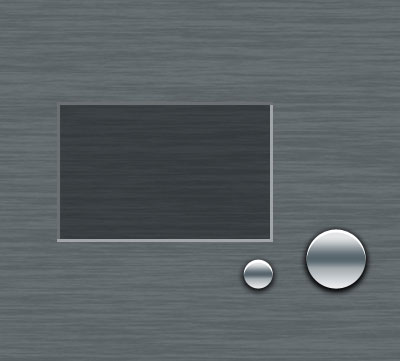
Copy the new represented layer and make use of Free Transform option to make it smaller a little. Place it the same way it is shown below.
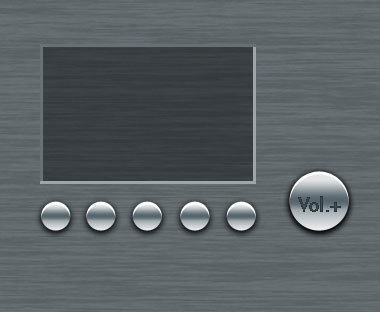
Now make four copies of the small button and place them the way it is indicated here:
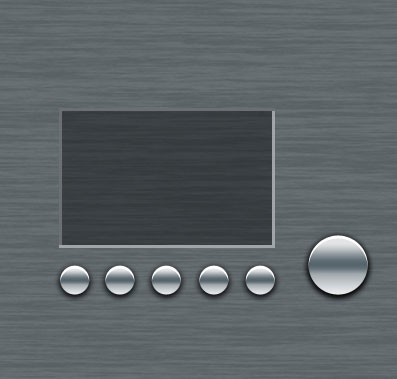
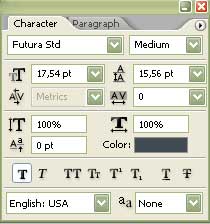
Mark the handle with the letters, designed for the volume.
Blending Options-Inner Shadow