Design your very own zune MP3 Player interface in Photoshop.
Open a new file with 395x612 px and 72 dpi. The next shown instrument  will help us to represent the background for the next Media Player to be.

Blending Options-Gradient Overlay
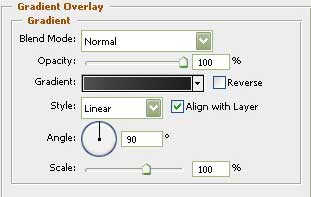
Gradient's parameters:
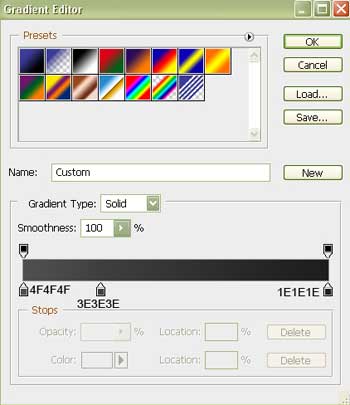
Select after that the following tool  and create the basis for the Media Player's corps to be.
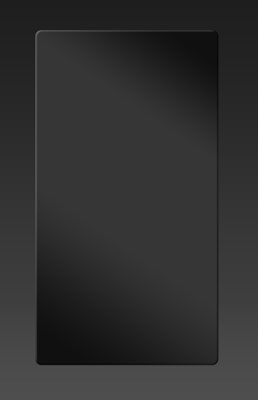
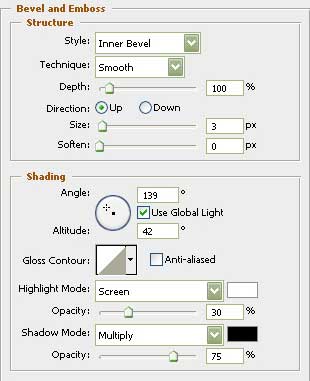
Blending Options-Bevel and Emboss
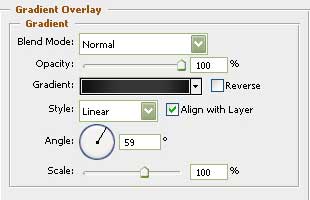
Blending Options-Gradient Overlay
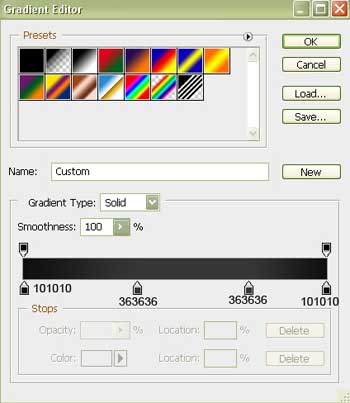
Gradient's parameters:
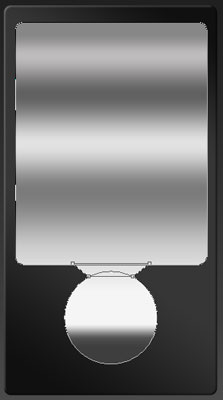
Use firstly the next tool to represent the zone under the screen.
Then apply this instrument  and press on Shift button to create the layer for the button.
When pressing the same Shift button and using the next tool , it's possible to represent the connection between them.
Their shapes may be corrected with the following tool  .
.
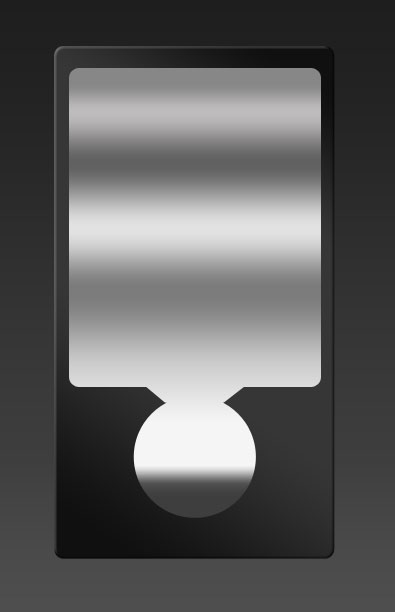
Blending Options-Gradient Overlay
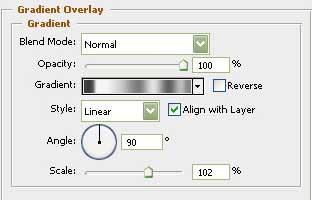
Gradient's parameters:
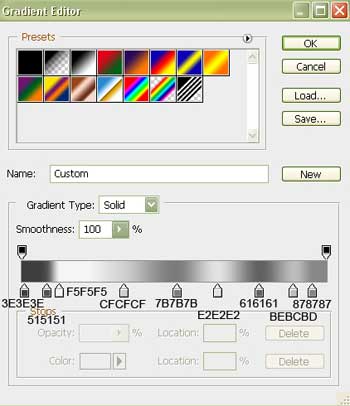
Using the next tool , create now the layer reserved for the Media Player screen.
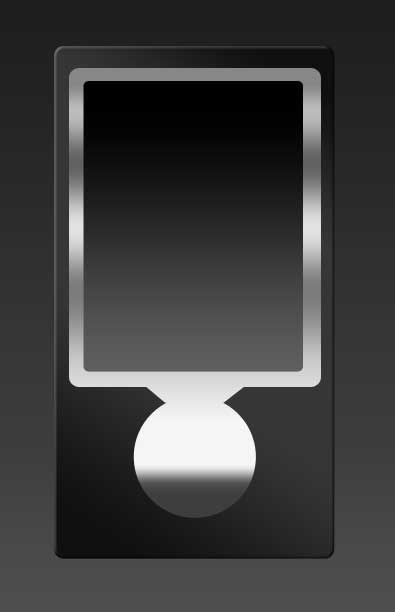
Blending Options-Gradient Overlay
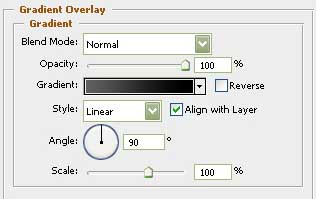
Gradient's parameters:
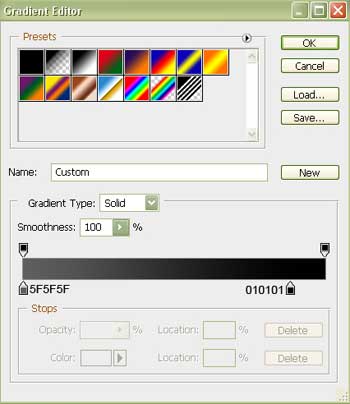
Take the following tool and create inside the screen a panel designed for the control play, colored in black.
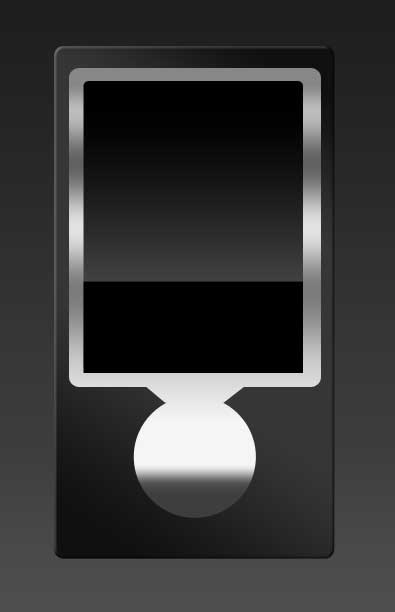
Take the next tool and create now an element of the corps designed for the Media Player button.
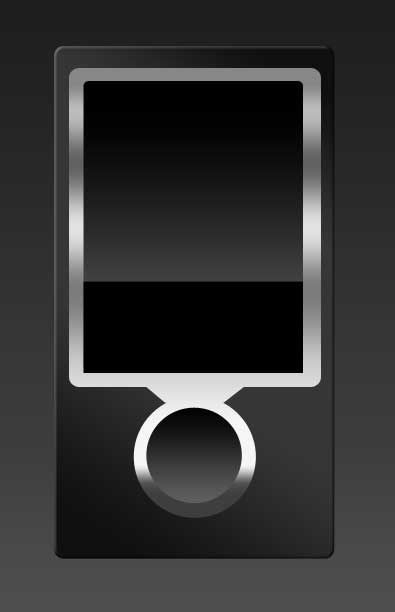
Blending Options-Gradient Overlay
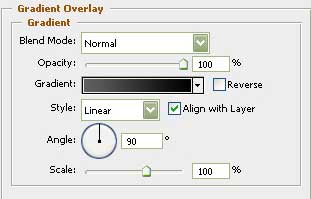
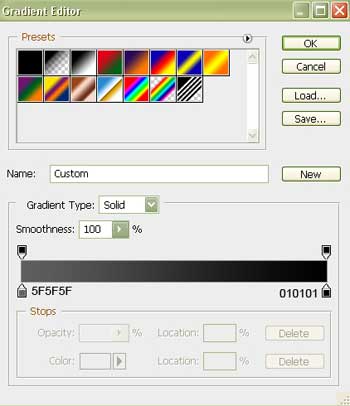
Gradient's parameters:
Using the previous instrument, represent the button itself.
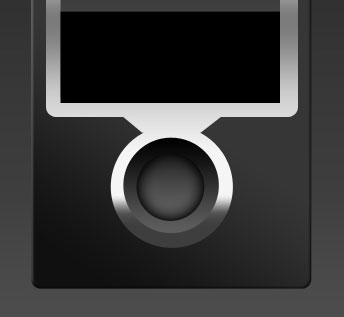
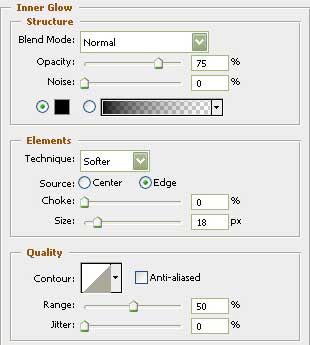
Blending Options-Inner Glow