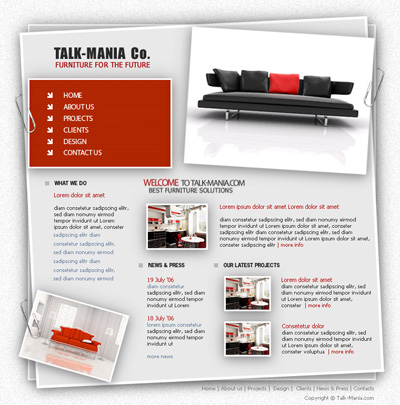
As usual we need to create a new document. if you want you can try without creating a new document. And if you can i promise you will receive a gift from me.
So please create a new document:
Size should be 760x770 pixels
background color doesn't matter right now
Be sure you set the foreground color to black, and background color to white
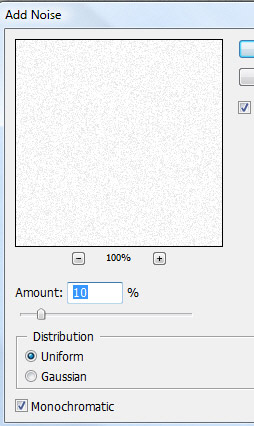
Then go to Filter > Noise > Add noise, and use the following settings
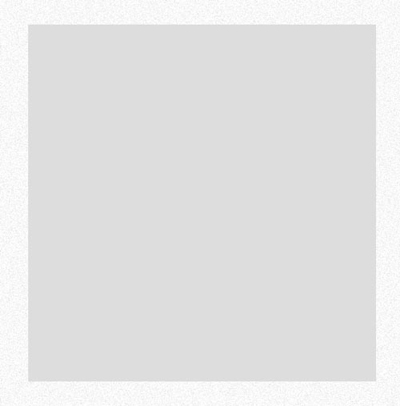
After that grab Rectangle Tool, and create a big shape in the middle of your layout. use the following color : #dddddd
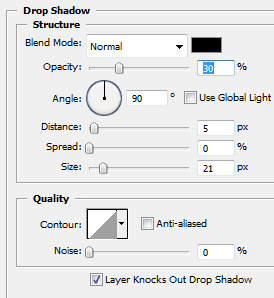
For this shape please add the following layer styles
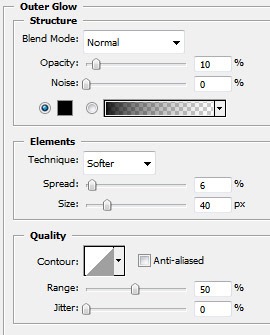
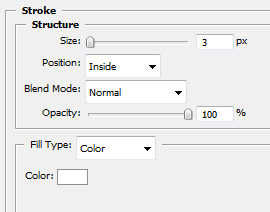
Here is my result
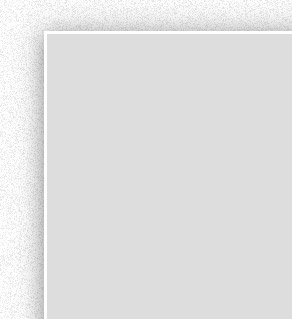
Now duplicate this layer ( be sure you have the layer selected, then press on Ctrl+J )
After that press on Ctrl+T , to transform the second layer. Rotate the second shape like me:
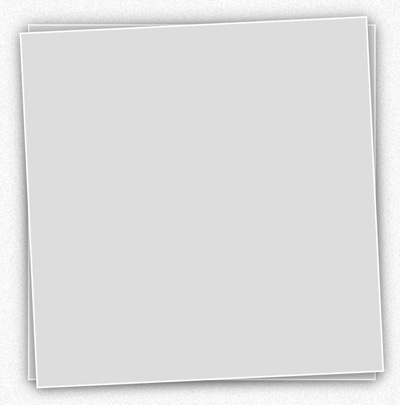
Now it is time to add some images, on our layout
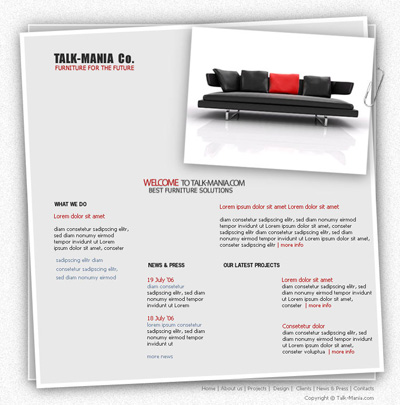
Please note that the Paper clip image you will find attached at the end of this tutorial. You can use this clips on another projects of yours. it is very important
After that please add another furniture images from your stock collection
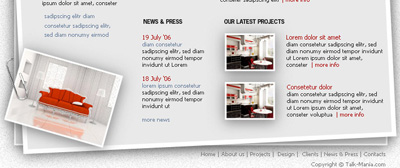
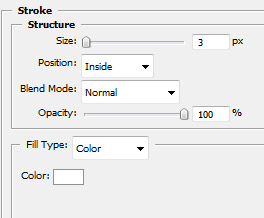
For all images which you are adding to this layout, please add the following layer styles
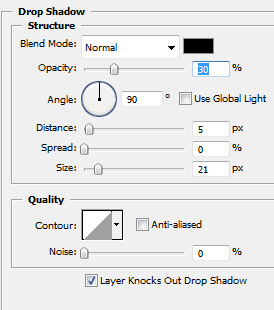
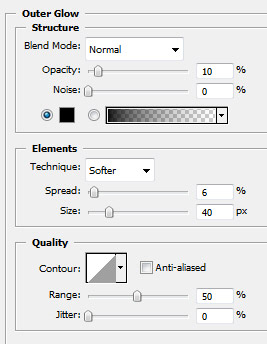
You can see that i have placed another paper clip on the left side of the layout. you have to select first the paper clip layer, then you need to duplicate the layer ( press Ctrl+J )
After that go to Edit > Transform > Flip Horizontal
Then with Move tool ( V ) place the paper clip where you want
Now i will create another rectangle on the left side of our layout. And you can see also that i have duplicated one more time the paper clip layer , and i placed like in the following image.
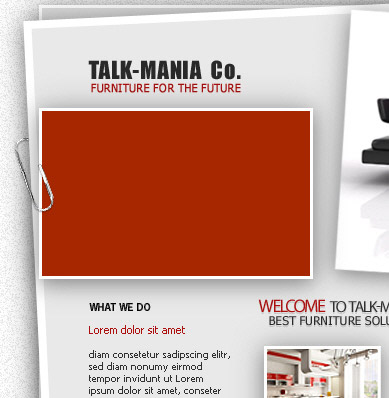
On this red shape we will add our menu
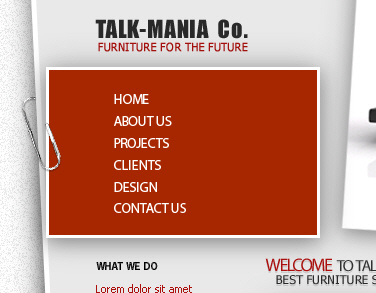
Now we will add some details. Please download the following set of Brushes.
Load these brushes, and , one a new layer ( Press Ctrl+Shift+Alt+N ) add a few details
This is my result
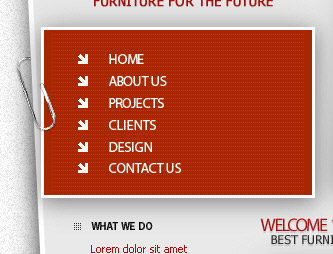
This is my final result