


Create Rollover Image in Dreamweaver CS3 (view the final result here)
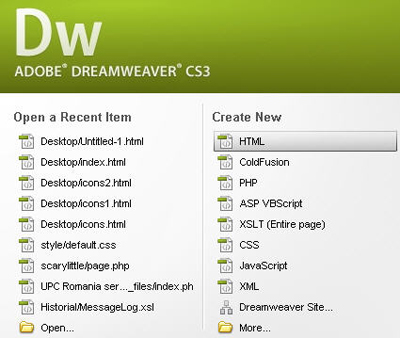
1. Open Adobe Dreamweaver CS3 and select HTML like page type
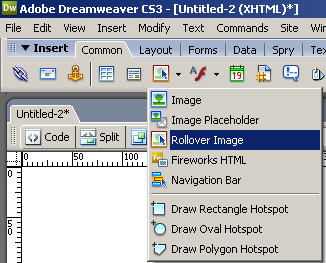
2. Go to Common and select Rollover Image
You can save this images in format .png (Click right -> Save Image)


3. Now whit the pop-up window open select Original Image and Rollover Imager
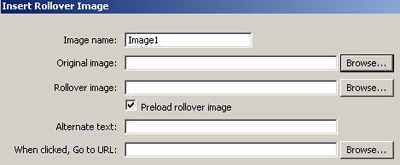
Click on Browse to search your Original Image
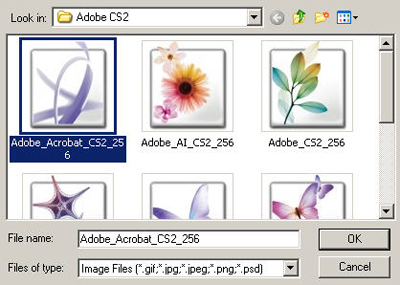
And the same step for Rollover Image
4. Click Ok, save as your Page like HTML and that's it
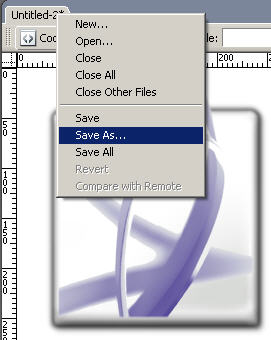
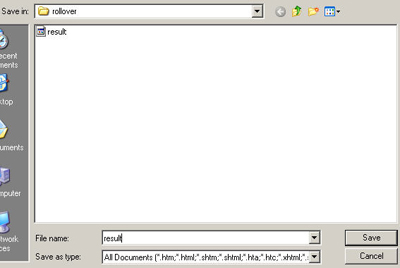
Go in the location where you save your page and open it. Here is the final result!
