

A tig is a pig with tiger fur :D. First of all you have to open the two images I used pig.jpg and tiger.jpg.
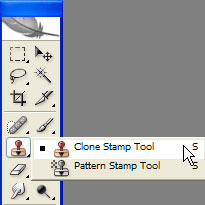
Select the Clone stamp tool like in the picture.
Try to select the nose of the tiger press Alt and then paint it on the pig.Like below.
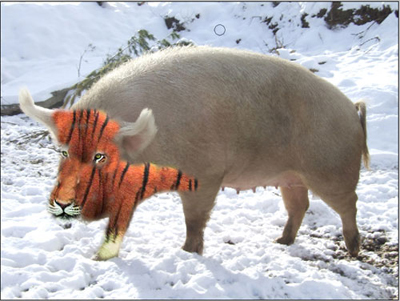
Then repeat the step untill you obtain this.
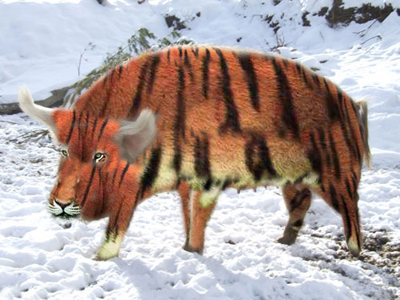
This is a tig :D.

