Using the Rounded rectangle tool create a black rectangle like this one.

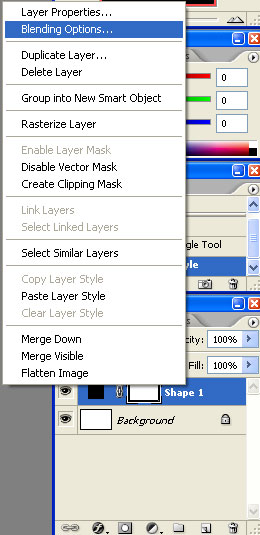
Now right click the layer and select Blending options.
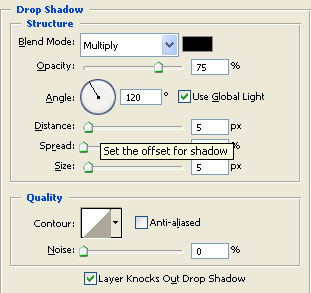
There make these settings.
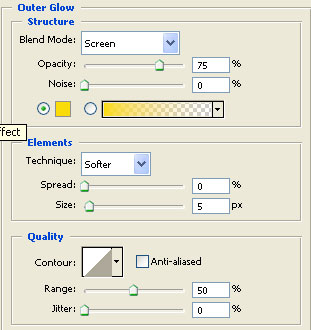
For the Outer Glow I used this colour # fbd81a.
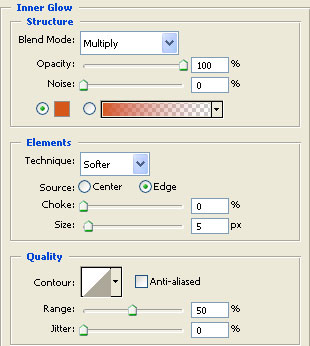
This one for the Inner glow # d55514.
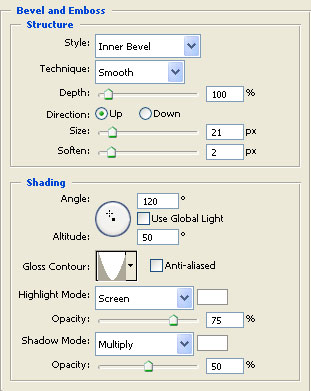
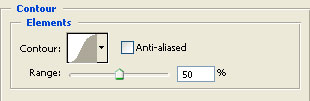
And this colour for the colour overlay #ff273c.
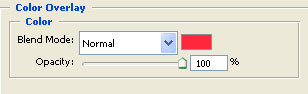
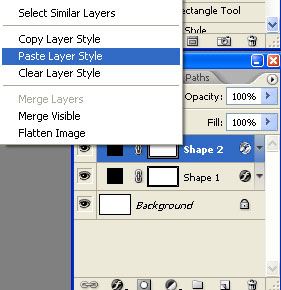
Now create a smaller rounded rectangle and place over the bigger one. After you did that right click the first rectangle's layer and select Copy style.
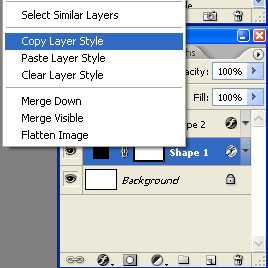
Then paste the style over the second layer.
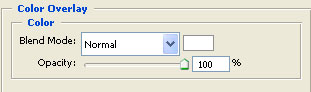
The only modification you will have to make to the Colour overlay.Set it to white.
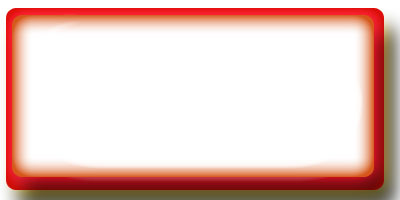
You should have something like this.
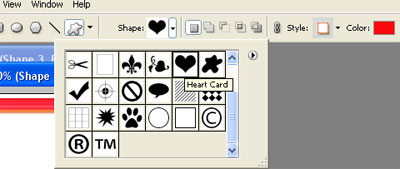
Now select the custom shape tool.
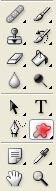
Choose the heart shape.
Again copy and paste the layer style over the shape's layer.Then create another hearth and do the same thing. Until you obtain something like this.