
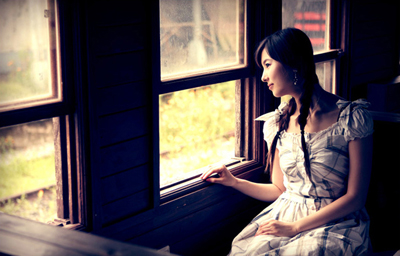
Open a picture that you want to practice, in this tutorial, I used the picture below
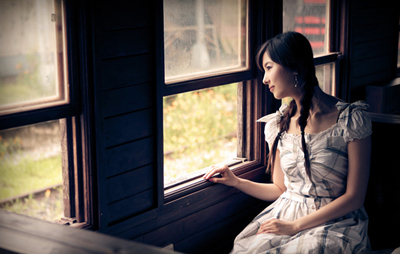
Click to enlarge
Press Ctrl+B to open Color Balance, set Color Levels of each Tone Balance:
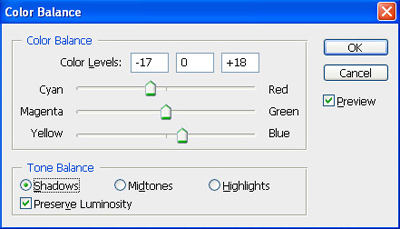
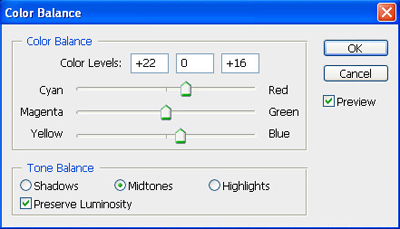
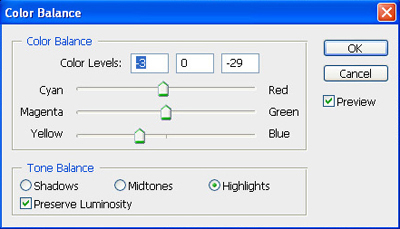
You will get the result:
Click to enlarge
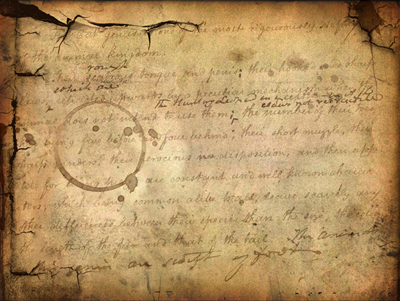
Open the texture below
Click to enlarge
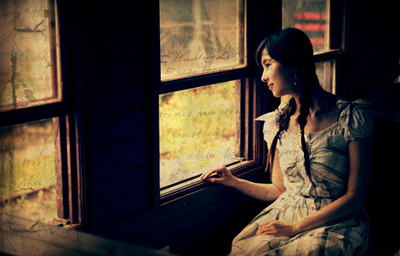
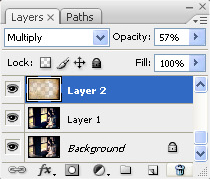
Move it to your picture, then change blend mode to Multiply
Click to enlarge
Use Eraser tool to erase unsuitable areas (face and body of the lady)
Continue to open the texture below
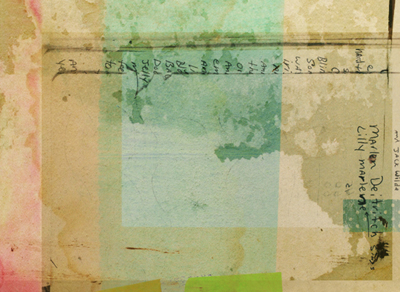
Click to enlarge
Move it to your picture then change blend mode to Overlay, use Eraser tool to erase unsuitable areas.
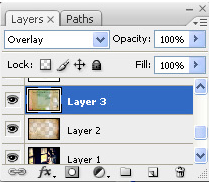
You will get the result:
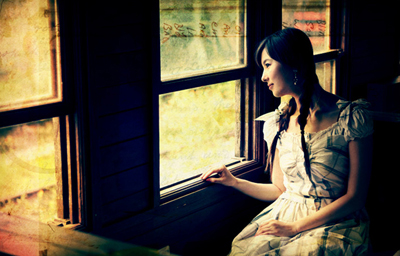
Click to enlarge
Now you can add some text to the picture.
This is my final result:
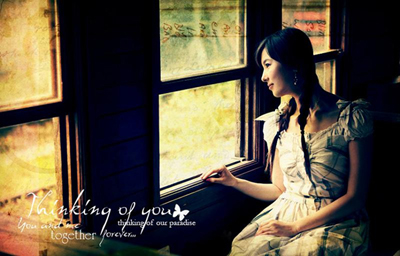
Click to enlarge
