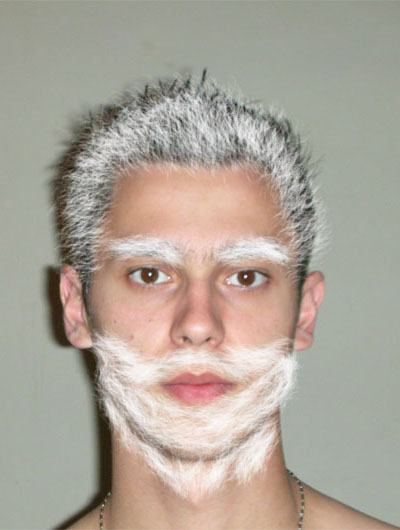
To use this tutorial you will first need to download the photoshop brushes from here .
Download the arhive with the brushes.You have to extract the content of the arhive to,in my example, Photoshop/Presets/Brushes.Where Photoshop is my parent director.
Select the brush tool.Next to the brush diameter select the arrow button. Follow the steps 1>2>3.
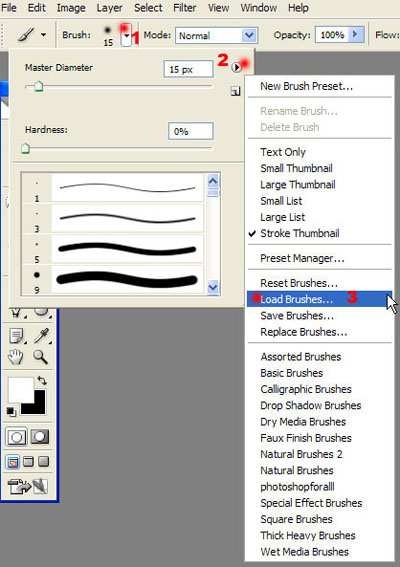
Load from brushes from here.I've showed you where is the Brushes folder here.
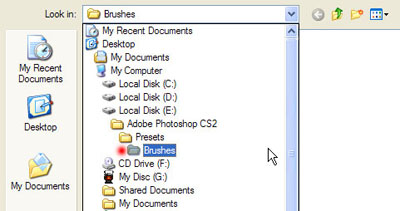
Select it and the Load it.
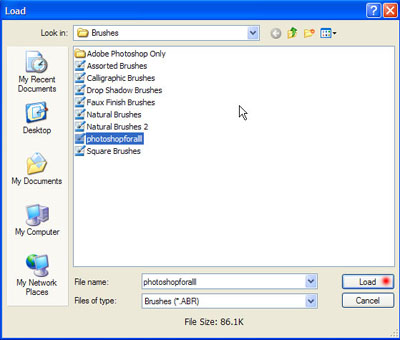
Now try to select the brushes from here. The ones you load are the last.
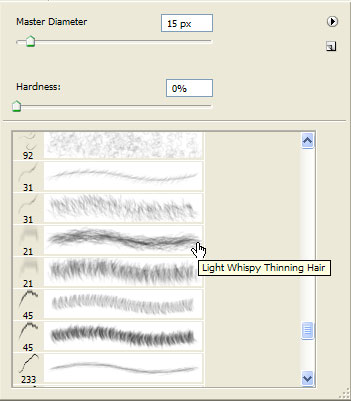
Now try to play with try brushes and the colours.Like I did.
First the African style.

Now old…
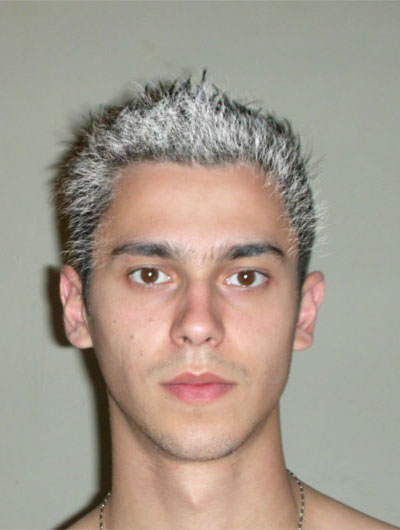
Mariachi…
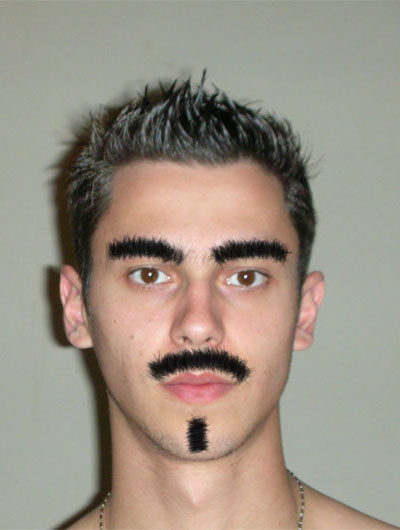
And now… There's a new Santa in town.