You can find this photo I used using google. Save it to your computer and then open it using Adobe Photoshop.
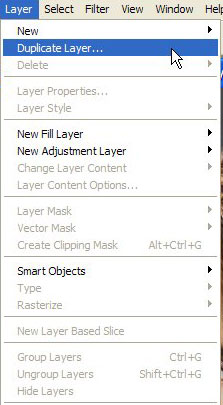
Now go to Layer>Duplicate layer.
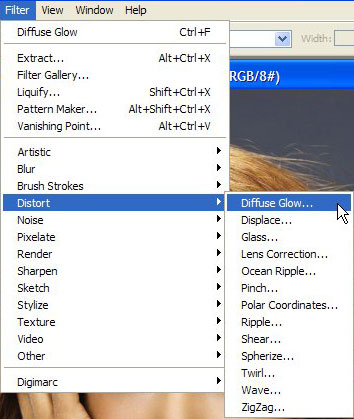
Now go to Filter>Distort>Diffuse glow.
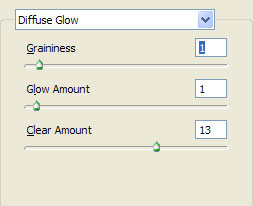
There set these values.
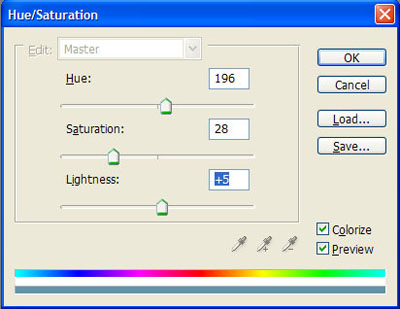
Now press Ctrl+U to select Hue/Saturation.Set these values.
Now select the dodge tool
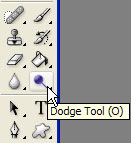
and use it over Halle's eyes until you obtain something like this.And your photo should be ready.