Start by creating a text and select the white colour.

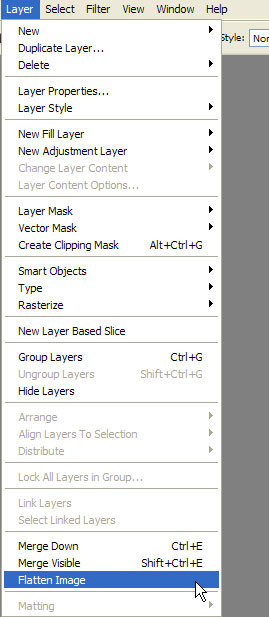
Now go to Layer>Flatten image.
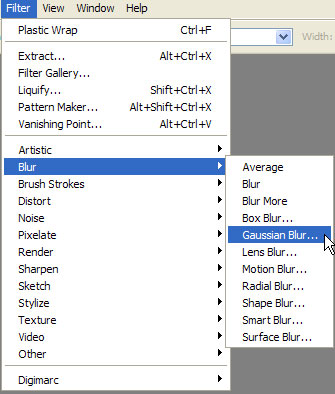
Now let's apply some Gaussian blur.Go to Filter>Blur>Gaussian Blur.
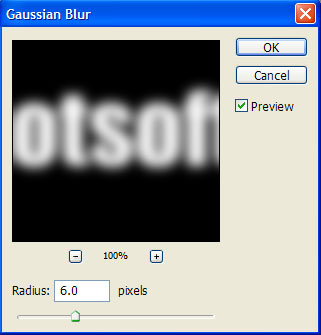
There set these values.
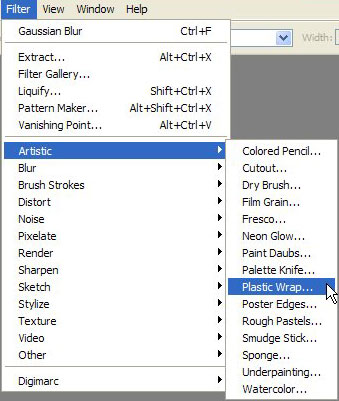
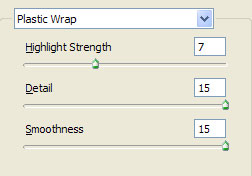
Now go to Filter>Artistic>Plastic warp.
Set these values.
You should have this by now.

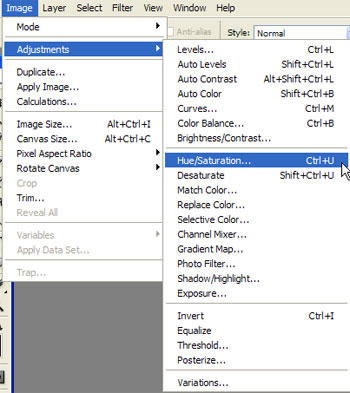
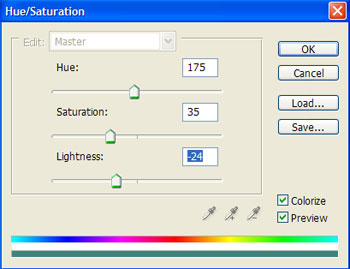
Now let's give it some colour.Go to Image>Adjustments>Hue Saturation or simply select Ctrl+U.
There set these values.
And now your work is ready!