Open a new file, having 600x800 px and 300 dpi. Paint it with the shown color – D5F8FD.

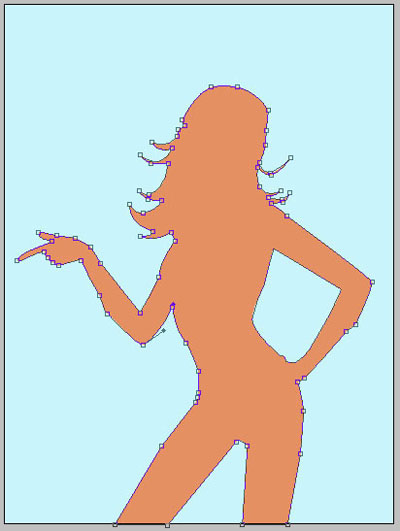
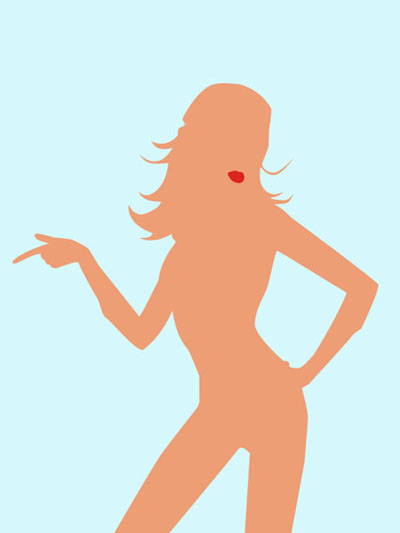
Take the next tool  to picture a girl's silhouette that would have the color – ED9E75.
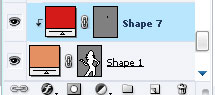
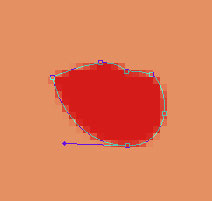
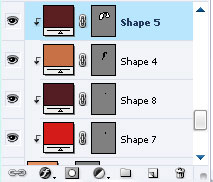
Having the last instrument, it's possible to picture the girl's lips silhouette. They must have the color DC251F. Keeping pressed the Alt button, direct the mouse on the layers' edges (between the lips and the girl's silhouette), click on the left mouse's button and the lips' layer would become a mask.
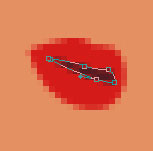
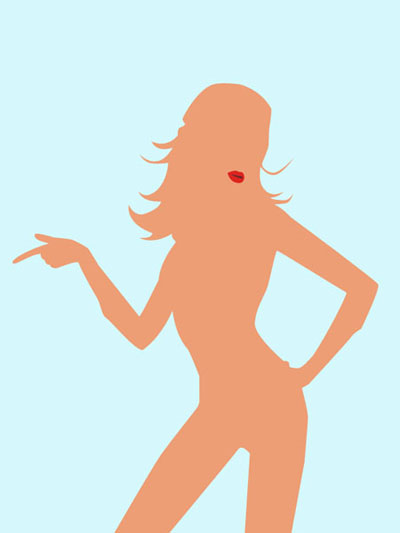
Using the indicated instrument, represent a slit of black color between the lips, like in the shown picture. Holding on the Alt button, fix the mouse on the layers' edges (between the lips and the slit) and click on the left mouse's button to transform the slit's layer in a mask.
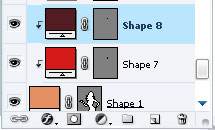
Take the previous instrument to create a figure with the color D48155. Keep pressed the Alt button and direct the mouse on the layers' edges (between the slit and the ear's silhouette), click on the left mouse's button and the ear's layer will become a mask.
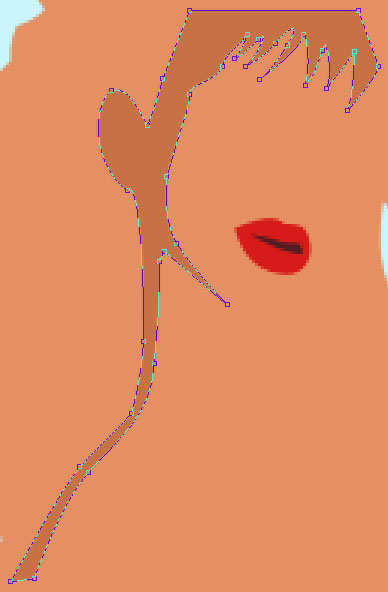
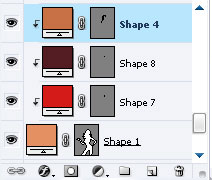
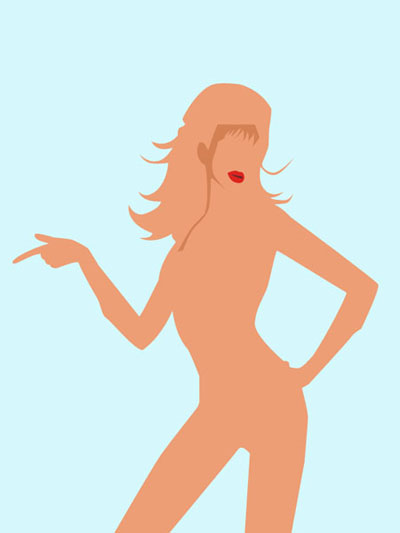
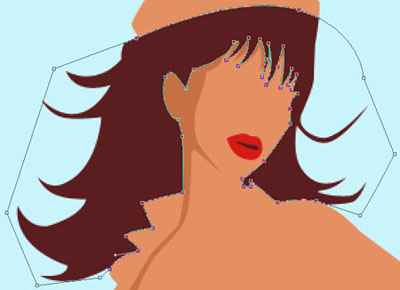
Take again the same instrument and represent the girl's hair with the color – 6D282B. Use the same method, described above to transform the hair's layer in a mask.
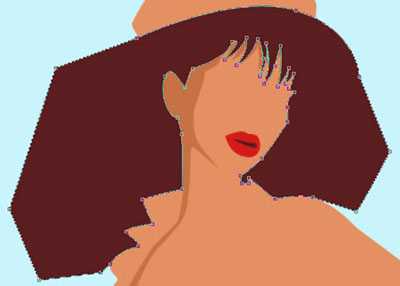
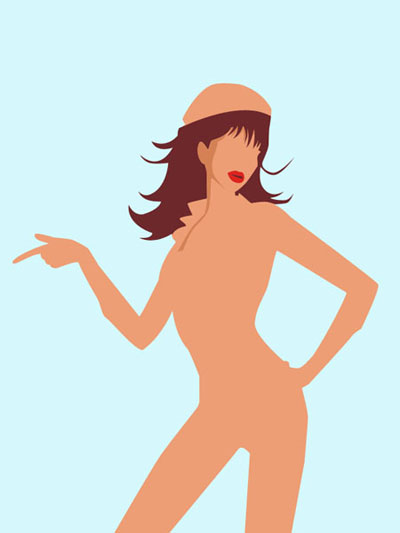
Using the last instrument, dark out a part of the girl's leg with the color – E89163
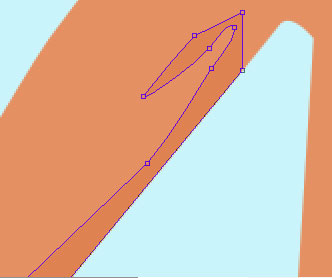
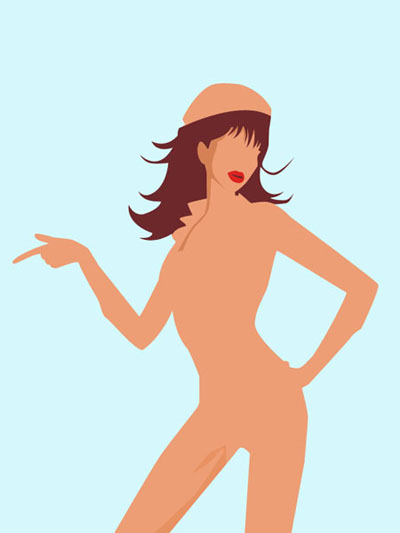
Use the same instrument to dark out another part of the girl's leg, this time with the color – E89163.
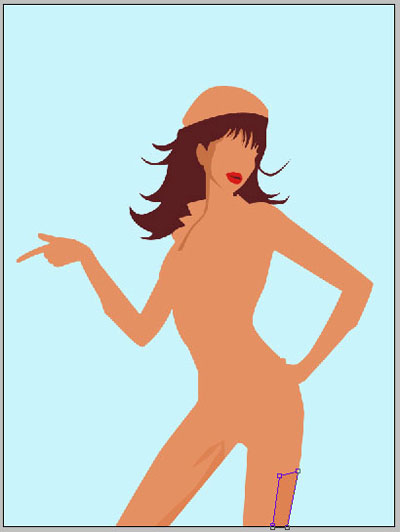
Apply another instrument  to represent the girl's beads of the white color on the girl's neck.
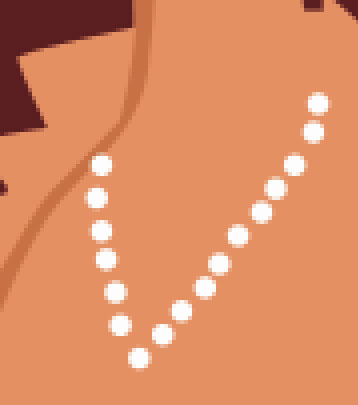
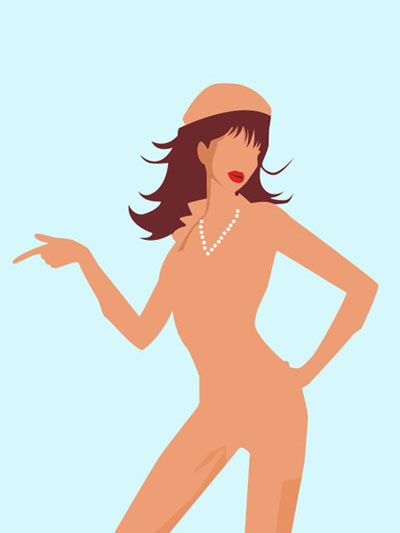
Pass to the old instrument to represent a portion of the girl's hair darker, with the black color, exactly like it is shown below.
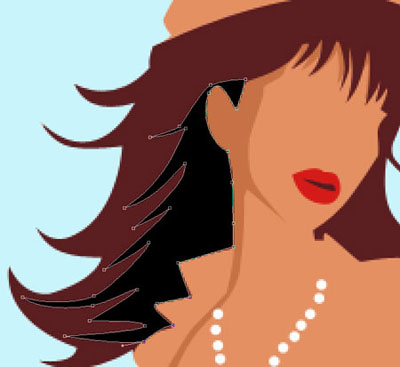
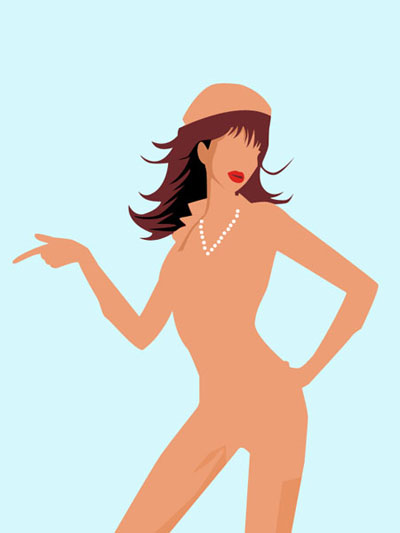
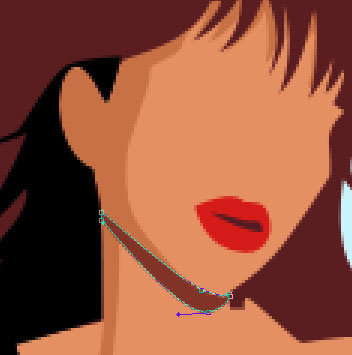
Having the same instrument, it's possible to dark out a little the girl's neck with the color 944234.
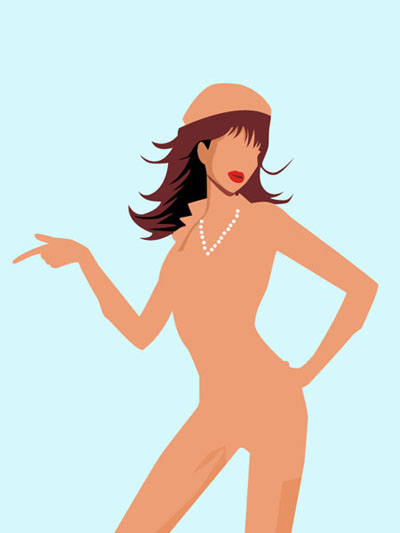
Take the popular instrument to draw the girl's dress silhouette with the color – CC1E18.
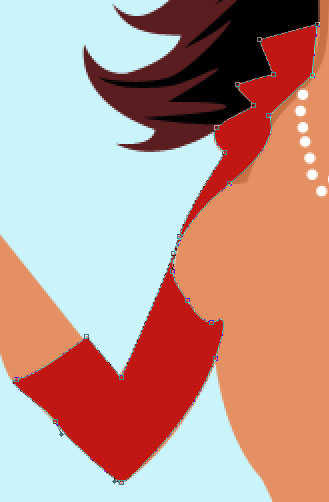
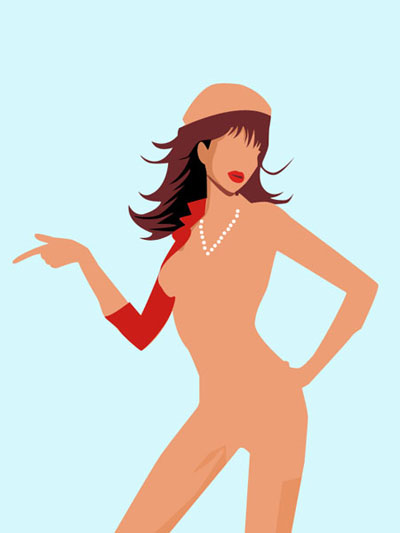
Take the same instrument to picture the girl's dress silhouette with another color – E14B3A.
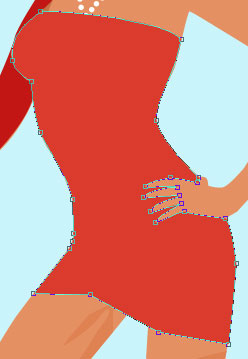
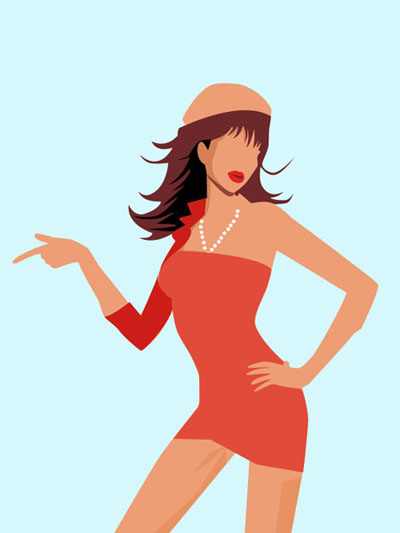
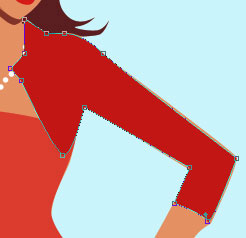
The same instrument and another girl's dress silhouette with the color CC1E18.