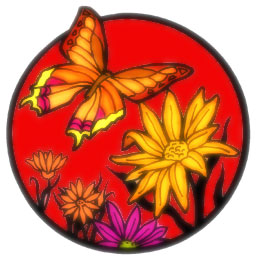
Before
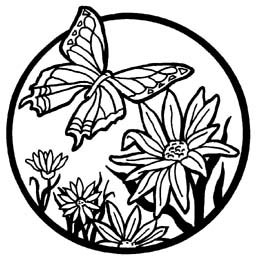
After
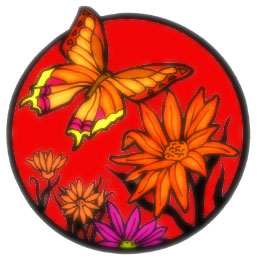
1. Open any black & white picture to which you wants to add colors.
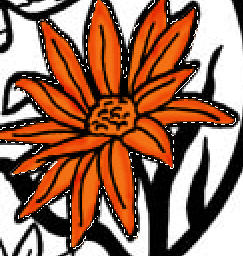
2. Now select Polygonal Lasso Tool and select the flower.
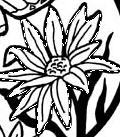
3. To give colors to flower i used Hue/Saturation.Open Hue/Saturation Dialogue Box from Image>Adjustments.
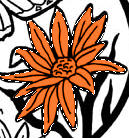
4. Then i used Burn tool to give some shading.
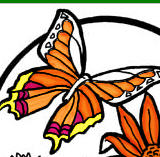
5. With the same technique, give colors to butterfly and to the remaining picture.

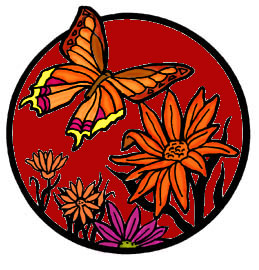
6. To remove the sharpness of edges,duplicate the layer and apply 3px Gaussian Blur. Set its layer mode to Hard Light.
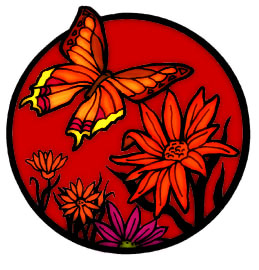
7. Again Duplicate this layer and set its layer mode to Screen.