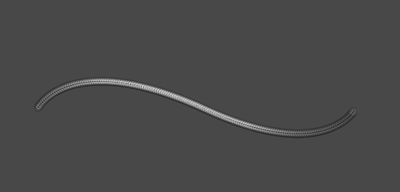
Step 1
"You must have knowledge of the pen tool to do this tutorial"
OK open up a new document, the size depends on how big you want the wire. Now color your background a darkish grey. Grab the pen tool and draw the lining for how you want the wire to look like. This is what I got.
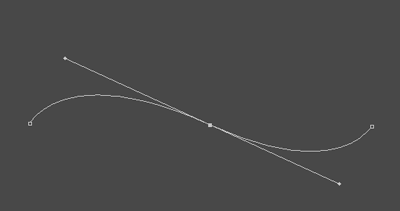
Step 2
OK, now grab a soft brush size nine. And go to path/and once your on the path press right mouse button stroke. Then you should grab the magic wand tool and select it. Now grab the one pixel black brush and do the same thing on the same layer. You should have something like this.
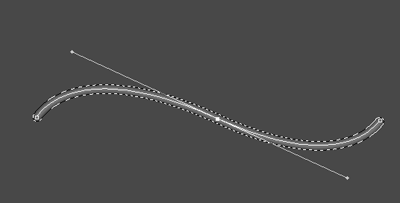
Step 3
OK now your going to go to filter/render/lightning effects and make it look like this.
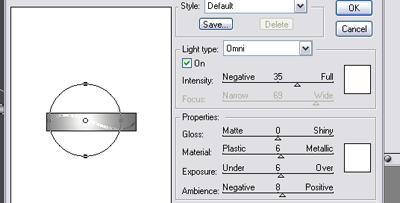
Step 4
Now create a new layer, and grab a brush that looks like this. You should probably have it, but if you don't you should now how to create it, its an easy process.

Step 5
Now, with the outline of the wire still selected go again to path/stroke the path. And you should have your final product. This is what I came up with.