[1] Take a new file of 400 pixels, 400 pixels
of resolution 72 dpi in the RGB mode.
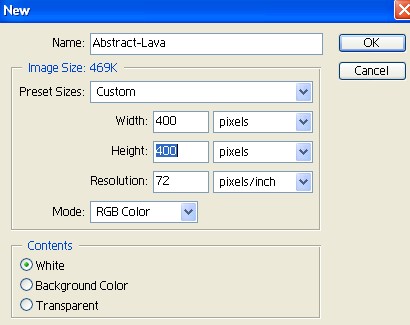
[2] Now fill the background color with black
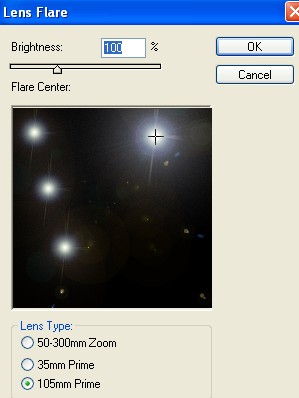
then go to Filter>Render>Lens Flare
use these settings.
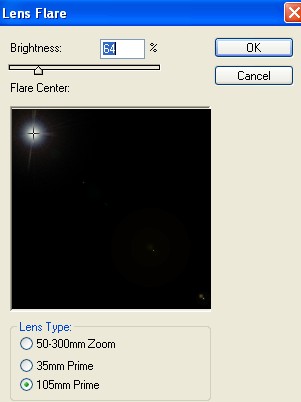
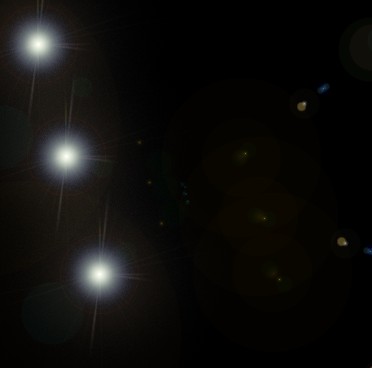
[3] Your can make two more lens
flare as shown image below.
[4] And then again go to Filter>Render>Lens Flare
use these settings.
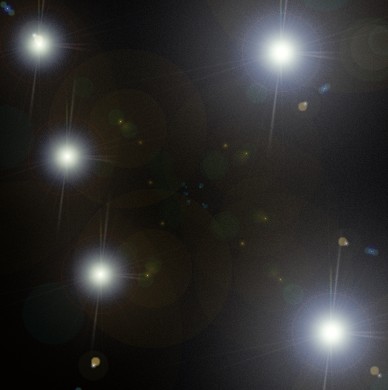
[5] You can make the one more lens
flare as shown image below.
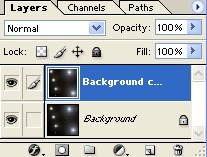
[6] Now make the copy
of background layer.
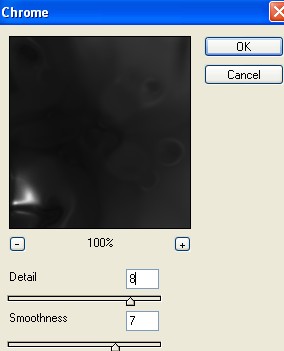
[7] Then go to Filter>Sketch>Chrome
use these values.
[8] And then go to Filter>Sketch>Bas Relief
use these settings.
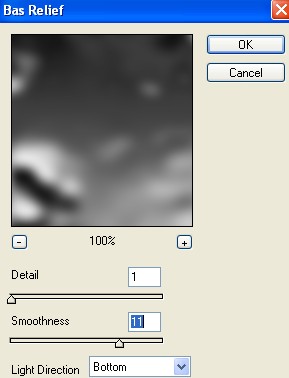
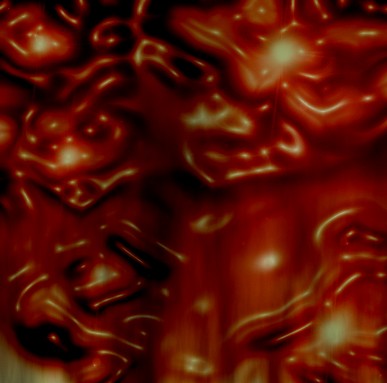
[9] Your image will look something like this.
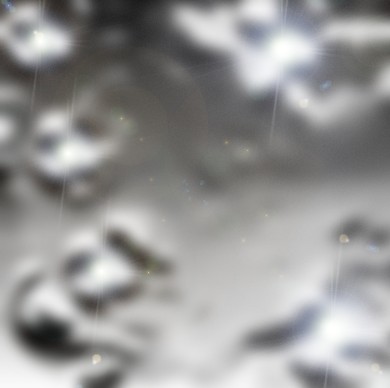
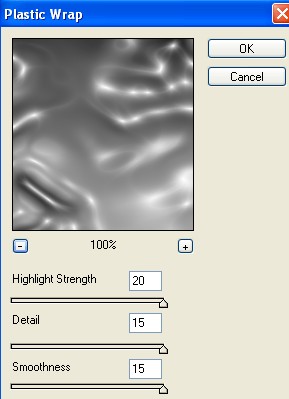
[10] Now go to Filter>Artistic>Plastic Wrap
use these values.
[11] Your image should be look like this.
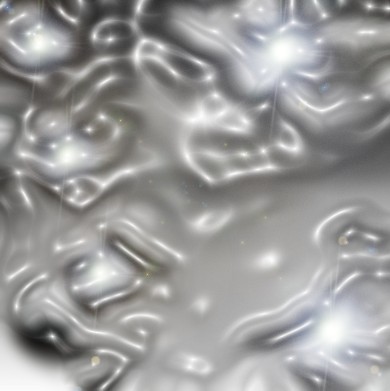
[12] Then make the new layer.
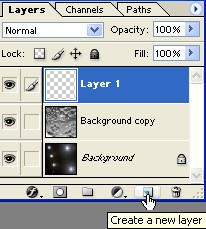
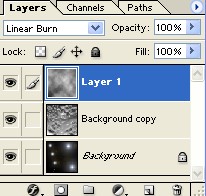
[13] Then go to Filter>Render>Clouds
and change the Blending Mode Linear Burn.
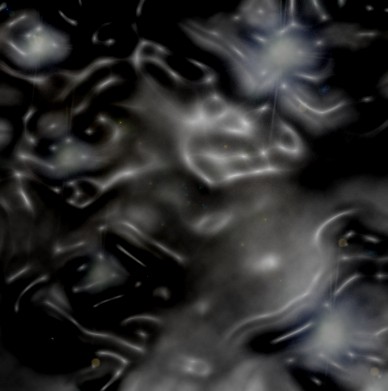
[14] Your image look something like this.
[15] Select the Background Layer and
then press Ctrl+U, to add some color.
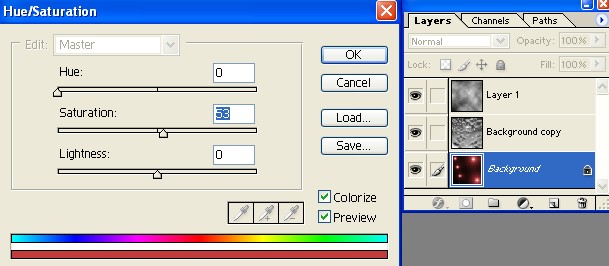
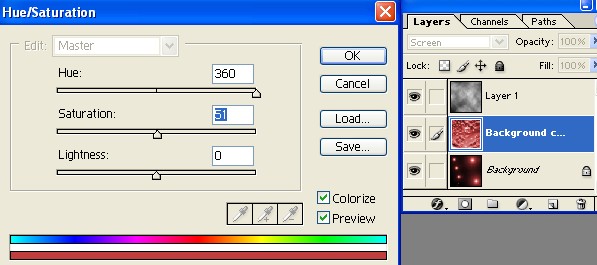
[16] Select the Background Layer Copy and
then press Ctrl+U, to add some color.
[17] Select the Layer 1 and then
press Ctrl+U, to add some color.
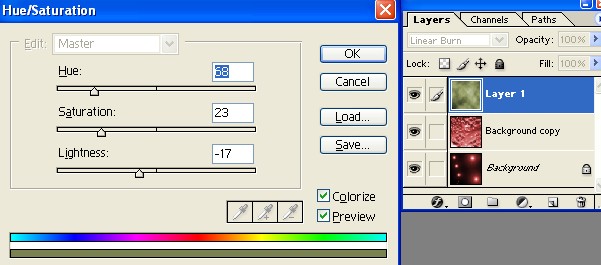
[18] Your final image should be look like this.