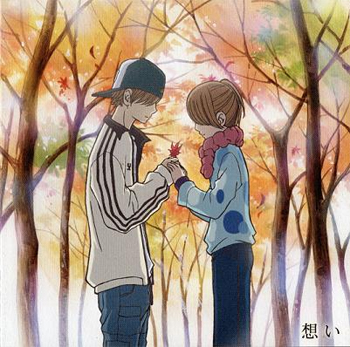
Begin by opening an image and duplicate it by pressing (ctrl + j).
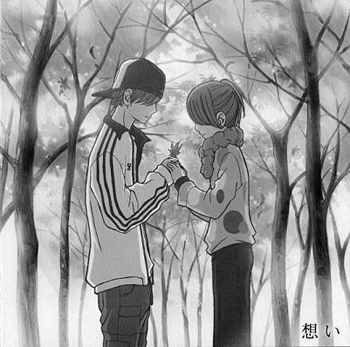
Then desaturate both layers (ctrl + shift + u).
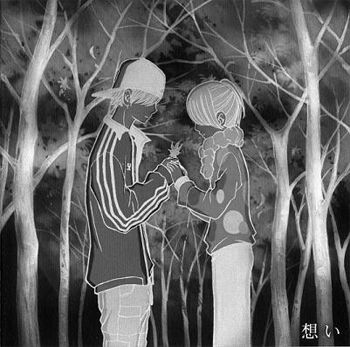
Next select the top layer and invert it (ctrl +i).
After that, go to filter -> blur -> gaussian blur and set the radius to whatever best matches your image. I went with a radius of 1.5.
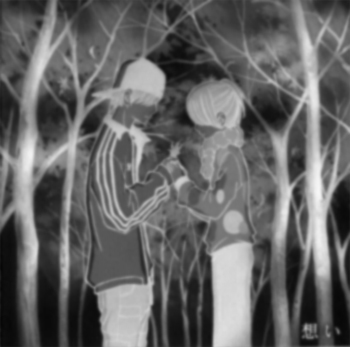
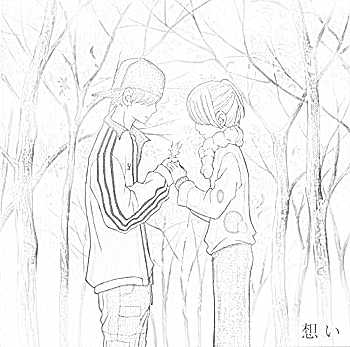
Finally, set the blending option of the top layer to color dodge and you should end up with something below.