


First off we have to pick out a car. Any car will do the job just fine; I went with the poor man’s Ferrari/Corvette ZR1.
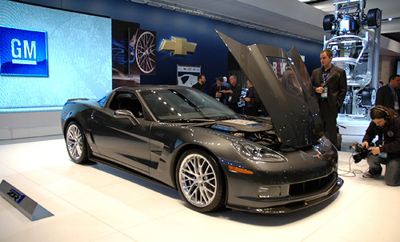
Before doing anything, make sure you have your pen tool set to the following settings.

Make a new layer and zoom in about 800%. Start outlining the wheel on the car and make your way around the wheel until the pen dots disappear and a circle forms.
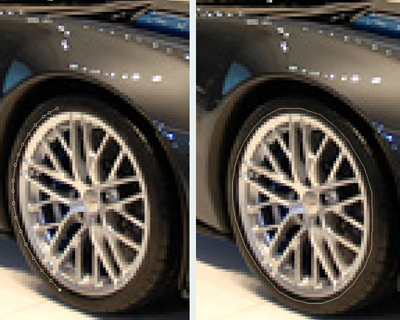
Using the color #dfc855 fill in the circle and set the blending option to color burn.
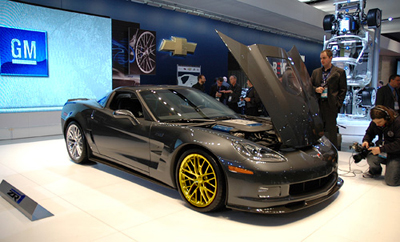
Repeat the same procedure until all the wheels are gold.
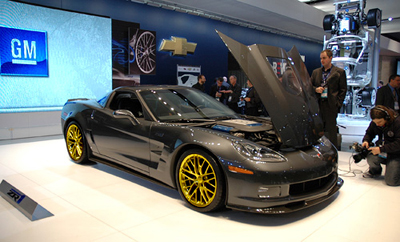
And if you want to make the color lighter or darker just simply duplicate the color layer and change the blending option to multiply (darker) or soft light (lighter).
