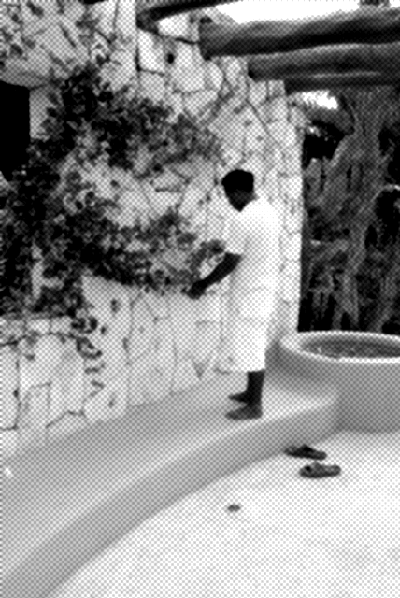
Step 1: Open any photo you want I have used this:

Step 2: Go to Filter ---> Sketch ----> Halftone Pattern and select the dot pattern so you should have this:
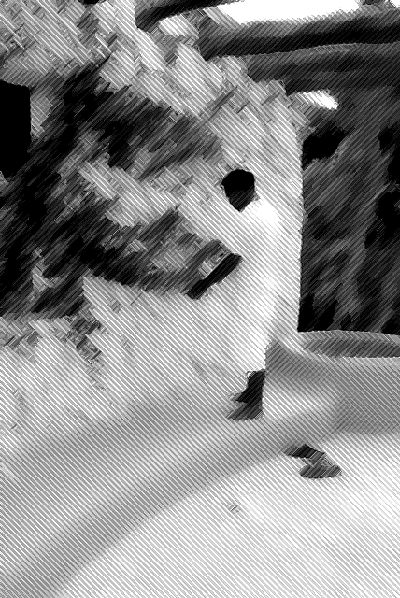
Step 3: Go to Filter ---> Brush Strokes ---> Angeled Strokes.
And this should give you the final result: