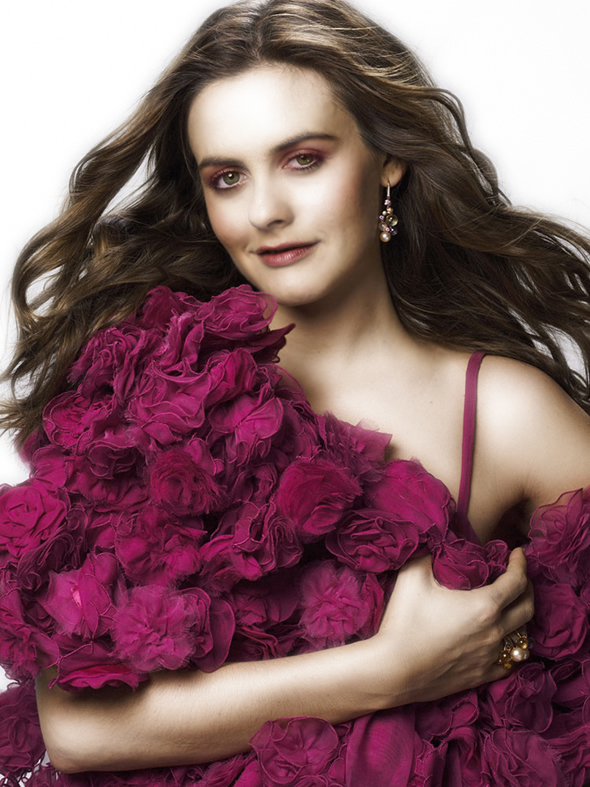
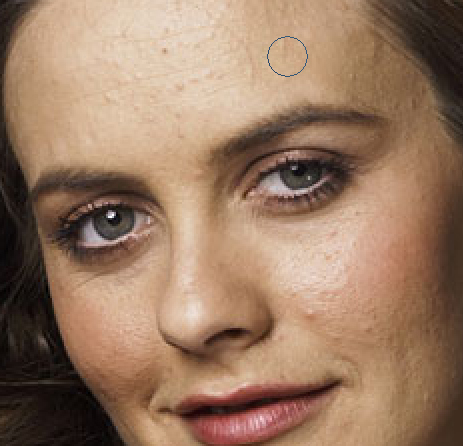
The first, you open a picture that you want to retouch, in this tutorial I used this picture:
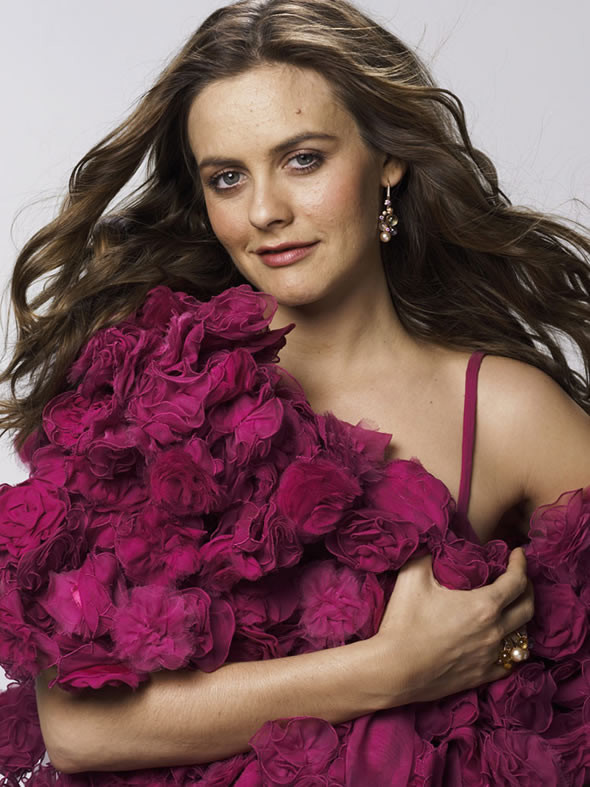
Zoom out the picture, select Healing brush tool (J).

Hold Alt and click on a smooth skin area. Then click on her moles.
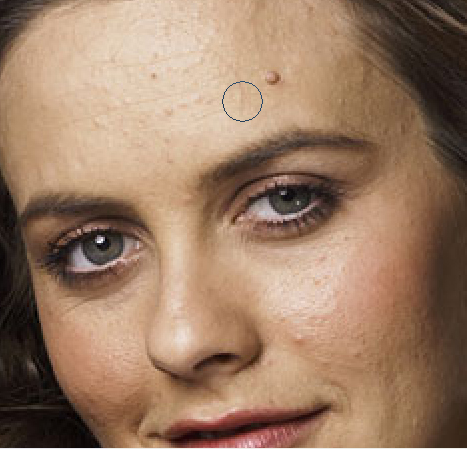
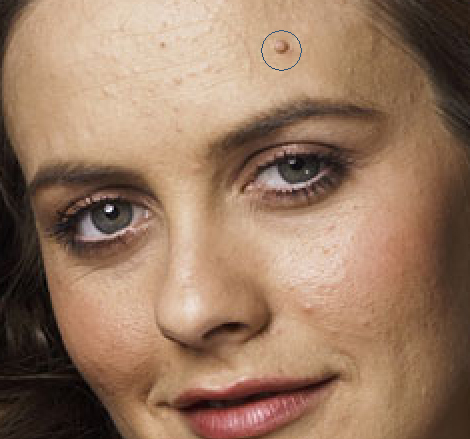
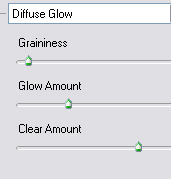
Now, go to Filter -> Distort -> Diffuse glow and apply these settings.
Select Blur tool (R) and set properties as shown below:


Drag the blur tool over the face, leaving eyes and lips.
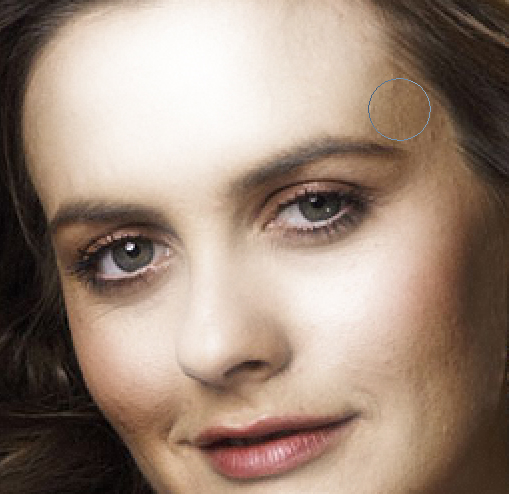
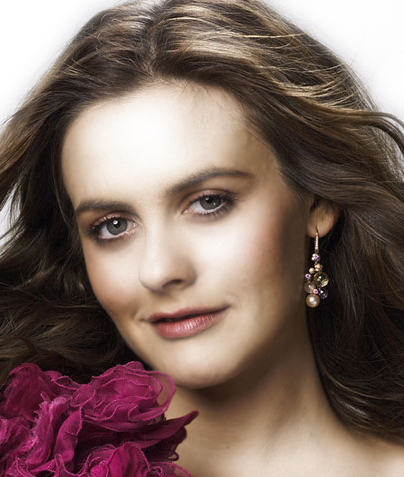
Select Burn tool (O), drag the tool over the eyebrow and eyelash.
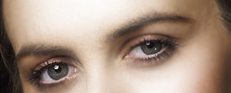
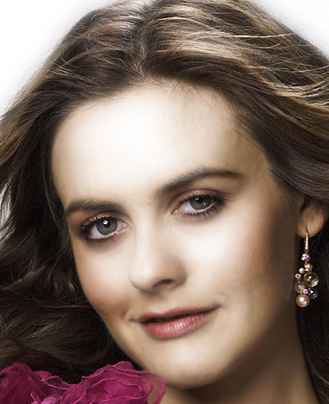
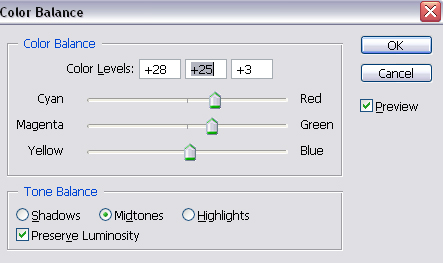
Select the eyes area and press Ctrl+B to open Color Balance, set properties like this:
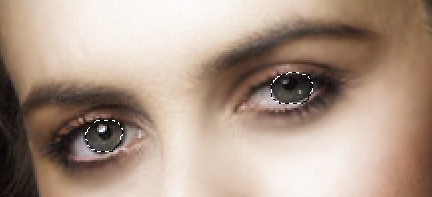
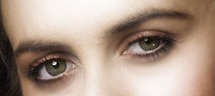
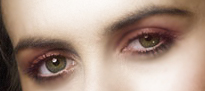
Now, select soft feather brush. Set the foreground color to #7A2747. Set the opacity to 5% and drag the brush over the eyelid.
Select Burn tool (O), drag the tool over the lips.
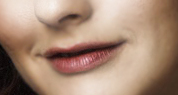
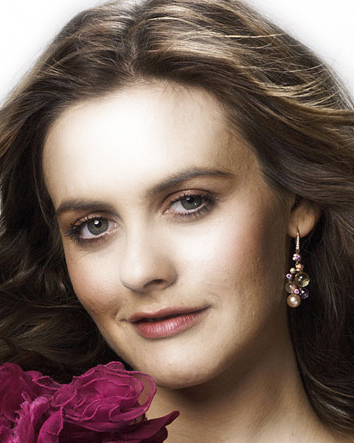
And you will get the final result: