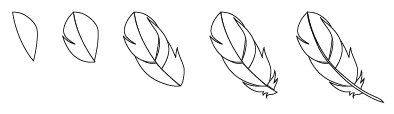
1. Create the feather paths
First create the paths of the feather with the Pen Tool.
2. Apply Gradient color
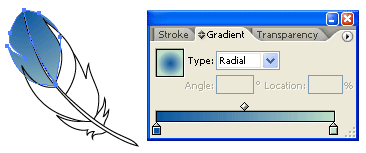
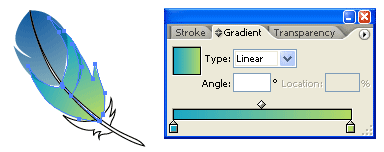
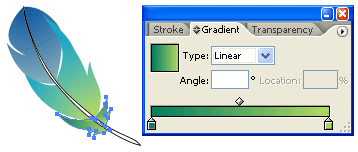
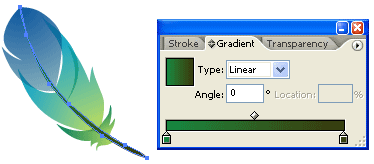
Select the top 2 paths, fill it with Radial Gradient, pick similar colors as shown. Then repeat this step for the rest of the paths.
3. Apply Multiply
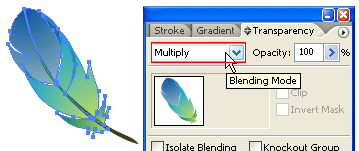
Select all the feather paths, go to Transparency pallet , select Multiply.
Final
Now you can duplicate the feather and lower the Opacity (Transparency).