

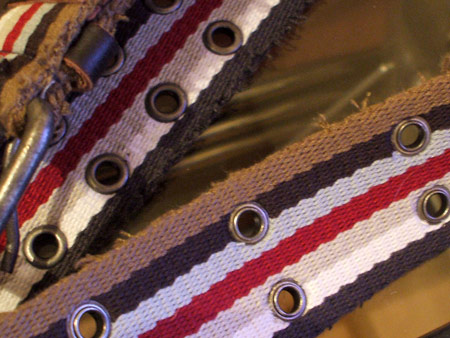
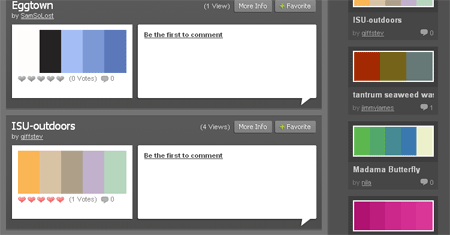
First of all, select your palette of colours. Maybe like me you have just bought a new belt with a cool combination of stripes that you can pinch the colours from, otherwise head over to ColourLovers and pick out a trendy selection.
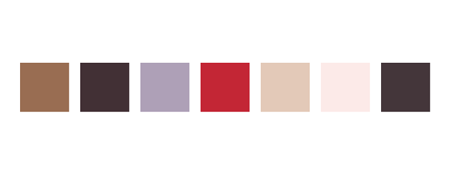
Create blocks of your chosen colours in Illustrator to eye drop the colours from later.
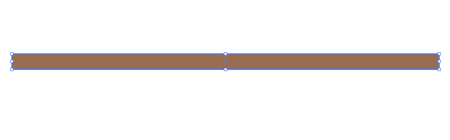
Draw a long thin rectangle on the artboard and fill with your first colour swatch.

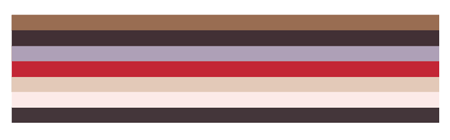
Duplicate the rectangle and butt the copy to the bottom of the original. One quick method here is to Move (Enter Key) the shape vertically using the same number as the height of the shape. Then Copy (Ctrl/CMD + C), Paste in Front (Ctrl/CMD + F) then Transform Again (Ctrl/CMD + D) to repeat the movement. Replicate this last step over and over with each new shape until you have a block of perfectly aligned stripes.
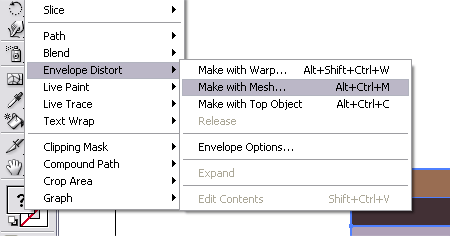
With all your stripes selected go to Object > Envelope Distort > Make With Mesh.
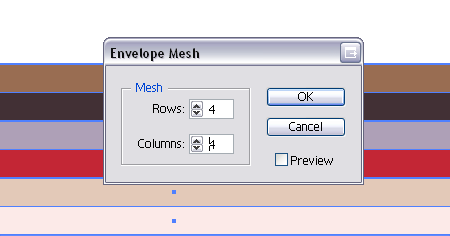
Enter 4 in the Rows and Columns boxes, you may want to experiment with higher numbers to allow more complex shapes.
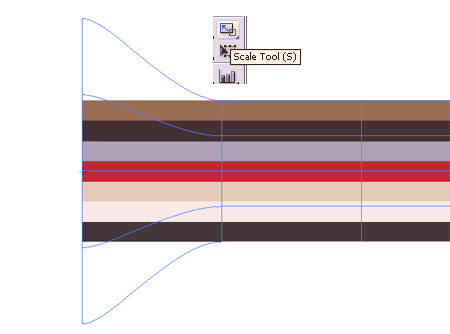
Use the Direct Selection Tool to select a vertical line of points from the Mesh, use the Scale Tool whilst holding Shift to enlarge the end points proportionally.
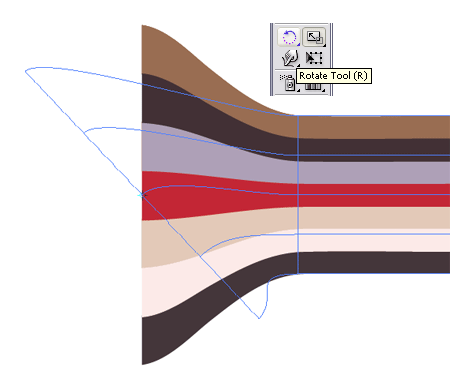
Use the Rotate Tool to add an angle to the line of points.
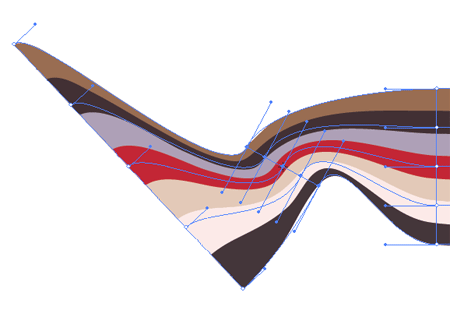
Repeat the step on the next set of points, this time scaling down slightly.
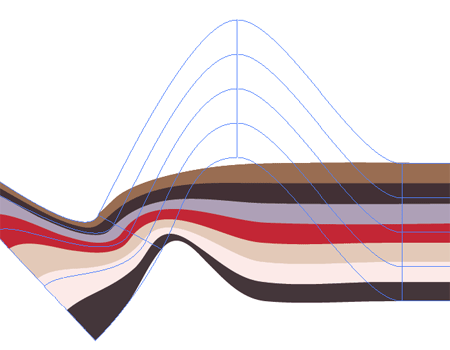
Onto the third line, use the Direct Selection Tool to move the points around as well as Scaling and Rotating them. Aim to generate flowing curves without any tight kinks.
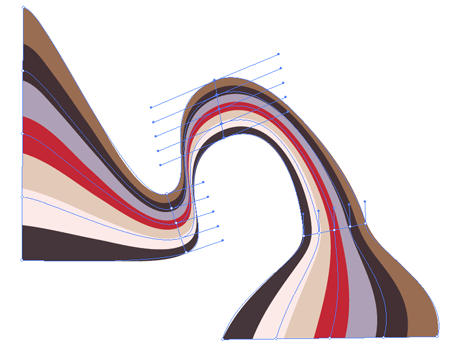
Fine tune each line of points in turn with all three tools to finalise your abstract stripes.
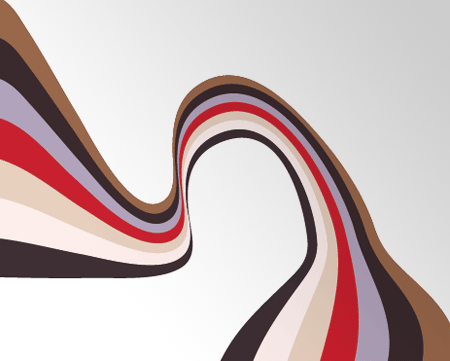
Go ahead and experiment with more Rows and Columns in the Envelope Mesh options.
