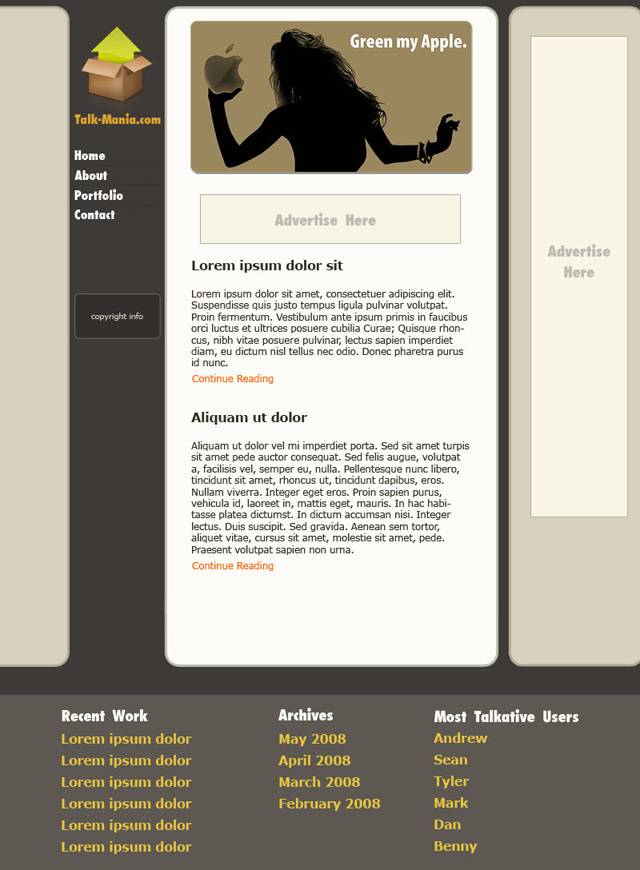
1. Create a new document with the size 800 x 1500 pixels and fill the background with the color #3e3a37.
2. Select Rounded Rectangle Tool, set the Radius to 15 pixels then make a rounded rectangle in the left side of the wallpaper. Then open the Layer Style window and use the settings from the next image.
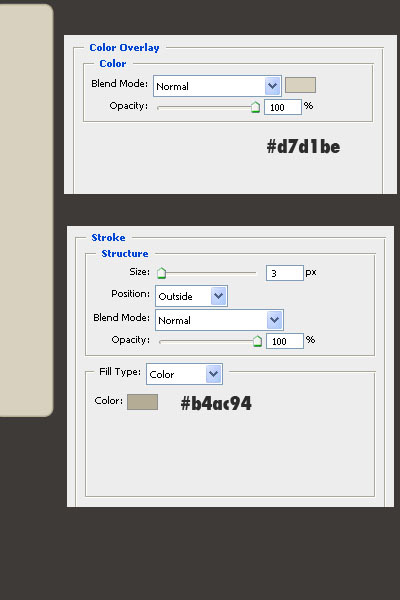
3. Duplicate the rounded rectangle, flip it horizontal, then place it in the right side of the layout.

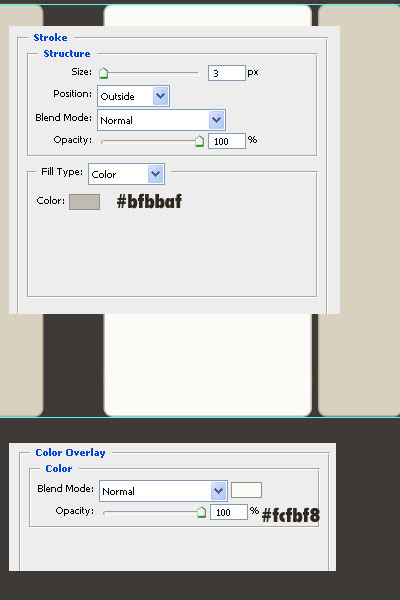
4. Make another rounded rectangle with the same radius of 15 pixels, then open the Layer Style window and add the next settings.
5. Add the logo, the name of the site and the content in the sidebar. That nice box from my sidebar is from www.theiconlab.com
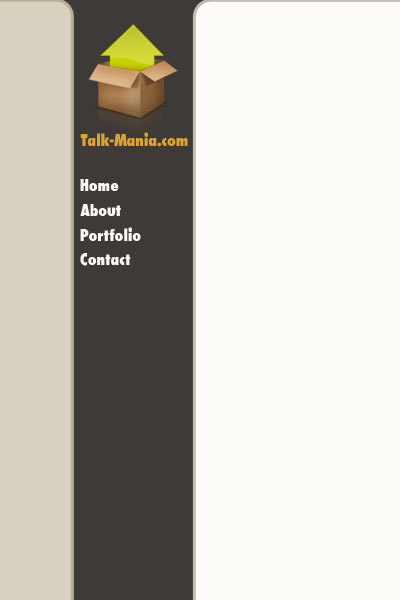
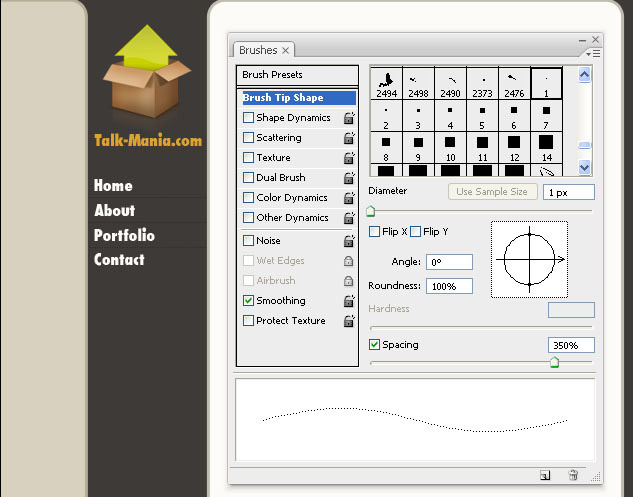
6. Select Pencil Tool, select a square pencil with the size of 1 pixel, go to Window > Brushes and use the next settings to make dotted lines between the sidebar titles.
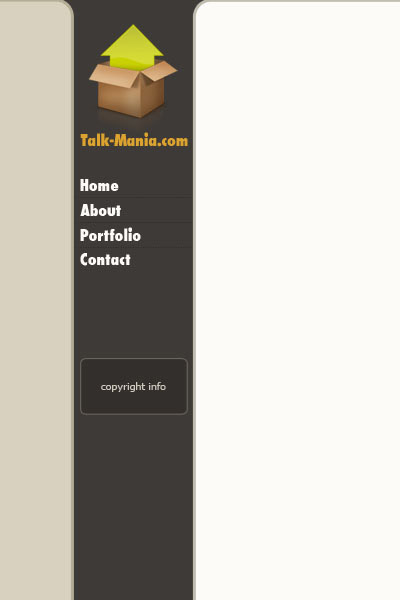
7. Make another rounded rectangle for the copyright info in the sidebar.
8. Add the content for the site. I used a nice image from flickr.com. Also, I used the font Verdana, and the sizes 12 and 16 pixels. The color of the ‘continue reading’ link is #ff6000.
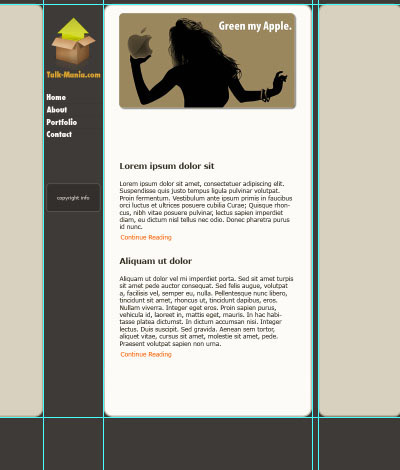
9. Make a rectangular selection at the bottom of the layout and fill it with the color #5e5853, then add the content for the footer.
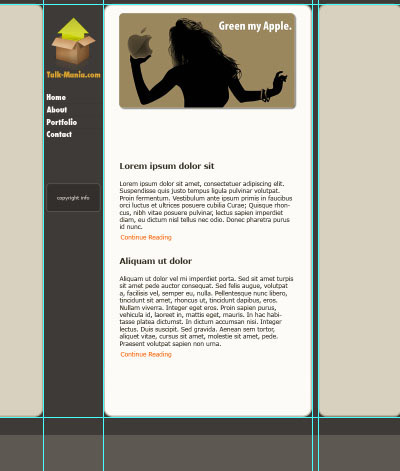
This is my final result