


Introduction
Post-its. My favorite way of scheduling. It's the most famous product used for notes because of it's re-adherable strip of adhesive on the back.
Also a very cool and usefull technique to learn if you want to create an office website with actual objects in the background. This post-it will fit perfectly in that theme. Or don't forget this technique if you want to add a semi-realistic comical touch to a website or graphic.
The Post-it
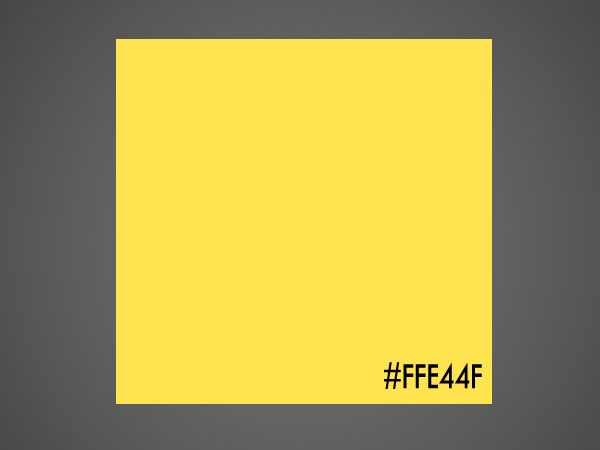
Use your Rectangular Marquee-Tool to draw a square-ish shape on a new layer and fill it with the color #FFE44F which is Post-It yellow.
Next up, create a new layer and grab your Gradient-Tool and set it to black and transparent and use a Linear setting. Then drag a nice gradient from the top to a little above the middle of the image.

Press Ctrl+Shift+G to mask it with the square. Use the Move-Tool (V) to move it a little lower using the Arrow-Keys. Then, lower the opacity to about 10-20%



Your Note
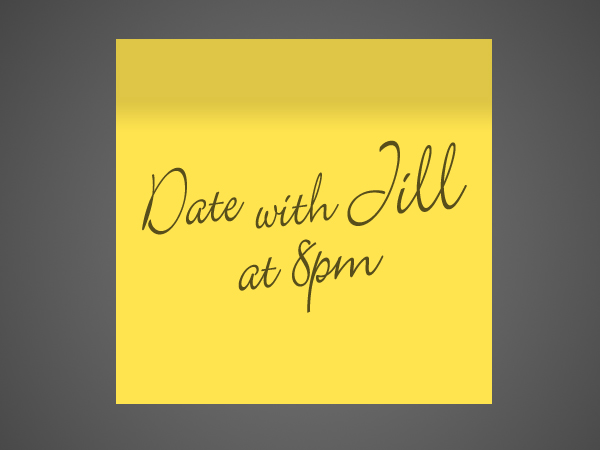
Use ANY handwriting-font, or use your drawing-tablet if you have one, to write a note or something you wish to place on the post-it.
Use a Black color for the text. Then lower the opacity to 80-95%
The Curl
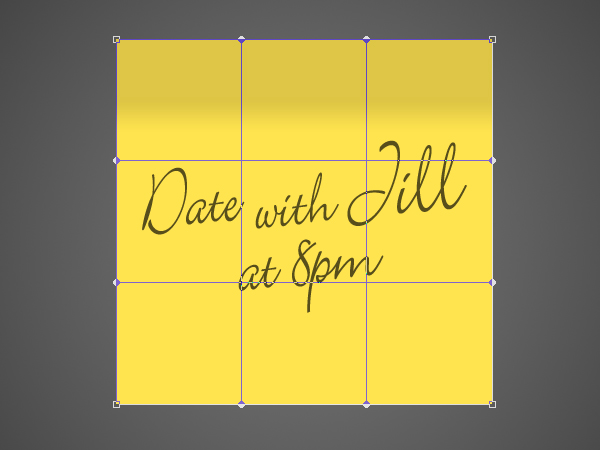
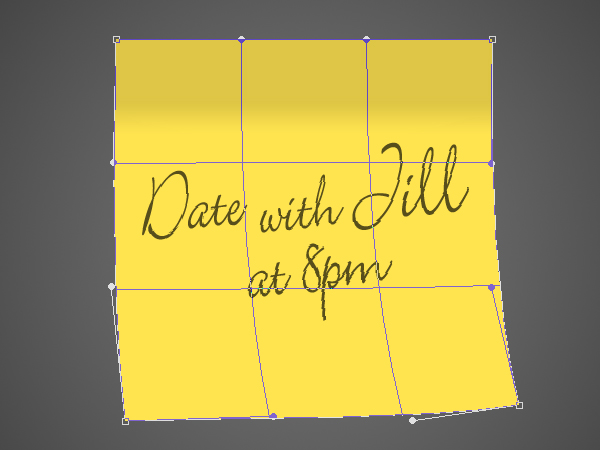
Merge the text and the post-it together into one layer and go to Edit>Transform>Warp and move the lower anchor-points a little to the right like my image below.
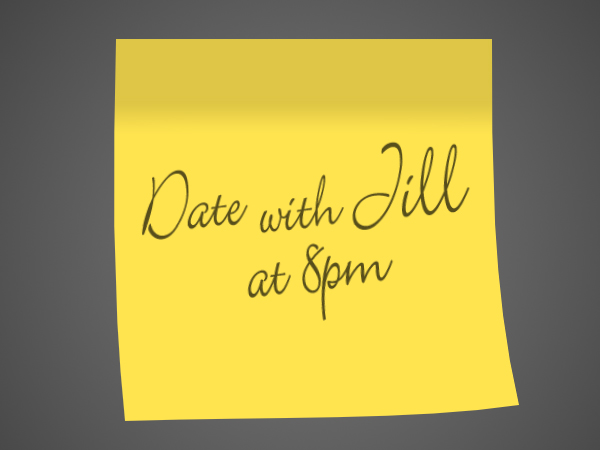
Finishing it
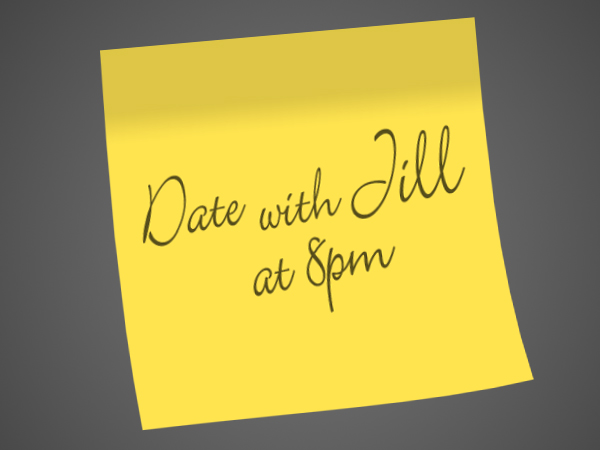
Press Ctrl+T and rotate your post-it a little to the left. The press OK and Ctrl+J to duplicate the layer. Press Ctrl+U and drag the lower slider all the way to the left. Drag this layer underneath the other and press Ctrl+T again. Now, drag the middle lower anchor-point a little down like the image below.

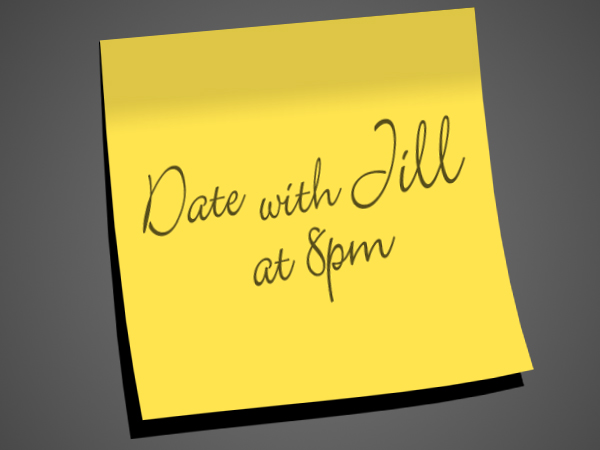
Go to Filter>Blur>Gaussian Blur and set it to 10-20 and lower the opacity nicely to 30-50%. Then just play around with mulitple post-its by repeating these easy steps!
Conclusion
A very easy-to-learn way to create one of the most famous office-products. I dare to bet that more then 50% also has them lying around their pc right now while reading this.
Sadly, I cannot check this, so you're just gonna have to believe me. Just like when I say that this technique is very handy.
