As usual we will start with a new document: 760 x 770 pixels.
For background I will choose the following color : #282828.
With Rectangle tool, I will create 2 shapes.
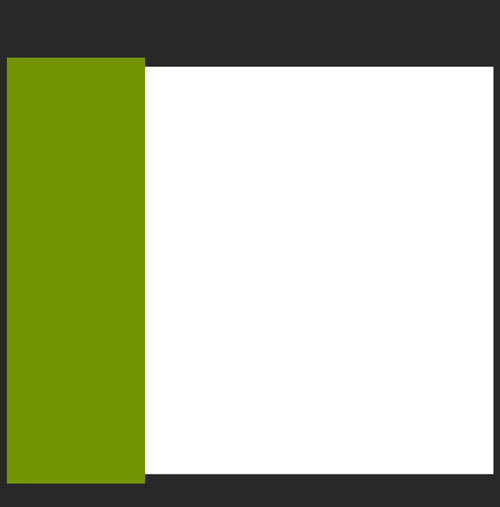
Then with the same tool, I will create another small shapes. I will choose a white color.
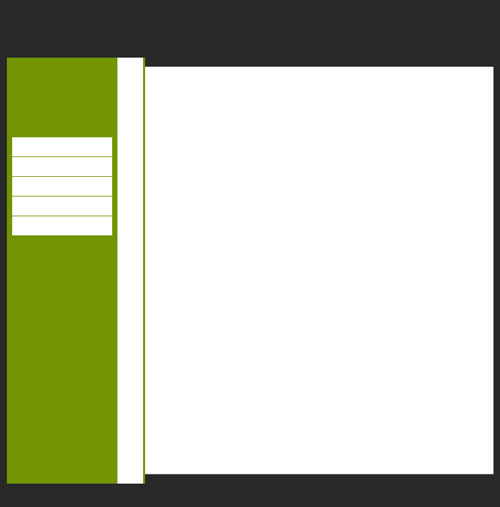
Then for all these small white layers modify the opacity value.
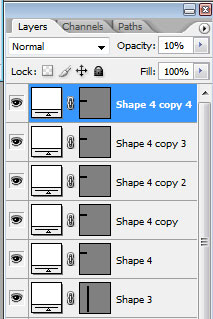
This is my result:
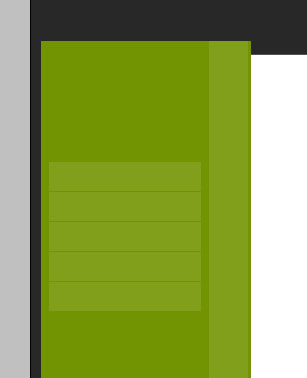
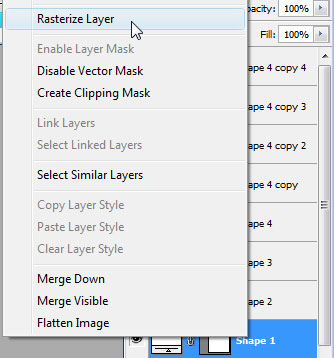
Select the big white shape, and in your layer palette right click on the layer , then choose Rasterize Layer.
Then you need to download the following set of brushes : Corner Brushes.

Load the brushes in photoshop.
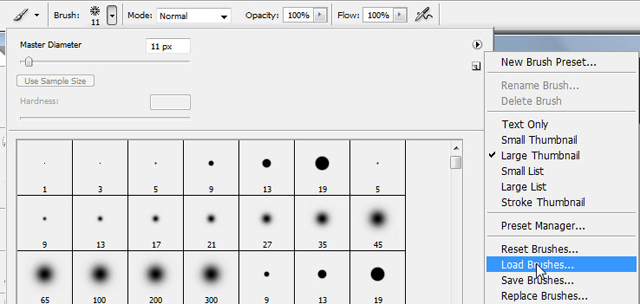
Then on a new layer ( to create a new layer press on Ctrl+Shift+Alt+N in the same time ).
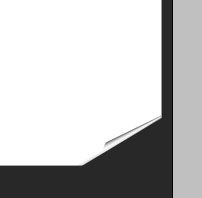
Then with black color add one of the corners like in the following image.
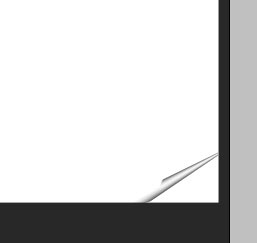
Now select the big white shape, then grab Polygonal lasso tool, and make the following selection.
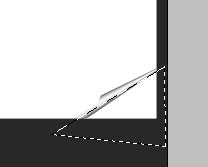
Then hit the Delete Key from your keyboard, and press Ctrl+D.
The next step is to add some text and images. this is a very simple task, and I will not explain how to do it.

For my eyes this layout looks very simple. I will add a shape with rectangle tool.
Please note that this layer is placed right above the white layer.
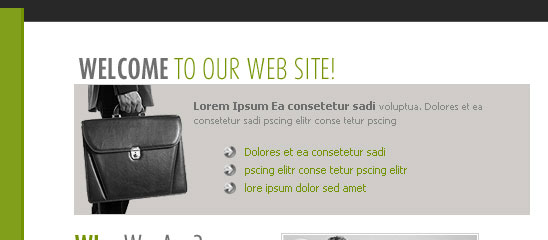
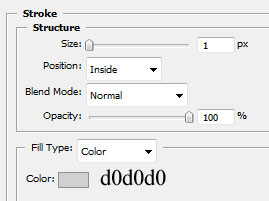
For this grey shape add the following layer styles.
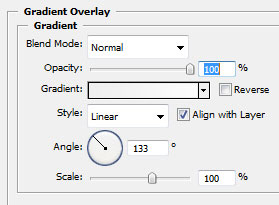
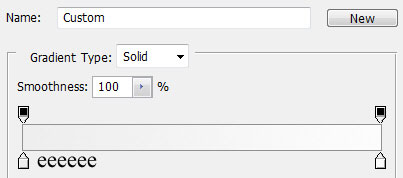
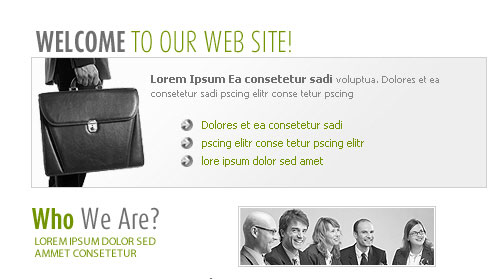
This is my result.
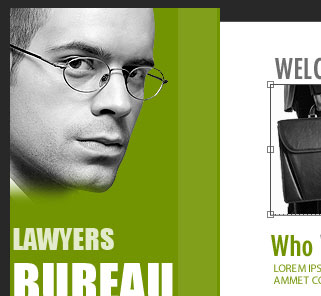
On the left side I will place an stock image.
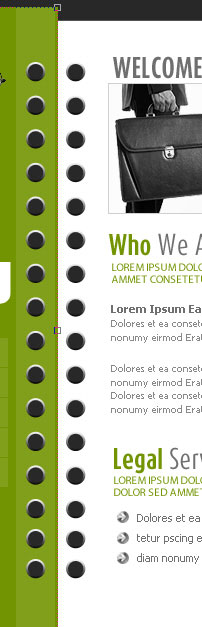
Then with Ellipse tool, I will create some round shapes, and I will place them like in the following image.
For all this small shapes I have used the following layer styles.
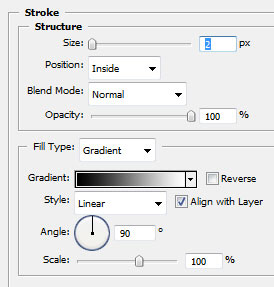
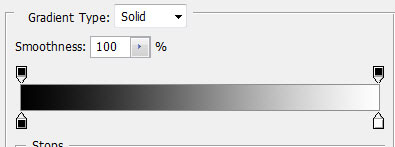
Grab Pen Tool, and create a similar shape.
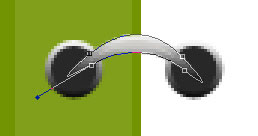
I have used the same layer styles as above.
Then I will duplicate this layer several times ( to duplicate be sure you have the layer selected , then press on Ctrl+J ).
After I have placed this small shape, this is my result.
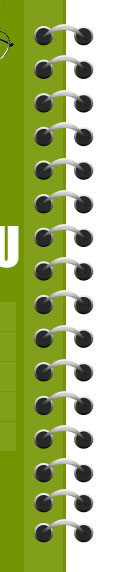
This is my final result: