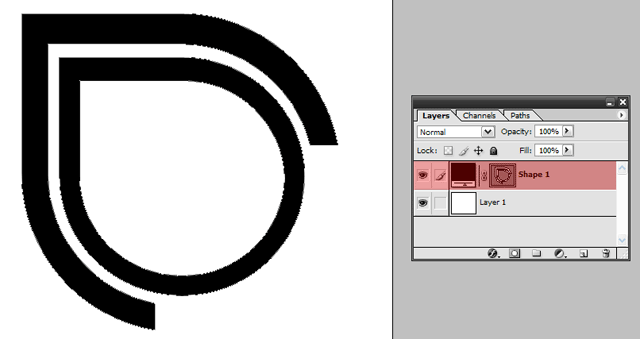
Start a New Document(Control and N for shortcut). Any size, i used 570px by 494px. Now draw your logo, but make sure you draw it with Pen Tool or using a Shape Tool. I'm using an old logo of mine.
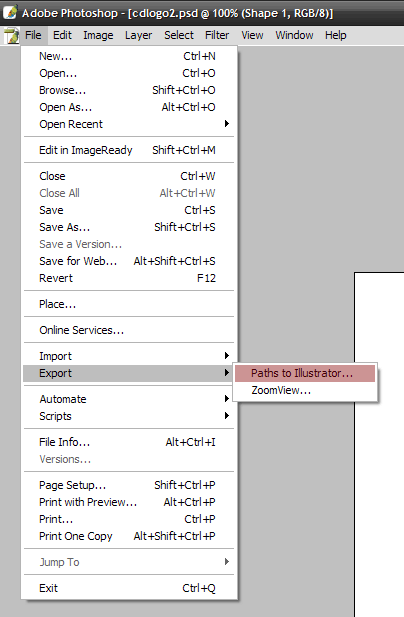
Now were going to Export the logo so we can use it in Cinema 4D. By doing that we need to go to "File > Export > Paths To Illustrator.." as showen below.
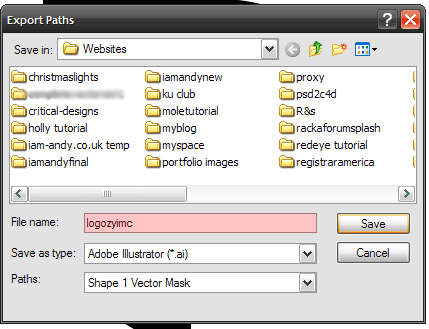
Now save it and remember where you saved it!
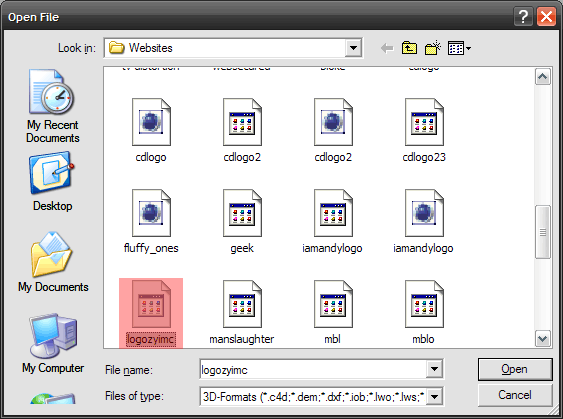
Now open that file that you Export from Photoshop in cinema 4D.
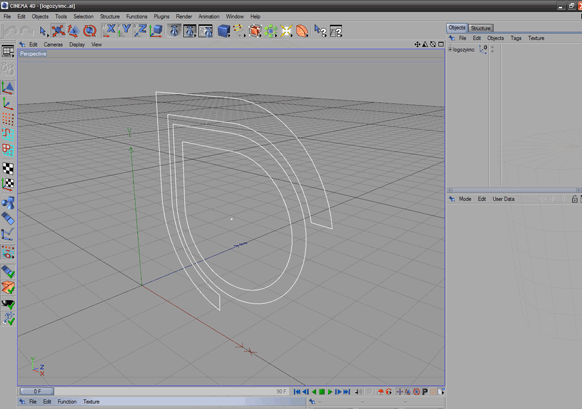
Now it should look something like this
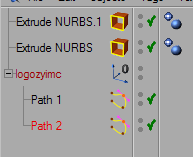
Now were going to create Extrude NURBS(if like me and have 2 paths to add, you'll need to create two). Go to Objects > NURBS > Extrude NURBS.
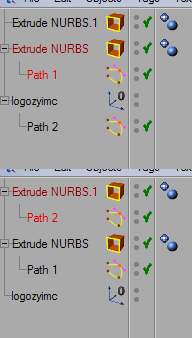
Now drag your Paths into the Extrude NURBS like so:
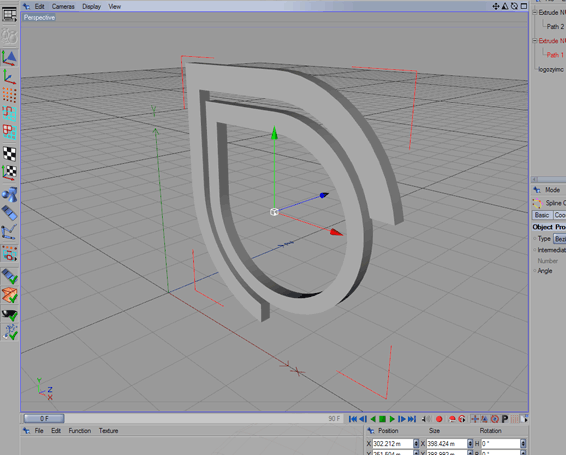
Now your logo should look something like this:
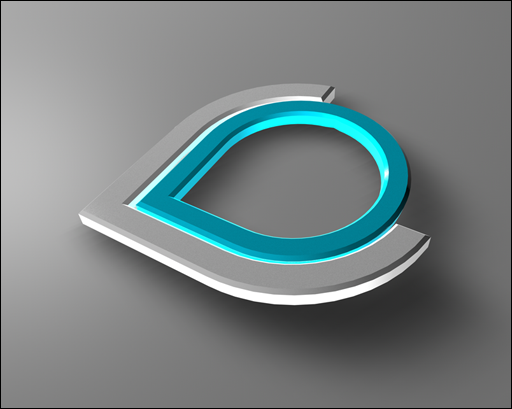
Now apply some materials and edit the Extrude NURBS. heres what mine turned out like: