Step 1
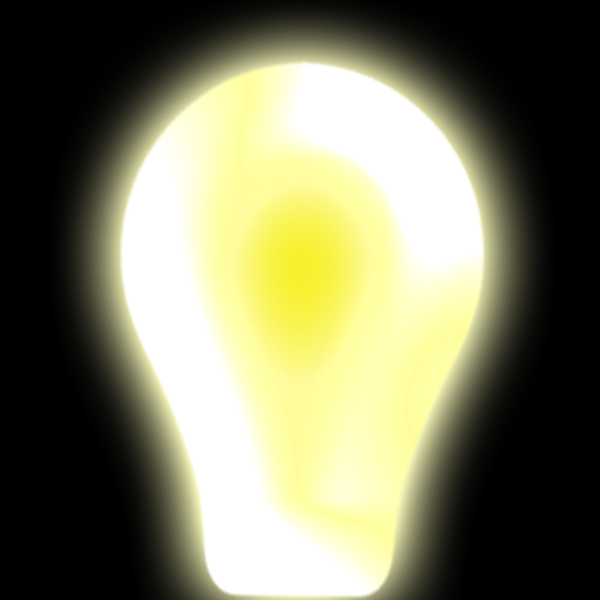
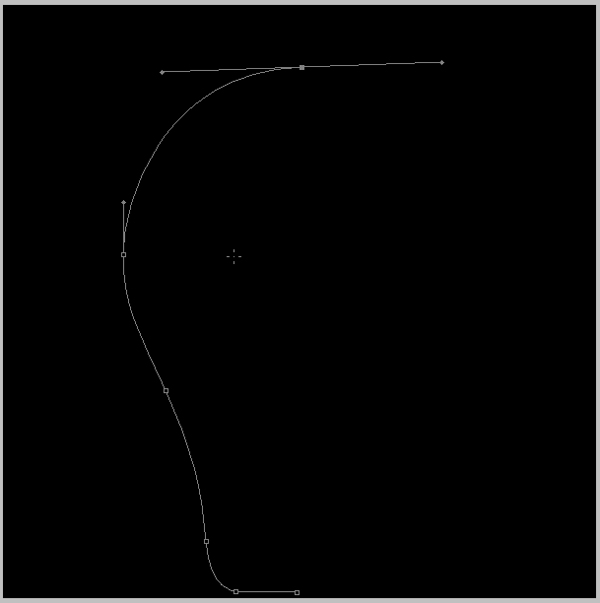
Open 600x600 pixels document. Draw shape of glow lamp.
Step 2
Color shape in yellow.

Step 3
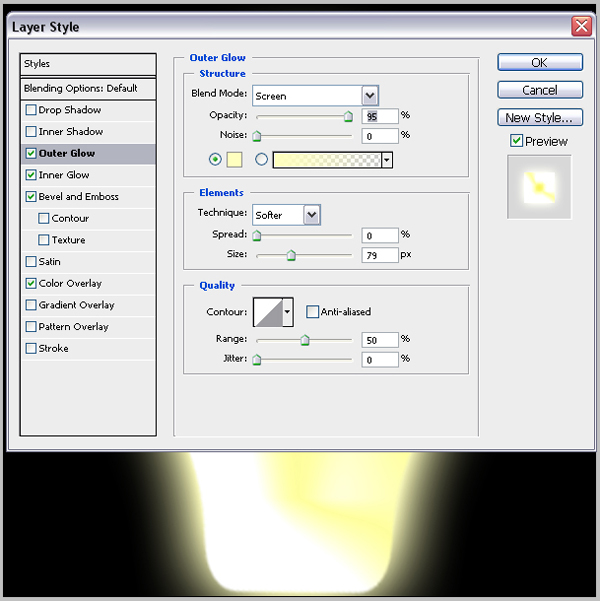
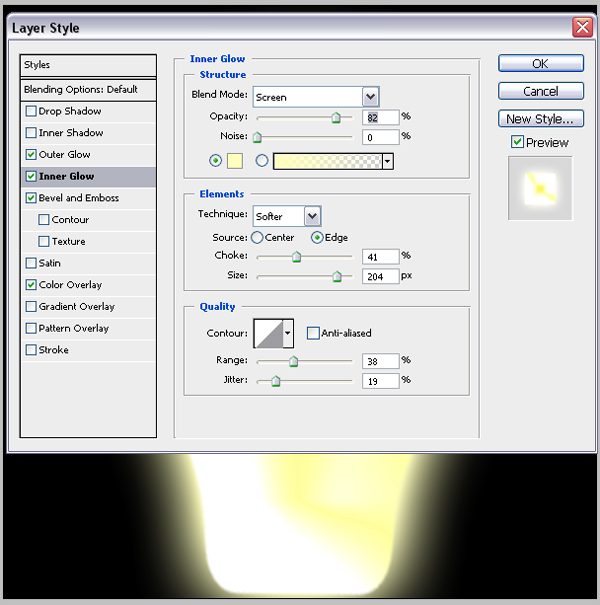
Go to Layer>Layer Style>Blending Option and do like in next step's.
Outer Glow
Step 4
Inner Glow
Step 5
Bevel and Emboss
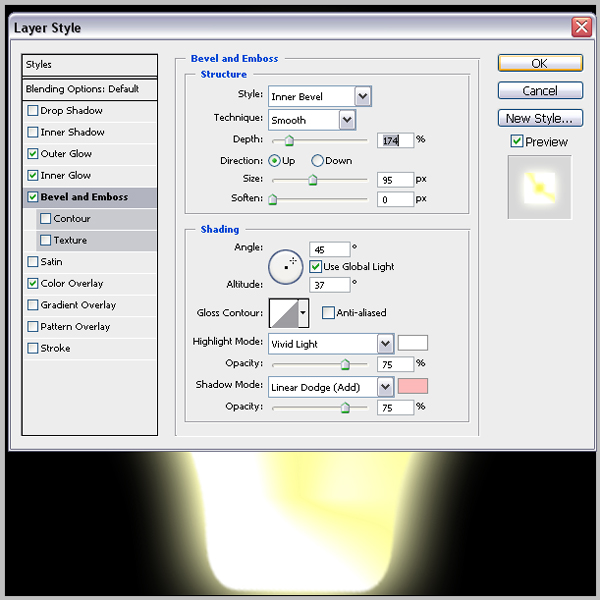
Step 6
Color Overlay.
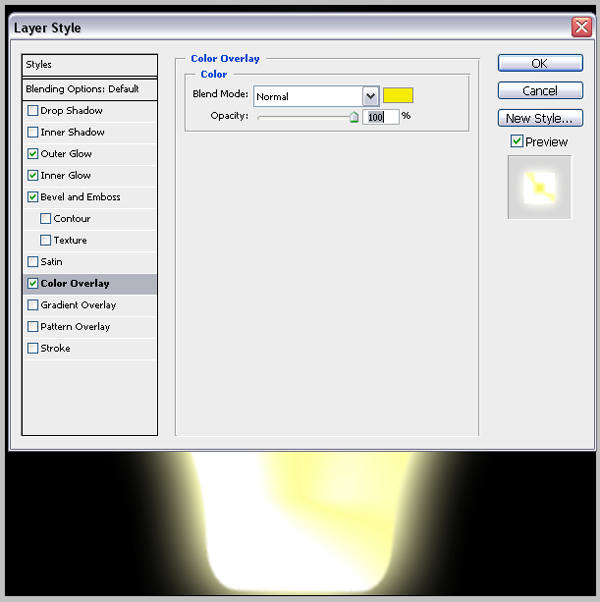
Step 7
And in just few steps we have nice shining effect.