


Step 1
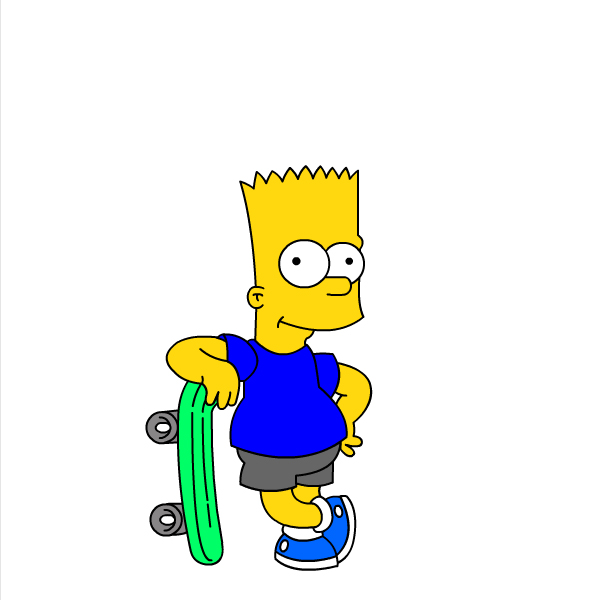
Open flash file in wich you want to change colours. We'll use our file from previous tutorial "Drawing Bart Simpson".
Step 2
At first, we have to Convert to Symbol (Movie) every part we want to change color. We'll start with shirt.
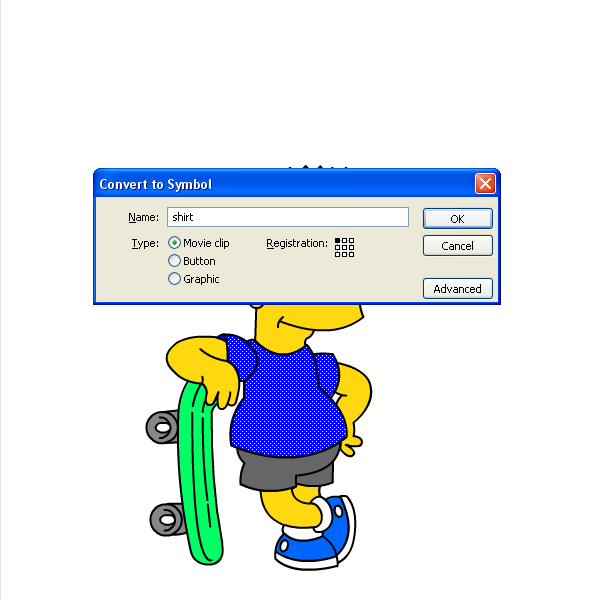
Step 3
After converting, it's very important to set instance name for every part. For shirt, instance name is: "shirt".
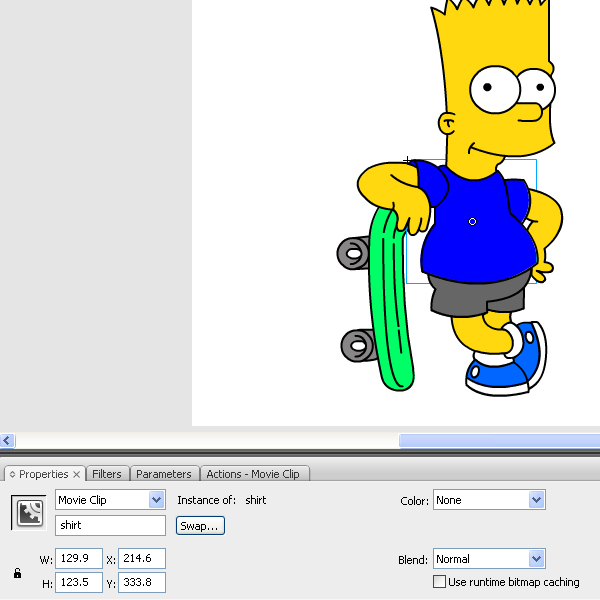
Step 4
Do the same with other parts...Pants....
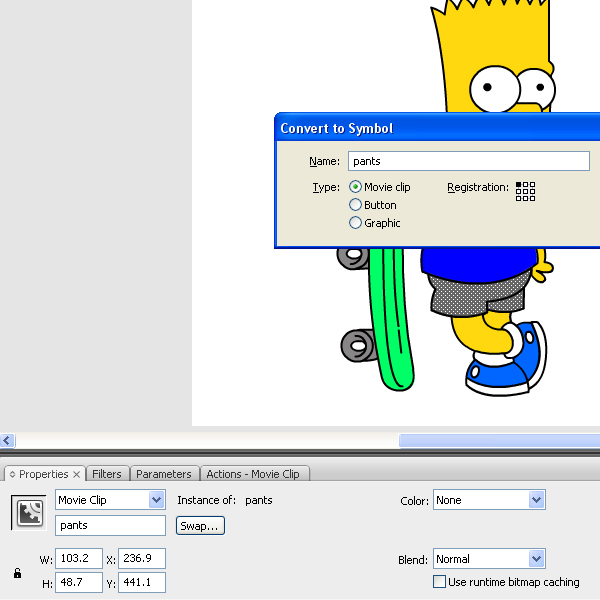
Step 5
..Shoes....
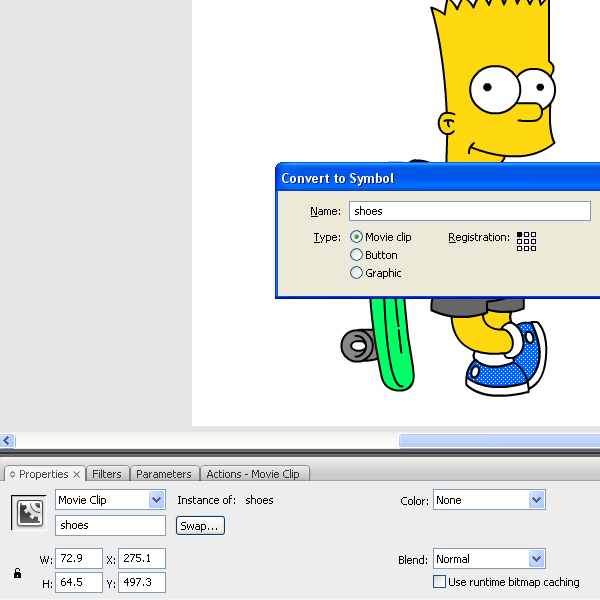
Step 6
...and Skateboard...DON FORGET to set instance name for every part. It's very important.
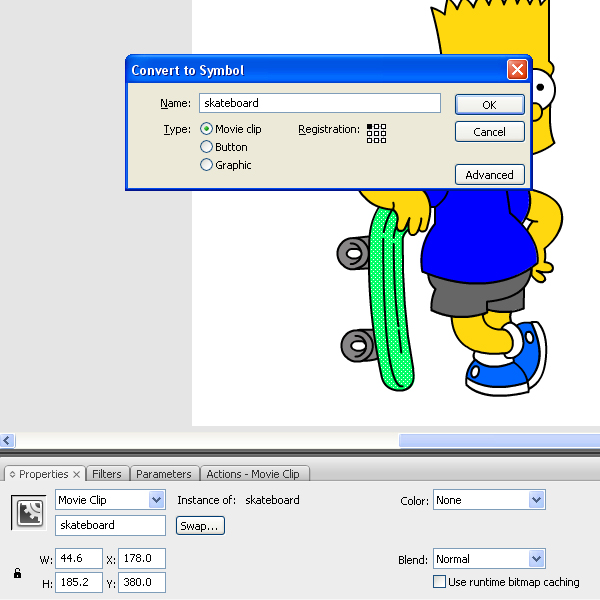
Step 7
OK. Now, open new Layer and draw color squares. Make 4 sets, for every part we have. You can choose different colors for different sets if you want. I have decide to just copy/paste first set. It's very important to write down color value for every single color.
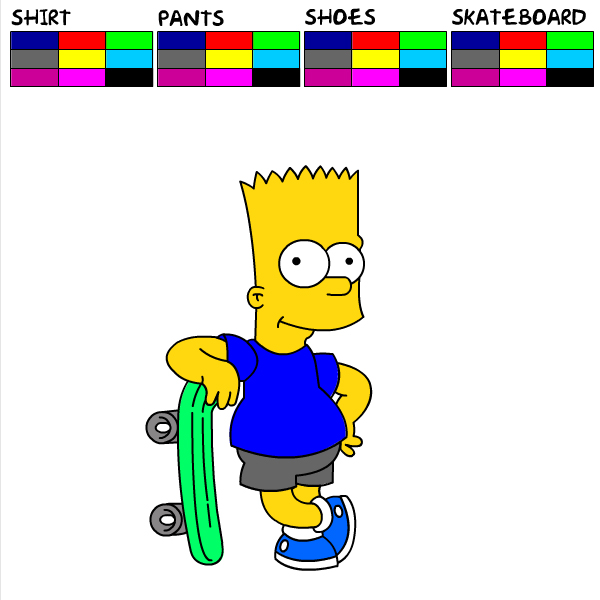
Step 8
Now Convert every signle square in to Button.
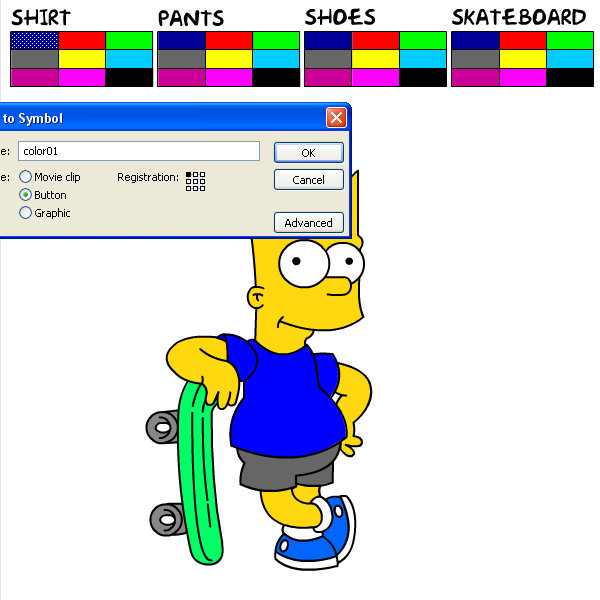
Step 9
After converting, write code for every button.
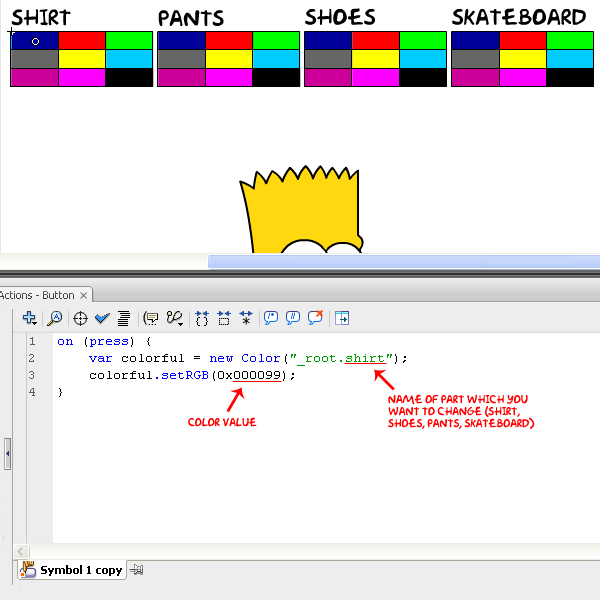
Step 10
Do the same with other parts...Pants....
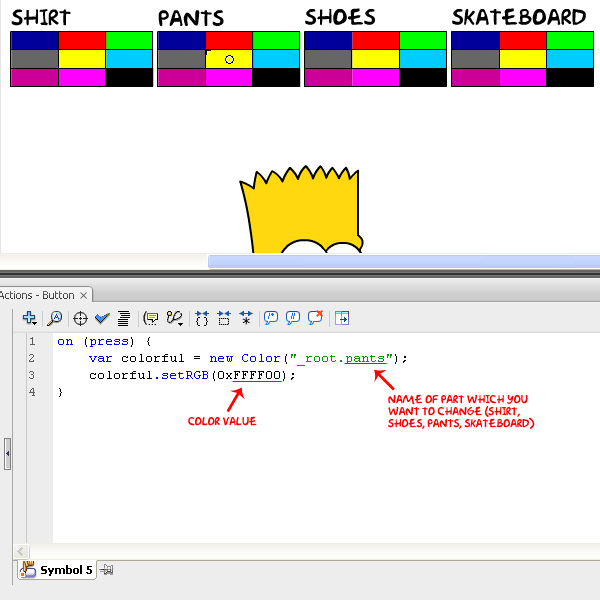
Step 11
..Shoes....
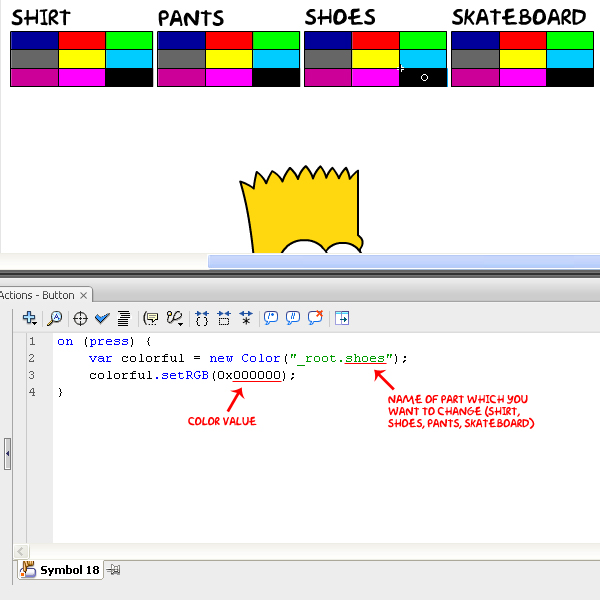
Step 12
...and Skateboard...DON FORGET to set real color value (for black 000000, white FFFFFF...ect...here you can find color scheme)
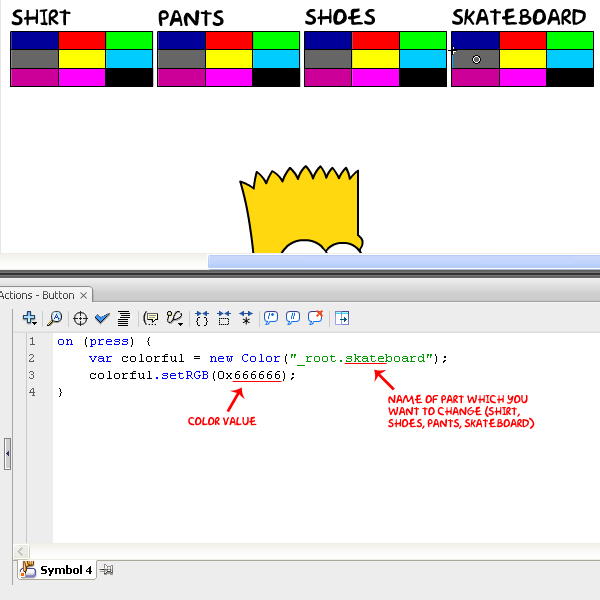
Final
That's it. Test your movie and you should have this.
