Step 1
Open new document (600*600 for example). Import picture wich you want to trace.

Step 2
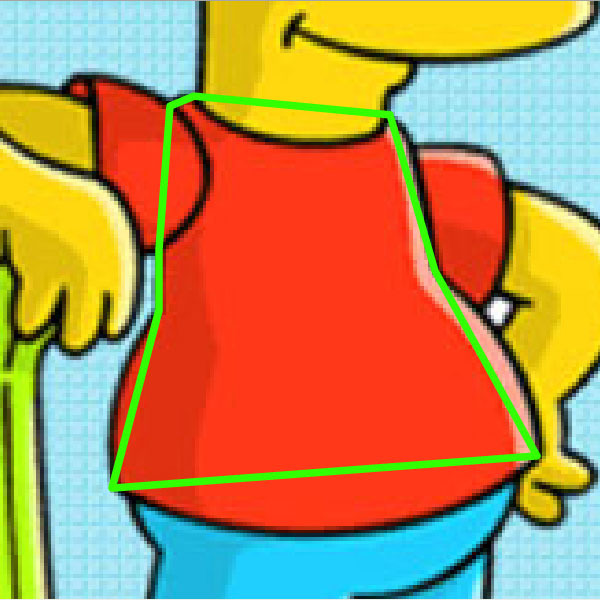
Lock picture Layer and add new Layer ("shirt"). On New Layer take line tool and start with drawing. For the begining, just draw straight connected lines. It should look like this (yellow lines are our lines because I want to distinguish with lines from background picture).
Step 3
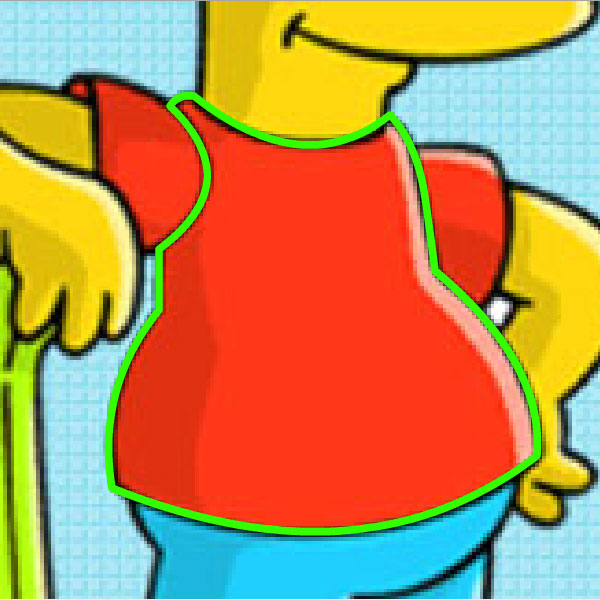
Now start with bending lines. For bending, use Selection Tool near line center. After bending all lines of our shirt, image should look like this bellow.
Step 4
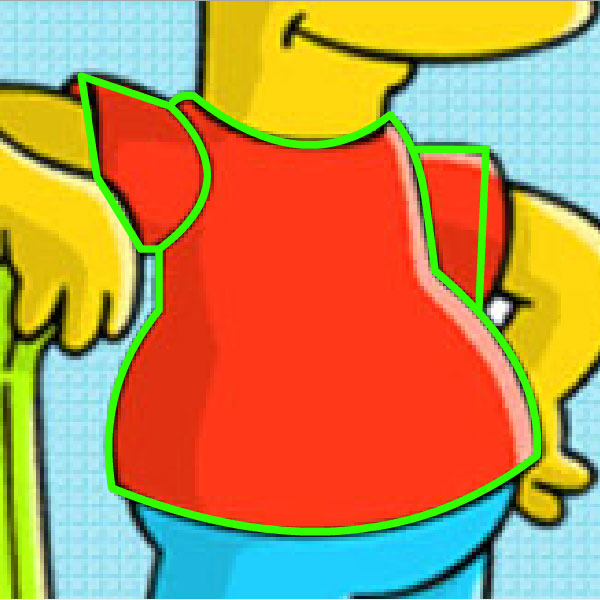
Now draw sleeves. Just connected lines first.
Step 5
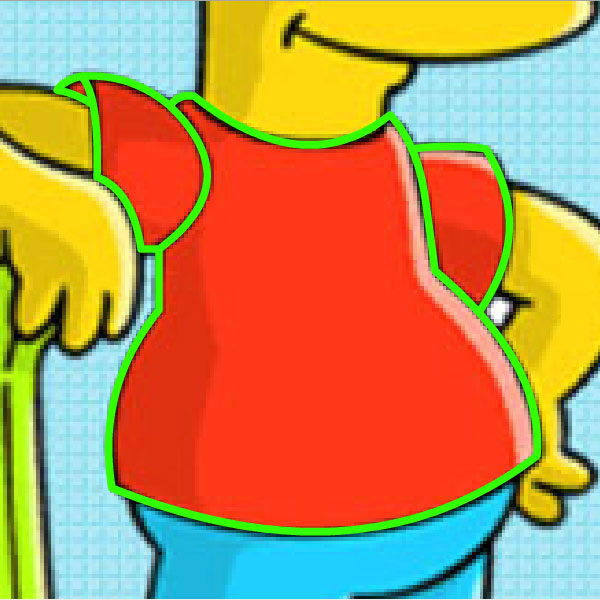
Bend again. OK, that's it. We have our shirt now.
Step 6
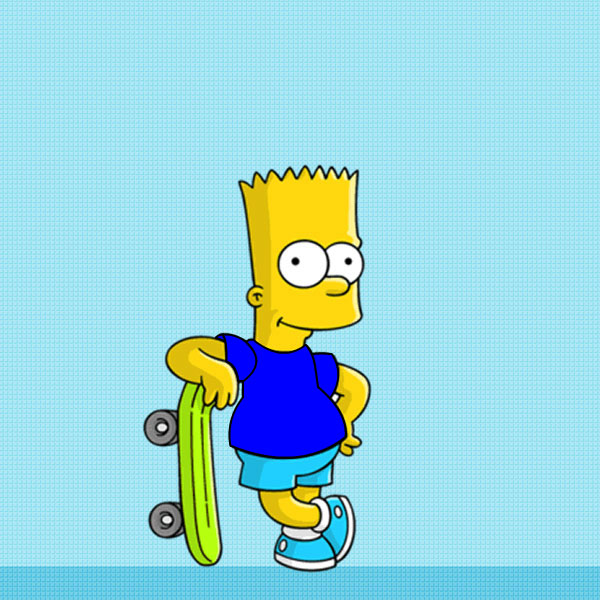
Change outline color to black and shirt color on whathever you want. Here is our new T-Shirt for Bart.
Step 7
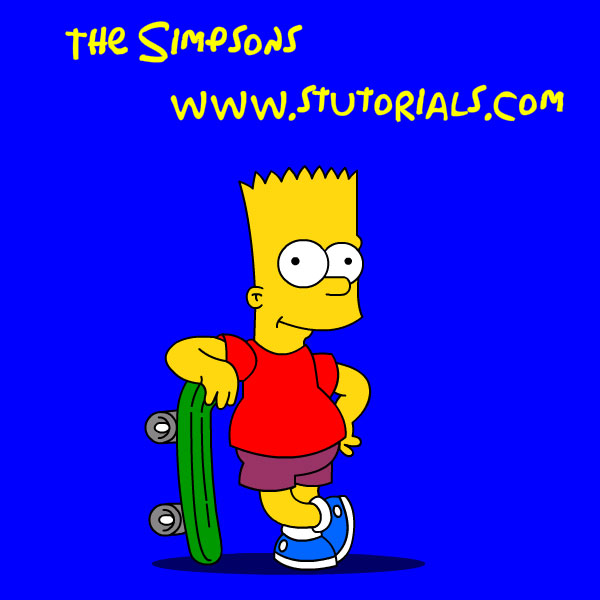
Do the same with all other parts of body and clothes. It's easier for you to open new Layer for every part, so you can move them to the front and back. Here is our result at the end.