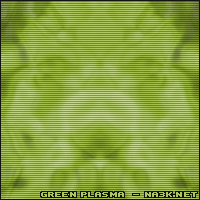
Start off By Making a new Document, I used size 200x200, Than set Your colors to the Defaults 'D'.
1. Goto Filter > Render > Clouds, And than goto Filter > Chrome > Chrome And use the Defaults.
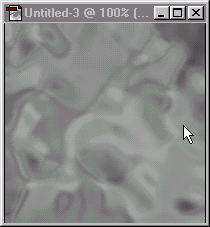
2. Now Duplicate that Layer, And then Set the Blend Mode to Overlay, And then goto Edit > Transform > Flip Horizontal
3. Now goto Image > Adjust > Brightness/Contrast And set the Contrast to +30
4. Now Add Some color 'CTRL + U' I used Hue: 74, Saturatation: 48, Lightness: 0.
And then add some stuff and your done! Heres my final Image