

Step 1
After following the pattern tutorial you should understand how to create patterns. So, define the following patterns in photoshop.
1. 1600% Zoom, Transparent Background, 20x20 pixels.
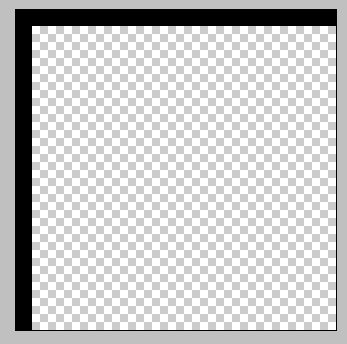
2. 1600% Zoom, 2x1 pixels, Transparent background.

Step 2
Now that you have the previous patterns defined, you can use them. Open a new document on any background. I opened a 400x400 and made my own background. Create a New Layer then go to Edit>Fill secect Pattern and chose the first pattern shown in the previous step, your document should look like this, (except the background).
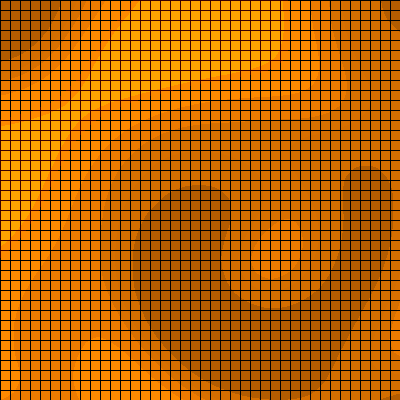
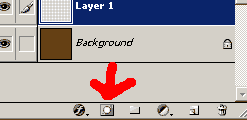
Now, your in your layers pallete, create a layer mask on the pattern fill layer.
Select the gradient tool, make sure your foreground color is white, and background color is black (D+X). Make it linear gradient mode, and pull the gradient from the top left corner to the middle of the document. Your document should look like this:

Step 3
Now create a new layer, and fill it with the 2nd pattern fill. Repeat all the same steps, create a new layer mask, BUT this time, pull the gradient from bottom right to the middle of middle of document.
Your image should look something like this:
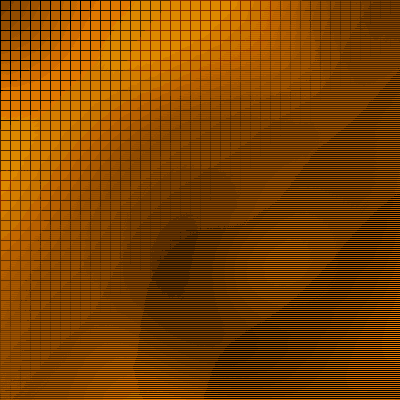
And that is pretty much it. That is how you blend together 2 different pattern grids.
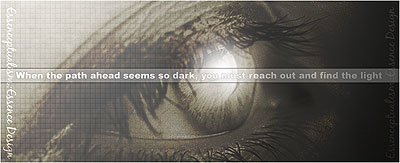
Here is an example of this technique.
Good Luck!
