1. Open a new file, around 300 x 250pixels, with any background color.
2. Go To FILTER > RENDER > 3D TRANSFORM
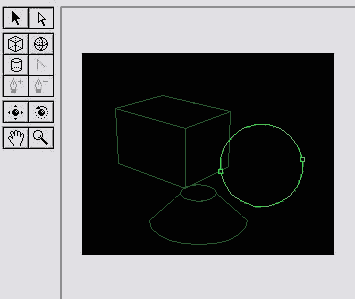
3. Click on either the Cube, Sphere or Cylinder tool and make your shapes. Heres mine.
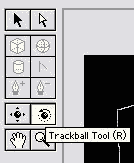
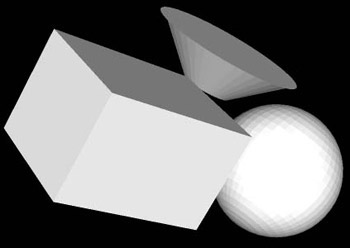
4. Click on the Trackball tool and rotate your shapes. Heres my results