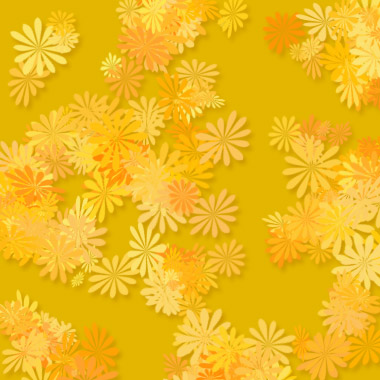
1. Make a new document. Set the background color to whatever you want. I used #E3B600.

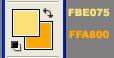
2. Set your foreground and background colors to something like:
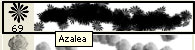
3. Now select the paint brush tool. Use the Azalea Brush:
4. Make a new layer and scatter the azaleas around on the canvas untill you get a nice scattered hawaiian effect going.
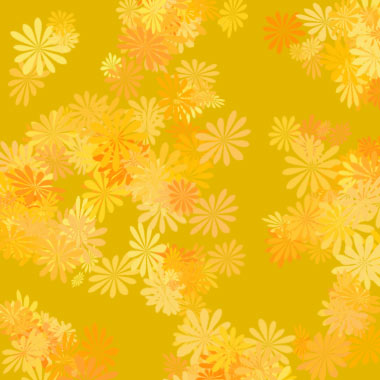
Now right click the azaleas brush layer and apply this blending option:
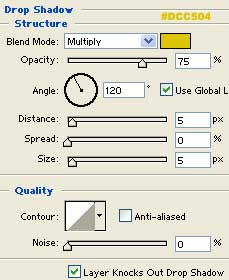
Done!