

The first step is to make a new image in photoshop , i recommend 600 x 150 pixels big, reset your foreground and background colors , or change them to what colors you want them to be! , i choose blue and white in the example of this tutorial.
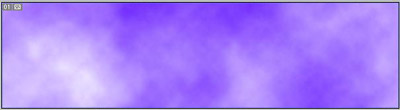
Step 2: Go to filter > Render > Clouds
And you will have something looking like this:-
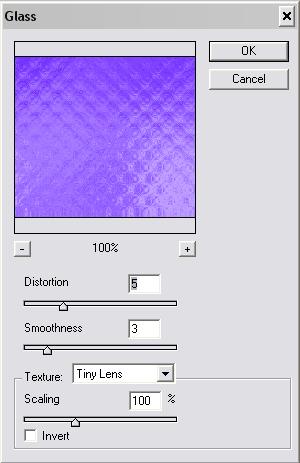
Step 3: Go to filter > Distort > Glass and choose Tiny Lens , Or simply copy the settings below:-
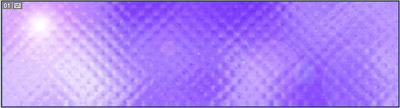
After that Go to filter > render > lighting affects , and insert the light effect anywere you want in the image , and you should have something looking like this :-
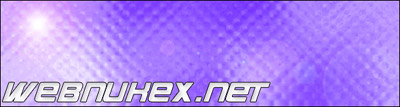
Insert Some Text , and a few extra things , and here is the outcome below..
Did you enjoy this tutorial if you did , thanks and i hope it helped you.
